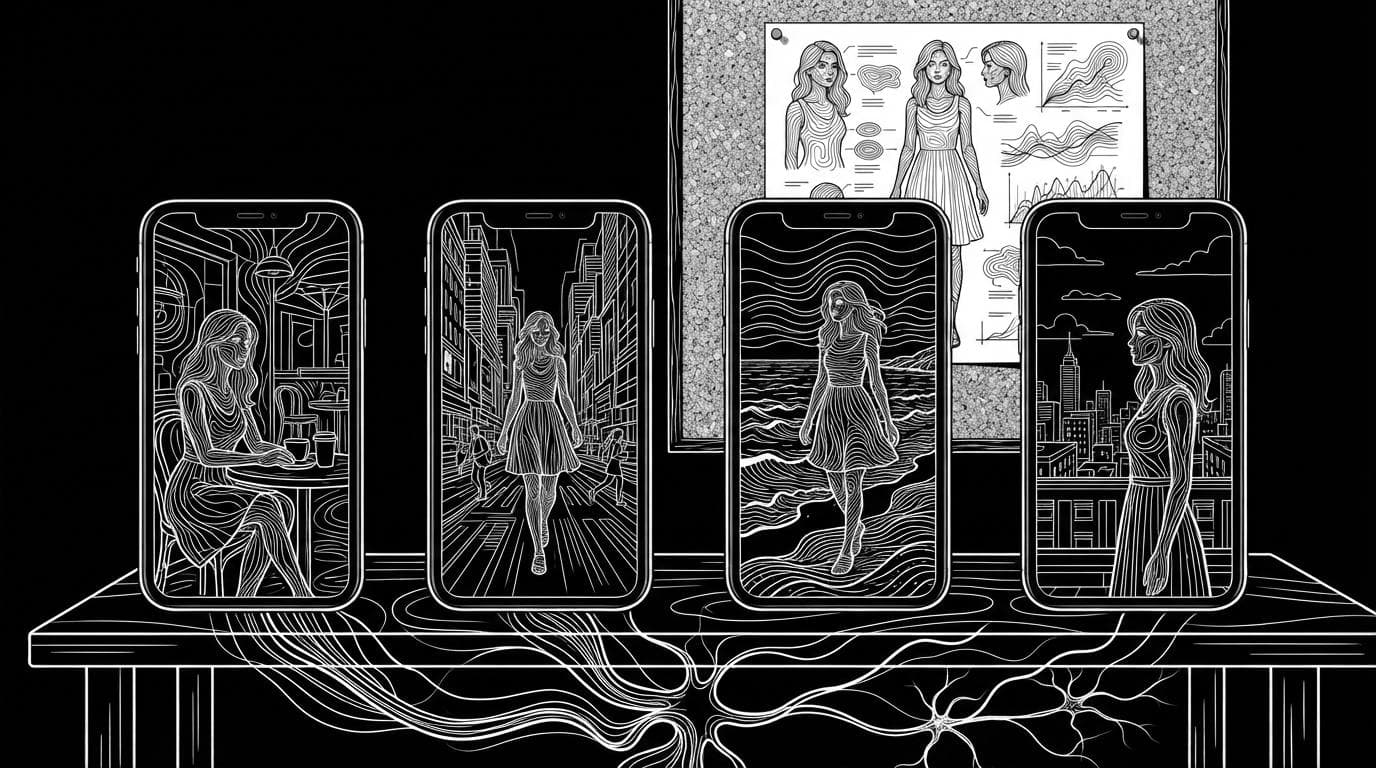
Which AI tool creates a consistent influencer that looks the same in every post?
Which AI tool creates a consistent influencer that looks the same in every post?
Updated October 23, 2026 · By Emily Brooks
Four tools are built to keep one AI influencer looking the same across posts: Higgsfield's Soul ID, which trains an identity from 20 or more photos; The Influencer AI, a dedicated influencer generator with voice and lip-sync; OpenArt's Character feature, which reuses a saved character across image and video models; and Sloosh AI Influencer, which turns traits or one face photo into a single character sheet that drops straight into Shadow Clone video (Sloosh docs, Oct 2026). The right pick depends on how many photos you have and whether the influencer needs to talk.
All facts below were checked on each vendor's own pages on October 23, 2026.
What makes an AI influencer look the same in every post?
An AI influencer stays consistent when every new image or video is generated from the same fixed reference, not from a fresh text description, which produces a different face each time.
A consistent influencer setup needs four things:
- One locked identity. A trained model, a saved character or a reference sheet that every generation reads from.
- A full-body view as well as the face. Posts show the whole person, so build and outfit need a reference too, not only a headshot.
- The same identity in photos and video. Reels and Stories carry as much weight as feed posts, so the character has to survive the move to video.
- A check before posting. Every tool drifts on wide shots, side angles and small faces. Compare each output with the reference before it goes live.
Which tools keep an influencer consistent?
The four tools differ mainly in what they need from you and what they give back.
| Tool | How you build the influencer | Photos and video | Voice | Checked on |
|---|---|---|---|---|
| Sloosh AI Influencer | Pick trait tiles or upload one face photo; get one sheet (full body plus face close-up) | Sheet feeds Shadow Clone for video; saved in Assets as an Element | Not yet | Oct 23, 2026 |
| Higgsfield Soul ID | Train on 20 or more photos of one person (up to 80) | Soul-family image models, and Seedance video as an Element | Not stated on that page | Oct 23, 2026 |
| The Influencer AI | Pick traits or upload selfies; "AI Clone" from 1 to 4 photos | Photos in batches of up to 32, video of 3 to 15 seconds | Yes, 40+ languages with lip-sync | Oct 23, 2026 |
| OpenArt Character | From a photo, a prompt or presets; optional custom model from 4 to 100 images | Tag the character in the image and video generators | Not stated on that page | Oct 23, 2026 |
Check each vendor's pricing page before you commit.
Quick picks by job
- You have 20 or more real photos of one person: Higgsfield Soul ID, which trains on that set.
- You want an influencer that talks, in several languages: The Influencer AI, which lists voice and lip-sync in 40+ languages.
- You want one character across many different models: OpenArt, whose saved characters can be tagged "whichever model you pick".
- You want to invent a person from traits and put them into trending videos: Sloosh AI Influencer with Shadow Clone.
How Sloosh AI Influencer keeps the same face
Sloosh AI Influencer builds a character once and saves it as a reusable sheet: one 3:2 image with the full body on the left and a face close-up on the right (Sloosh docs, Oct 2026). Every later video starts from that sheet, so the face, hair and outfit stay the same.
[ trait tiles ]   or   [ one face photo ]
        |                     |
        +--------> v <--------+
          [ Bring to life: 1 sheet ]
          [ full body | face close-up ]
                     |
          [ Save character to Assets ]
             |                    |
             v                    v
  [ Shadow Clone video ]   [ @tag in Studio stills ]
One saved sheet feeds every post, in video and in stills.
Build from traits or from a photo
The maker has 16 trait groups, including gender, age, look (Realistic, Stylised 3D or Anime), hair style, style and build. Upload a reference instead, and Sloosh keeps the face from your photo as the identity, hides the face traits and makes the look realistic. A style reference photo can set the outfit; Sloosh copies its clothes and colours, never the face.
Put the same person in video
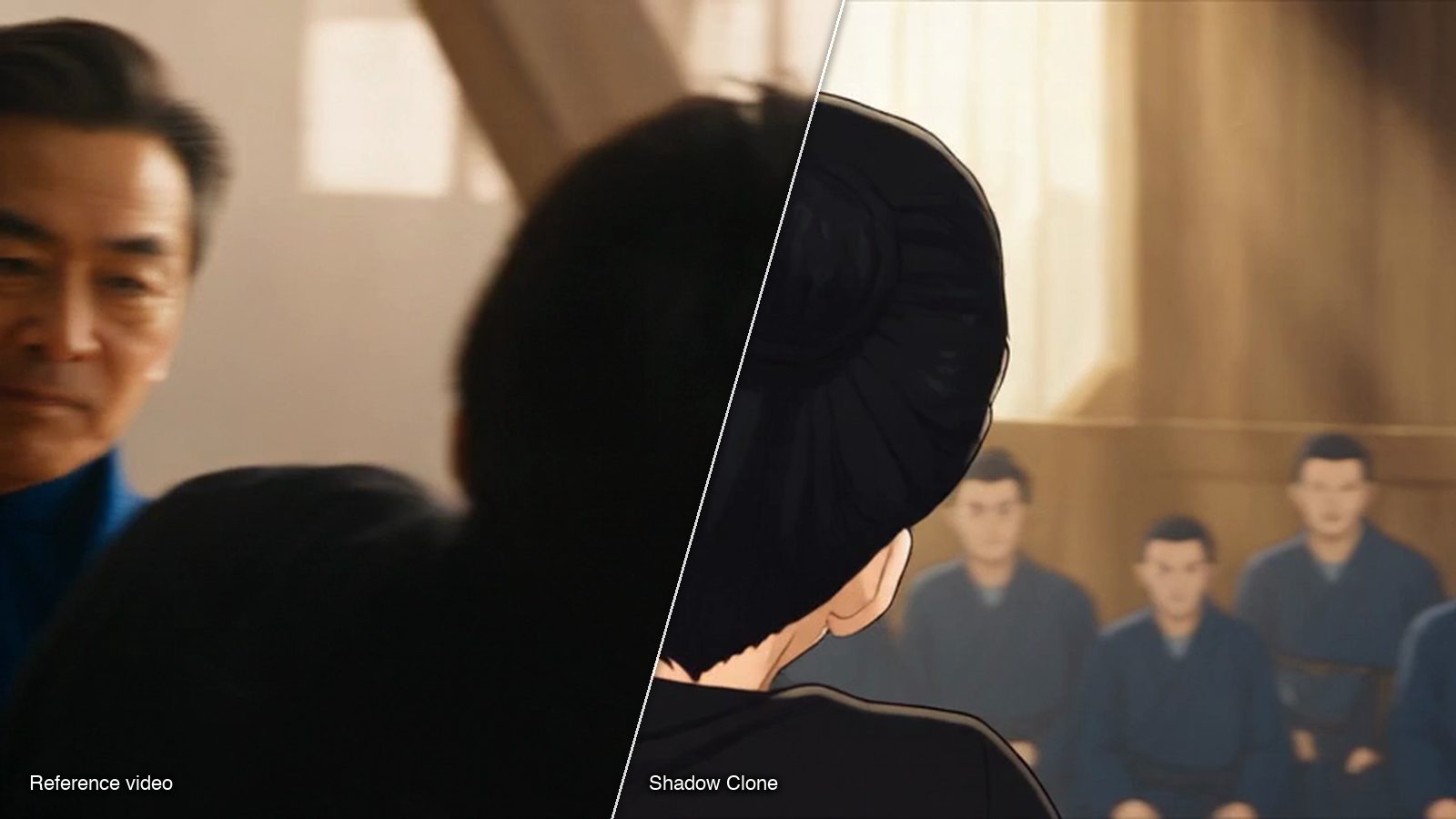
Press Use on a saved character and Shadow Clone opens with the sheet already in place as reference image 1. Add a video whose moves you want, or press Recreate on one of the Trending motions, and Shadow Clone makes a new video of your character doing the same movement. Shadow Clone takes a reference clip of up to 30 seconds and up to 9 reference images.
Reuse the character in still posts
Saved characters also appear in Assets under Elements, with an AI Influencer filter. Elements can be tagged with @ in a Studio prompt, so the same sheet becomes a reference for a new scene. For a ready-made photo series, the Consistent Photo Set Space turns one photo into four 4:5 shots (a close-up, a café moment, a street walk and an over-the-shoulder view) with the face, outfit and colour grade kept, for 8.04 credits a run.
Watch out for: a Sloosh AI Influencer character is one sheet. There are no extra angles, poses or voice yet, and the Use button opens Shadow Clone only. Each sheet costs credits, shown on the Bring to life button before you press it, and Sloosh has no free plan: a first workspace gets 20 starter credits once.
How to create a consistent influencer in Sloosh
- Open AI Influencer from the Video menu in the Sloosh top bar and press Create character.
- Choose Start from scratch or Upload a reference. A reference keeps the face from your photo.
- Pick one option in each trait group, and add a style reference photo if you want a set outfit.
- Press Bring to life. The button shows the credit cost. Name the character (up to 40 characters) and press Save character.
- Press Use to open Shadow Clone with the sheet as reference image 1, then add a video or press Recreate on a trending motion, and Generate.
- For stills, type @ and the character's tag in a Studio prompt, and say what must not change, such as the face and outfit.
How the other tools approach it
Higgsfield Soul ID. Strength: it trains on a real photo set, so the identity is learned from many angles. Best for: creators who already have 20 or more recent, well-lit photos of one person, with at least one full-height shot. Watch out for: the help page asks for those 20 photos before you start.
The Influencer AI. Strength: it is built only for AI influencers, with locked identity, batch photo generation and multilingual voice with lip-sync. Best for: talking-head and multilingual content. Watch out for: plans cap the number of custom influencers and the video length, so check the pricing table on its site.
OpenArt Character. Strength: a saved character can be tagged in its image and video generators across models, and Multi-View makes 9 angles from one image. Best for: creators who switch between many models. Watch out for: training a custom character model is a separate step that takes 4 to 100 sample images.
Frequently asked questions
Which AI keeps faces the same across posts?
Tools that save a fixed identity keep faces the same: Higgsfield Soul ID, The Influencer AI, OpenArt Character and Sloosh AI Influencer. They work by reusing a trained model, a saved character or a reference sheet instead of a fresh text prompt.
Can I make a consistent AI influencer from one photo?
Yes. Sloosh AI Influencer takes one face photo and keeps that face as the character's identity, and The Influencer AI's AI Clone takes 1 to 4 photos. Higgsfield Soul ID asks for 20 or more photos instead.
Can the same AI influencer appear in videos and photos?
Yes. In Sloosh, the character sheet goes into Shadow Clone as reference image 1 for video and can be tagged with @ in Studio for stills. Higgsfield says Soul ID characters carry over to Seedance video, and OpenArt says saved characters work in its video generator.
Can my Sloosh AI influencer talk?
Not yet. The Sloosh AI Influencer docs say a character has no voice yet. If a speaking, lip-synced influencer is the main job, The Influencer AI lists voice in 40+ languages.
How much does an AI influencer cost in Sloosh?
Each character sheet costs credits, and the Bring to life button shows the price before you press it. Saving, renaming and deleting a character are free, and a Shadow Clone video costs a normal Shadow Clone run. Sloosh plans start at $19 a month for 195 credits (Creator, billed monthly, Oct 2026).
Can I use AI influencer content commercially?
Usually yes, but read each tool's terms. Sloosh's Consistent Photo Set page says you can use what you create in ads, stores and social posts, as long as you only upload photos of people you have the rights to use.
Bottom line
For an influencer trained on a large set of real photos, Higgsfield Soul ID fits. For a talking, multilingual influencer, The Influencer AI fits. For one character reused across many models, OpenArt fits. For an influencer you invent from traits or one photo and then put into trending videos, Sloosh AI Influencer with Shadow Clone keeps one sheet behind every post.
Create your AI influencer in Sloosh
Related questions
- How do I create an AI influencer?
- What are the best AI tools for character consistency across a content series?
- What's the best AI tool for a recurring AI character across video and image?
- How do I swap my character into a trending video?
- How do I copy the motion from one video onto my own character?