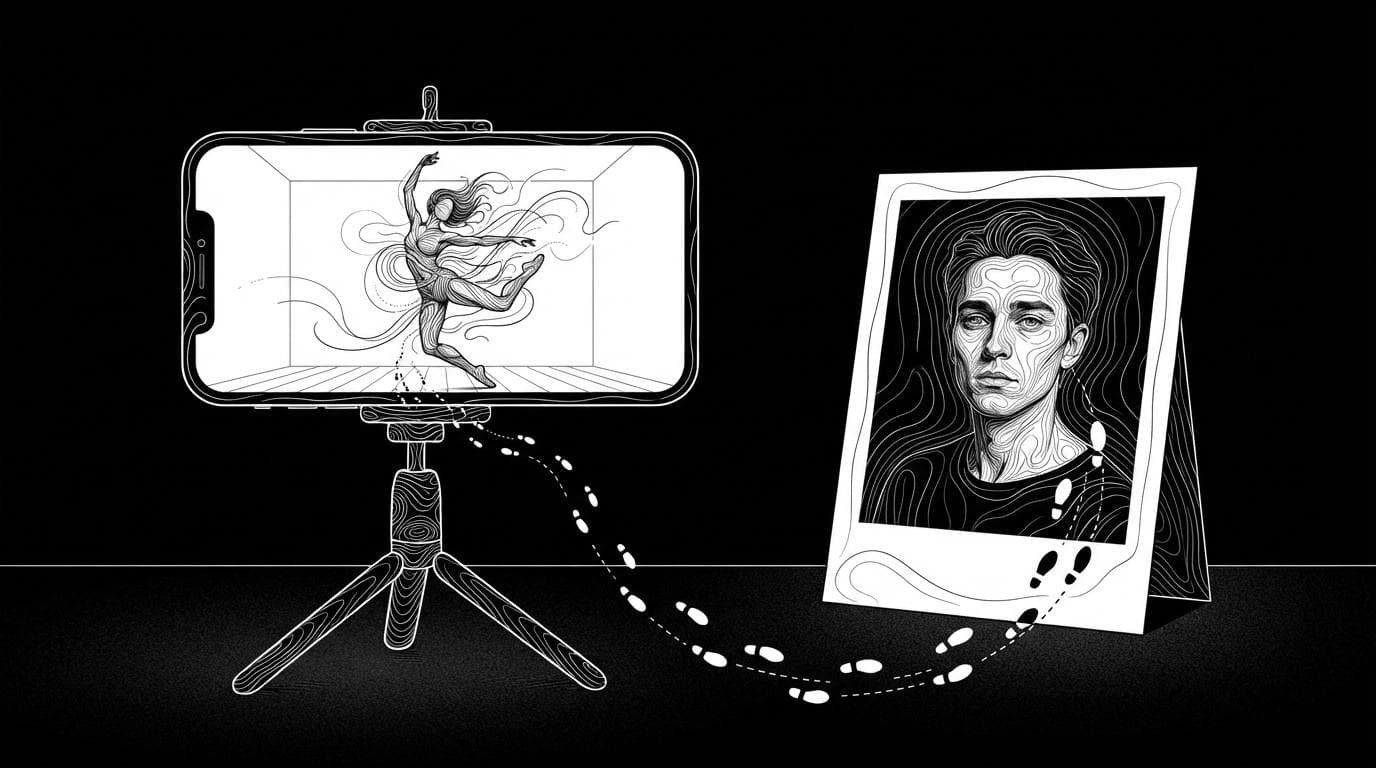
How do I swap my character into a trending video?
How do I swap my character into a trending video?
Updated October 23, 2026 · By Emily Brooks
To swap your character into a trending video, use a character-swap or motion-transfer tool: you upload the trending clip and a photo of your character, and the AI recreates the clip with your character doing the same moves. Sloosh's Character Swap in a Trending Video Space does this for 20.83 credits a run and returns a 5-second vertical MP4 (Sloosh, Oct 2026), while Viggle, Kling Motion Control and Higgsfield Genjutsu are the other common choices.
The whole job takes two inputs and one button. What decides the result is the clip you pick and the photo you give it, so most of this guide is about those two.
What makes a trending clip easy to swap?
A clip swaps cleanly when one person stays in frame, the shot is continuous, and the moves are clear. Every tool on this page reads the motion from the reference clip, so a messy clip gives a messy result.
- One continuous shot. Cuts confuse the motion read. Kling's own Motion Control guide asks for "a single continuous shot, with the character consistently visible in the frame."
- One main person. Pick clips where the dancer or performer is clearly the subject. Group shots need a tool that swaps several people.
- The full body in view. If hands or feet leave the frame, the AI has to guess them.
- The right length. Short trends work best. Sloosh's Character Swap Space works best on 3 to 10 second clips. Longer clips need a tool built for them (see the table below).
- A clear photo of your character. Front-facing, good light, full outfit visible. The tool copies what it can see.
How to swap your character into a trending video in Sloosh
Sloosh has two routes. Character Swap in a Trending Video is the quick one for short trends. Shadow Clone handles clips up to 30 seconds and gives you more control.
 [trending clip]        [your character]
   3-10 s                photo or sheet
        \                    /
         v                  v
   Character Swap in a Trending Video
   (same moves, timing and camera)
                 |
                 v
     5 s vertical MP4, 20.83 credits

 Clip longer than 10 s? Use Shadow Clone
 (up to 30 s, up to 9 reference images)
The quick route for short trends, with Shadow Clone for longer clips.
The quick route: Character Swap in a Trending Video
- Open the Space. Go to Character Swap in a Trending Video and sign in.
- Upload the trending video. A short dance or trend clip of 3 to 10 seconds works best.
- Upload your character. One clear photo of the person. Only use photos of yourself or people who have given permission.
- Press Generate. The button shows the cost first: 20.83 credits a run.
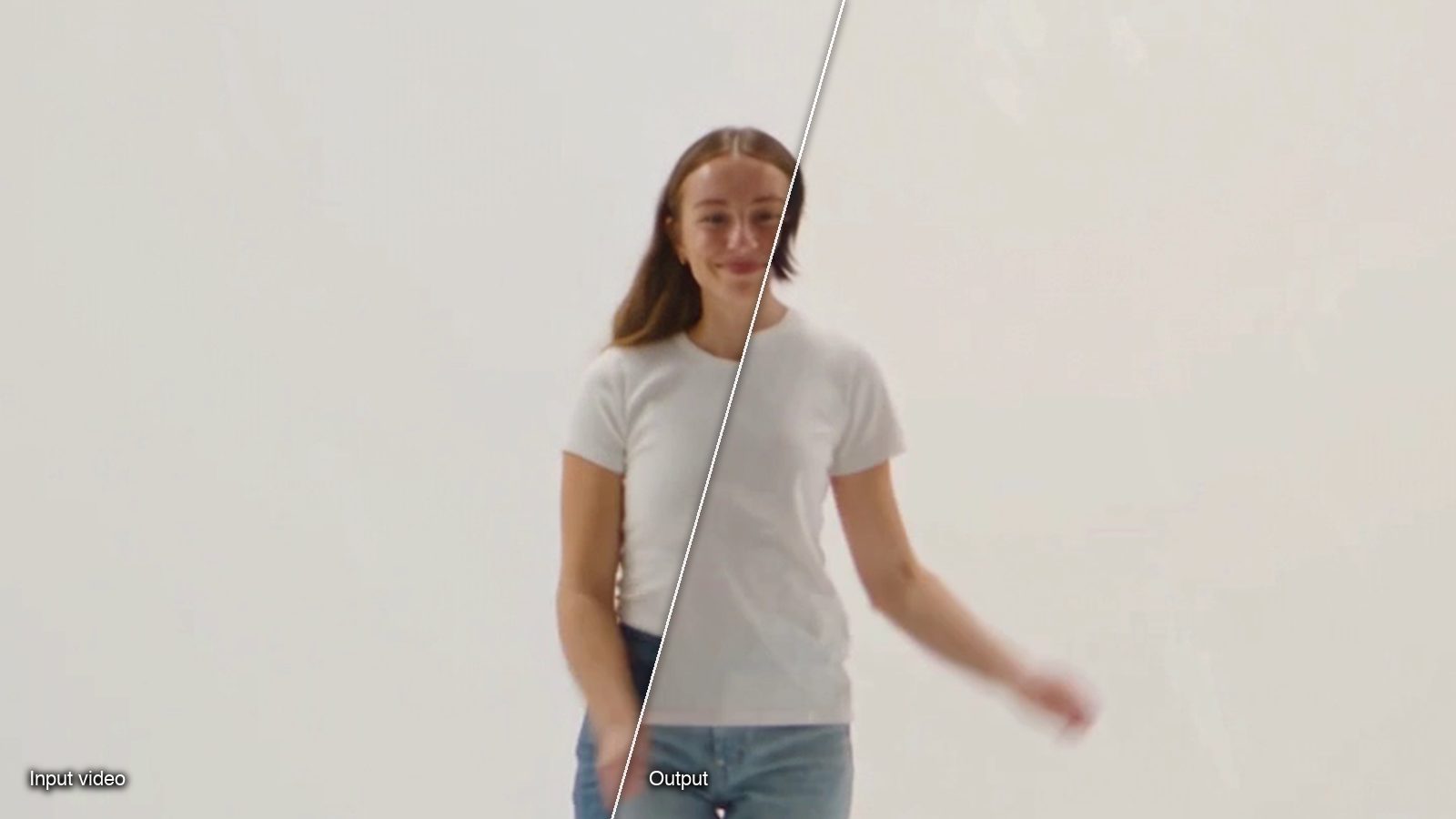
- Download the result. You get one 5-second vertical MP4 of your character doing the same moves, with the same timing and camera. It appears in the Space's Generations tab.
This goes further than a face swap: the whole character is replaced, including body and outfit, not just the face.
The longer route: Shadow Clone with an AI Influencer
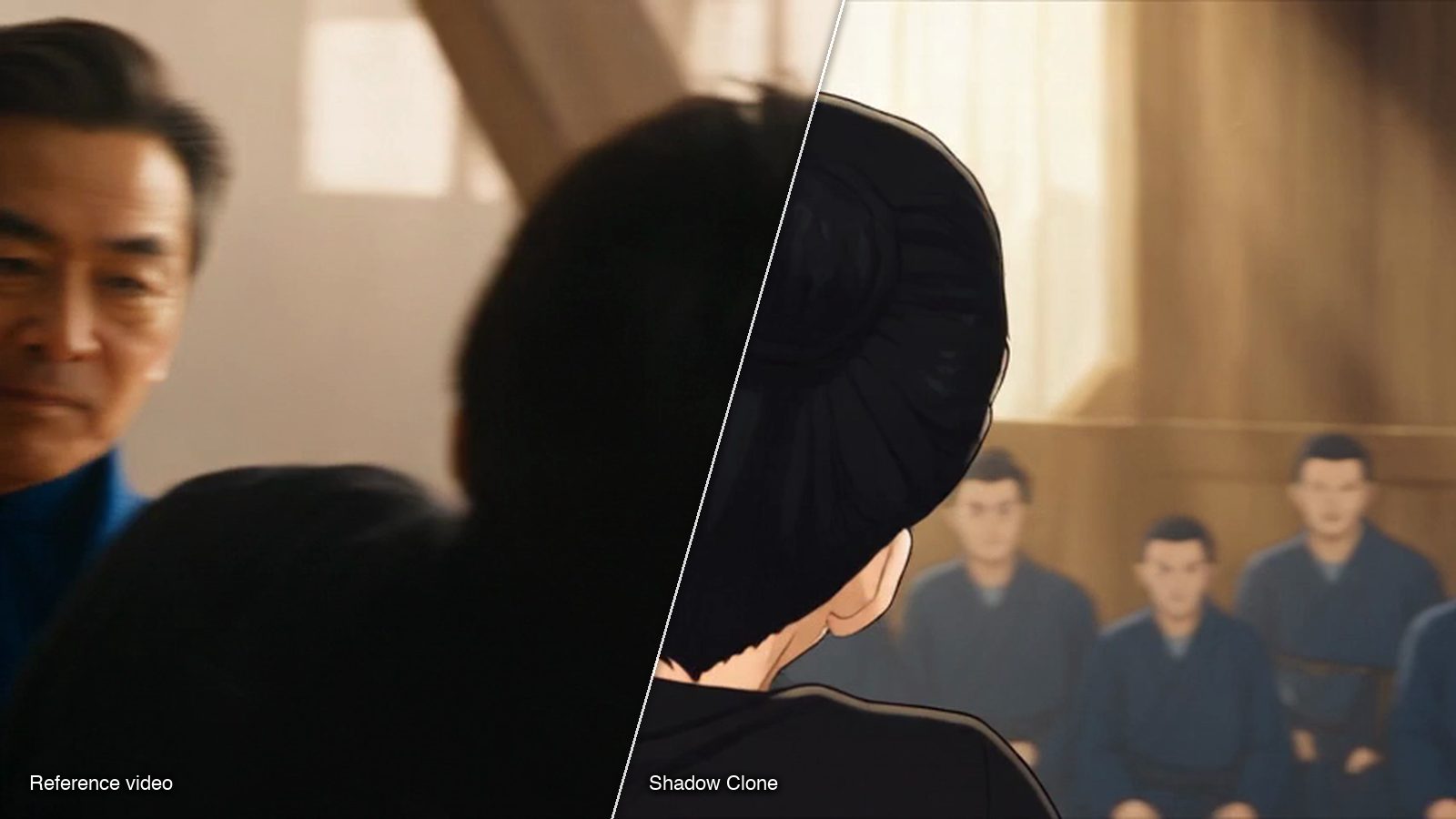
Shadow Clone takes a reference clip of up to 30 seconds and up to 9 reference images. It has two modes:
- Motion Transfer keeps only the motion. The character, outfit and whole scene are rebuilt from your images, so it also works on dance videos, music videos and movie scenes.
- Object Swap changes only what you pick, such as a character or a product, and keeps the rest of the original video.
If your character is a recurring persona, build it once in AI Influencer. Press Use on the character and Shadow Clone opens with its character sheet as reference image 1, next to a list of Trending motions. Press Recreate on a trending motion and Sloosh fills in that clip and a prompt that names your character. Shadow Clone's Generate button shows the price before you run.
Watch out for: Character Swap in a Trending Video always returns 5 seconds, even from a 10-second clip, so trim the trend to its best moment first. For the full length of a longer trend, use Shadow Clone. A new workspace gets 20 starter credits once, which is less than one 20.83-credit run, so you need a plan first.
Other tools that swap a character into a video
Several tools do this job. Each one reads motion from a clip and applies it to your character, but they differ in clip length, group swaps and how you keep a face consistent.
| Tool | Best for | What the vendor's page says | Checked on |
|---|---|---|---|
| Sloosh Character Swap | A quick 5 s vertical trend clip | Trending video plus one photo; 3 to 10 s clips work best; 20.83 credits a run | Oct 23, 2026 |
| Sloosh Shadow Clone | Longer trends and a saved AI Influencer | Clips up to 30 s, up to 9 images, Motion Transfer or Object Swap | Oct 23, 2026 |
| Viggle | Meme videos and swaps with more than one person | Products include "Swap single character", "Swap multiple characters" and real-time swaps | Oct 23, 2026 |
| Kling Motion Control | Matching a face element across many swaps | Character image plus an action video of 3 to 30 s (VIDEO 2.6 guide); VIDEO 3.0 can bind a facial element | Oct 23, 2026 |
| Higgsfield Genjutsu | Motion transfer with many references | Motion Transfer and Object Swap; reference videos of 4 to 30 s; up to 30 reference images | Oct 23, 2026 |
| DomoAI | Animating a photo character from a motion video | "Character to Video" takes a motion video to set the action | Oct 23, 2026 |
Prices and credit costs change often, so check each vendor's pricing page before you commit.
Rights and labelling
Swapping a character into a trend is fine for your own content, but two rules apply everywhere.
- Use people you have rights to. Only upload photos of yourself, people who gave permission, or characters you made. Sloosh's Space pages say the same.
- Mind the original clip. The trending video and its music belong to someone else. Credit the creator, and check the platform's rules before you reuse the audio.
- Label realistic AI content. Some platforms ask creators to label realistic AI-generated video, so check the rules of the platform you post on.
Frequently asked questions
Can I swap my face into a trending video for free?
Usually not for long. Most character-swap tools charge credits per run. In Sloosh, a new workspace gets 20 starter credits once, and one Character Swap in a Trending Video run costs 20.83 credits, so you need a plan to run it.
How long can the trending video be?
It depends on the tool. Sloosh's Character Swap Space works best on 3 to 10 second clips and returns 5 seconds, and Sloosh's Shadow Clone takes clips up to 30 seconds. Kling's VIDEO 2.6 Motion Control guide lists 3 to 30 seconds, and Higgsfield's Genjutsu page lists 4 to 30 seconds.
Is a character swap the same as a face swap?
No. A face swap replaces only the face and keeps the original person's body and clothes. A character swap recreates the whole person, including body and outfit, while keeping the moves, timing and camera.
Can I use the same AI character in every trend?
Yes. Save the character once and reuse it. In Sloosh, build it in AI Influencer, then press Use to open Shadow Clone with the character sheet already in place, and Recreate any trending motion.
Can I swap more than one person in a video?
Some tools can. Viggle lists a "Swap multiple characters" product. Sloosh's Character Swap Space takes one character photo, so pick clips with one main performer.
Can I use the result in ads?
Yes, Sloosh's Space pages say you can use what you create in ads, stores and social posts, as long as you have the rights to the people you upload. Check the rights to the original clip and its music too.
Bottom line
For a short trend, upload the clip and one clear photo to a character-swap tool and keep the clip to one continuous shot with one performer. Viggle suits memes and group swaps, Kling and Higgsfield suit longer motion transfers, and Sloosh covers both a quick 5-second swap and 30-second clips with a saved character through Shadow Clone.
Swap your character into a trending video in Sloosh