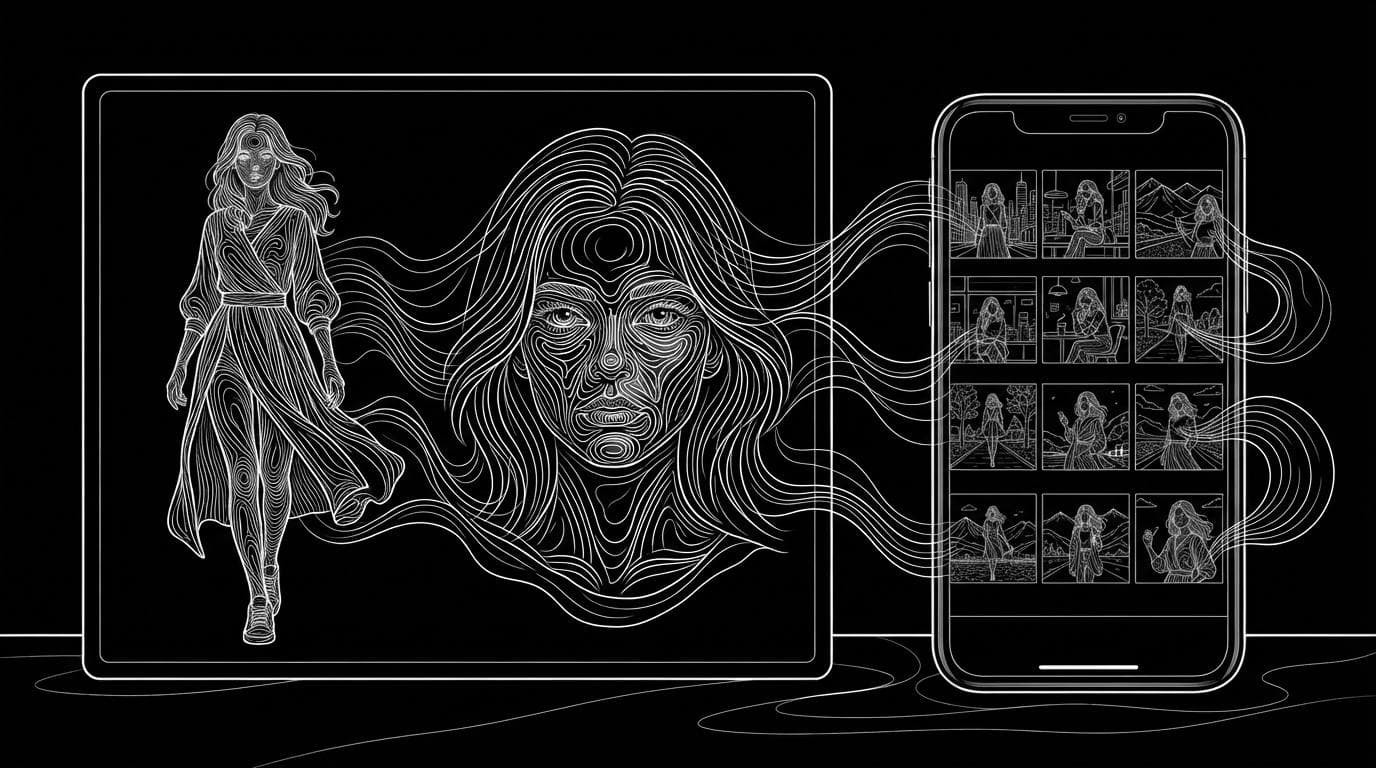
How do I create an AI influencer?
How do I create an AI influencer?
Updated October 23, 2026 · By Emily Brooks
To create an AI influencer, pick a niche and a persona, lock one face and body in a reusable reference, make photos and videos from that reference, and label the content as AI where platforms ask you to. Sloosh AI Influencer turns trait picks or one face photo into a single character sheet (full body plus face close-up) that opens straight into Shadow Clone for video (Sloosh docs, Oct 2026). Higgsfield Soul ID, The Influencer AI and OpenArt are the main alternatives.
The hard part is not making one good image. It is making the 50th post look like the same person as the first, and doing it in a way your audience and the platforms accept.
What does an AI influencer need before you generate anything?
An AI influencer needs a clear concept before any image is made, because the look, the outfits and the content all follow from it. Write these five things down first:
- A niche. Fitness, travel, fashion, tech or food. One niche makes every later choice easier.
- A persona. Name, age range, where they "live", how they talk and what they would never post.
- A fixed look. Face, hair, build and a signature style. Decide it once and do not drift.
- A content mix. For example three photo posts and two short videos a week, plus the formats each platform needs (9:16 for Reels and Shorts).
- A disclosure plan. How you will label the account and the posts as AI, and how you will mark sponsored posts.
How to create an AI influencer in Sloosh
Sloosh builds the character once as a sheet and reuses that sheet for every video, so the face, hair and outfit stay the same.
 [niche + persona]
        |
        v
 [AI Influencer maker] <-- traits or 1 face photo
        |
        v
 [character sheet: full body | face]
        |                    |
        v                    v
 [Shadow Clone video]  [@tag in Studio stills]
        |                    |
        +------> [label as AI, then post] <---+
One concept, one saved sheet, then video and stills from the same reference.
- Open AI Influencer. Go to sloosh.ai/ai-influencer, or choose AI Influencer from the Video menu in the top bar, and press Create character. You can look around signed out, but making a sheet needs an account.
- Choose how to start. Start from scratch to pick every detail, or Upload a reference to keep the face from a photo. With a photo, the face traits are hidden and the look is always Realistic. Only use a face you have the rights to use.
- Pick the traits. There are 16 groups, one option each: gender, ethnicity, age, look (Realistic, Stylised 3D or Anime), skin colour, eye colour and shape, face shape, hair style and colour, facial hair, expression, details, style, build and height. Add a style reference photo to set the outfit; Sloosh copies its clothes and colours, never the face.
- Press Bring to life. The button shows the credit cost first. You get one 3:2 image made with GPT Image 2.5 Sunburst, full body on the left and face close-up on the right.
- Name and save the character. Names take up to 40 characters. The character is saved to your workspace and to Assets under Elements, AI Influencer.
- Make the first video. Press Use, and Shadow Clone opens with the sheet as reference image 1. Add a clip whose moves you want, or press Recreate on a trending motion, then Generate.
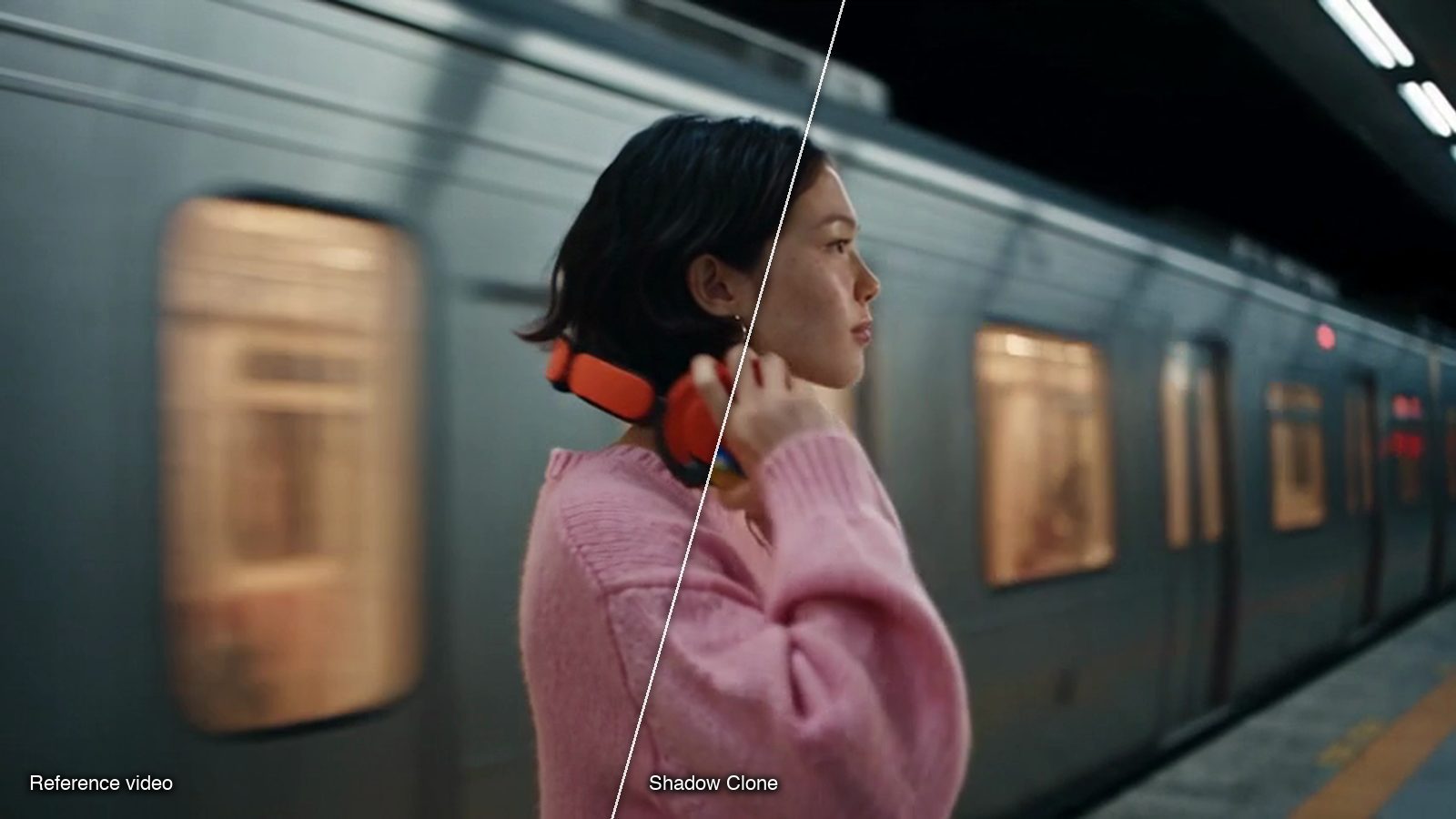
Watch out for: a Sloosh AI Influencer character is one sheet. There are no extra angles, poses or voice yet, and Use opens Shadow Clone only. Sloosh has no free plan; your first workspace gets 20 starter credits once, and the Creator plan is $19 a month for 195 credits (Sloosh plans page, Oct 2026). Sloosh's docs describe no scheduling or posting tools, so you post from your own accounts.
How do you keep the influencer looking the same over time?
Keep one saved reference and generate every post from it, instead of describing the person again in words. A text description gives a slightly different face each time.
- Change the outfit with Edit, not a new character. In Sloosh, Edit reopens the maker and sends the old sheet along as the face, so the person stays the same.
- Tag the character in still posts. Saved characters appear in Assets as Elements. Type @ and the tag in a Studio prompt to use the sheet as a reference, and say what must not change: "Keep her face, hair and freckles exactly."
- Use a ready-made photo series. The Consistent Photo Set Space turns one photo into four 4:5 shots (close-up, café, street walk, over-the-shoulder) with the face, outfit and colour grade kept, for 8.04 credits a run.
- Check wide and side shots. Small faces and profiles drift first. Compare each output with the sheet before it goes live.
What disclosure rules apply to AI influencers?
AI influencers are allowed on the major platforms, but realistic AI content and paid posts carry disclosure rules. These come from each platform's or regulator's own pages, checked October 23, 2026.
| Rule | What it says | Checked on |
|---|---|---|
| YouTube altered or synthetic content | Disclose realistic content that "generates a realistic scene that didn't actually occur"; set "AI use" in YouTube Studio's Attributes section at upload | Oct 23, 2026 |
| Meta "AI info" label | Meta shows an "AI info" label when it detects AI indicators or when people self-disclose AI content; it may add a more prominent label to content that could deceive | Oct 23, 2026 |
| FTC Disclosures 101 for influencers | Disclose any financial, employment, personal or family relationship with a brand, in the post itself; "ad" and "sponsored" are acceptable terms | Oct 23, 2026 |
A practical rule: say the account is AI in the bio, use each platform's AI label on realistic posts, and mark every paid post as an ad.
Other ways to create an AI influencer
Three other tools are built for this job. Each has a different starting point.
| Tool | How you build the character | Best for | Checked on |
|---|---|---|---|
| Sloosh AI Influencer | Trait tiles or one face photo, one sheet, then Shadow Clone video | Inventing a person and putting them into trending moves | Oct 23, 2026 |
| Higgsfield Soul ID | Train on 20 or more photos of one person (up to 80); usable in Soul image models and Seedance video | Creators with a large set of real photos | Oct 23, 2026 |
| The Influencer AI | A trait builder, or an "AI Clone" from 1 to 4 selfies; photo batches of up to 32 per prompt | An influencer that talks, with voice and lip-sync in 40+ languages | Oct 23, 2026 |
| OpenArt Character | From a photo, a prompt or presets; optional custom model from 4 to 100 images | Using one saved character across many image and video models | Oct 23, 2026 |
Check each vendor's pricing page before you commit, since plans and credit costs change often.
Frequently asked questions
Is it legal to create an AI influencer?
Yes, creating an AI influencer is legal in general, but the content must follow platform rules and advertising law. Label realistic AI content where the platform asks (YouTube's "AI use" setting, for example), disclose brand deals as the FTC requires, and never use a real person's face without permission.
How much does it cost to create an AI influencer?
It costs a tool subscription plus credits per image or video. In Sloosh, each character sheet costs credits shown on the Bring to life button, a Shadow Clone run costs what its Generate button shows, and plans start at $19 a month for 195 credits (Oct 2026).
Can I make an AI influencer from my own photo?
Yes. In Sloosh, pick Upload a reference and add a face photo; the face becomes the character's identity and you still pick hair, style and build. The Influencer AI's AI Clone takes 1 to 4 selfies, and Higgsfield Soul ID trains on 20 or more photos.
Can my AI influencer talk?
Not in Sloosh AI Influencer yet: a character is one sheet with no voice. The Influencer AI lists voice and lip-sync in 40+ languages. In Sloosh, lipsync and speech models run in Spacelab as separate steps.
Do I need to say my influencer is AI?
You should, and on some platforms you must for realistic content. YouTube requires disclosure of realistic synthetic scenes, and Meta labels AI content as "AI info" when it detects or is told about it.
Bottom line
Create an AI influencer by deciding the niche and persona first, locking one face and body in a saved reference, making every post from that reference, and labelling AI and sponsored content. If you have many real photos, Higgsfield Soul ID fits; if the character must talk, The Influencer AI fits. To invent a person from traits and put them into trending videos, Sloosh AI Influencer with Shadow Clone does it from one saved sheet.
Create your AI influencer in Sloosh