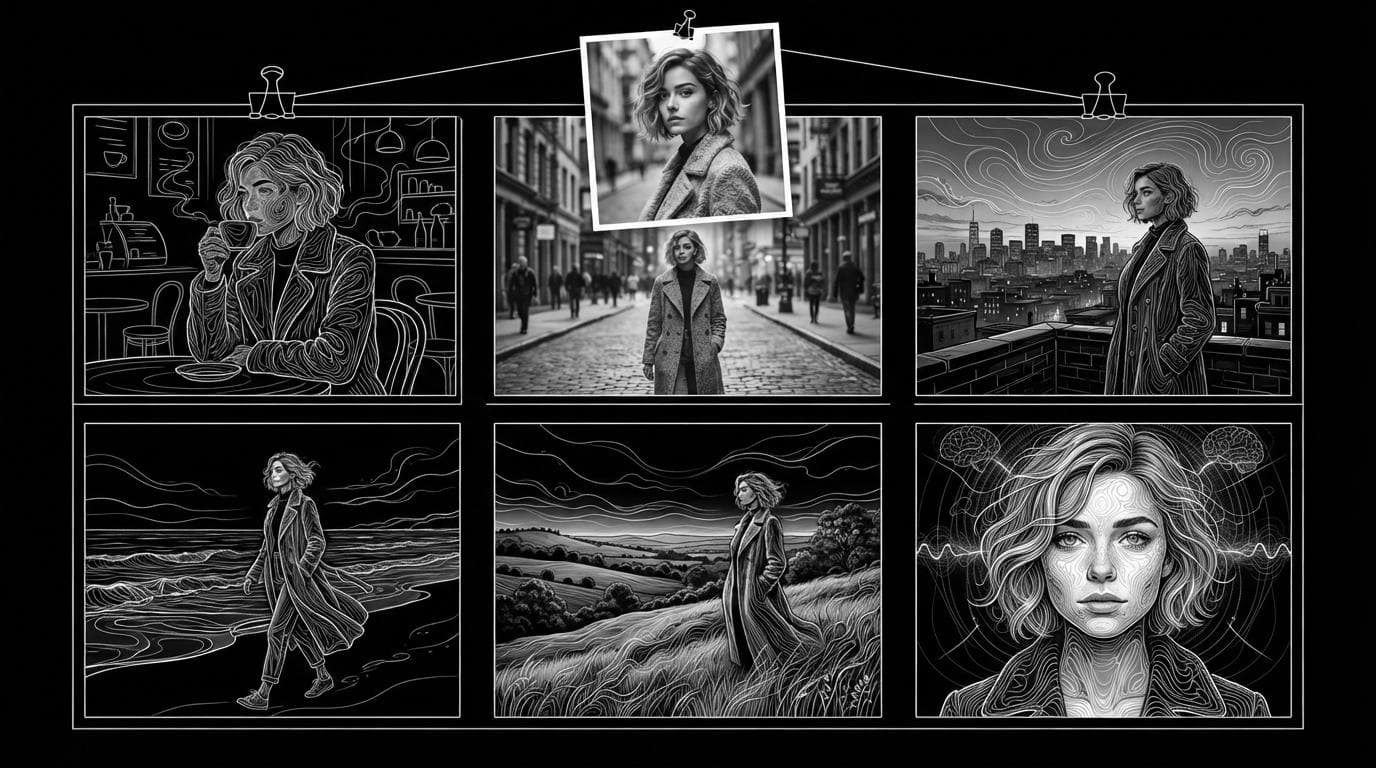
What are the best AI tools for character consistency across a content series?
What are the best AI tools for character consistency across a content series?
Updated October 23, 2026 · By Emily Brooks
The best AI tools for character consistency across a content series are the ones that let you save a character once and reuse it as a reference: Midjourney for stylised stills, Runway for saved references shared across a team, OpenArt for a character you tag in both images and longer videos, and Sloosh, where you save a character as an Element and type @ and its tag in any Studio prompt to bring the same person back (Sloosh, Oct 2026).
All vendor facts below were checked on each vendor's own pages on October 23, 2026.
Quick picks by use case
- Stylised illustration or concept art: Midjourney, with a reference image.
- A team that shares one character library: Runway, whose saved references can be shared with a workspace.
- One character in images and multi-scene videos: OpenArt Character Builder.
- A ready-made photo series from one selfie: Sloosh's Consistent Photo Set or Character in 4 Scenes Spaces.
- A reusable character that also stars in trending-video remakes: Sloosh AI Influencer with Shadow Clone, or Higgsfield AI Influencer.
- Full control and your own hardware: an open-source workflow such as ComfyUI with a trained LoRA.
How does AI character consistency work?
AI character consistency works by giving the model the same picture of the character every time. Text alone drifts: "a woman with short grey hair" is a different woman on every run. Tools use three methods:
- Reference images. You attach an image of the character, and the model copies the face, hair and outfit into the new scene.
- Saved characters. The tool stores the reference under a name or tag, so you can call it back next week without re-uploading.
- A character sheet. One image shows the character from several sides, or full body plus face, so the model has more to copy than a single angle.
A fourth method, training a small custom model (a LoRA) on a set of images of the character, still exists in open-source workflows. It gives strong control but needs setup time and a GPU.
[one clear photo or design]
            |
            v
[character sheet: full body + face]
            |
            v
[saved as a named reference / @tag]
            |
     +------+--------+
     v               v
[image posts]   [video clips]
 same face,      same face,
 new scenes      new moves
The series workflow: make the character once, save it, then reuse the same reference for every post.
The tools compared
| Tool | How it keeps the character | Images | Video | Best for | Checked on |
|---|---|---|---|---|---|
| Sloosh | Elements with @ tags; AI Influencer character sheet; consistent-character Spaces | Yes | Yes (Shadow Clone, Seedance 2.5 references) | Photo series plus video from one saved character | Oct 23, 2026 |
| Midjourney | Omni Reference (one image, V7); Edit Model with up to 4 reference images (V8.X) | Yes | Animate is a separate feature | Stylised stills and concept art | Oct 23, 2026 |
| Runway | Gen-4 References, up to 3 per generation, saved by name and shareable with a workspace | Yes | Yes, reference media in video models | Teams sharing one reference library | Oct 23, 2026 |
| OpenArt | Character Builder from a photo, a prompt or presets; tag the character in any model | Yes | Yes, including Director mode up to 5 minutes | One character across images and longer stories | Oct 23, 2026 |
| Higgsfield | AI Influencer from one photo or from scratch, with portrait and full-body shots | Yes | Yes, remakes a 3 to 30 second motion clip | Influencer-style trend videos | Oct 23, 2026 |
Midjourney
Strength: Midjourney's Omni Reference puts a character, object or creature from one reference image into new V7 images, and on V8.X Midjourney points users to its Edit Model, which takes up to four reference images (Midjourney docs, Oct 2026). Best for: illustrated or stylised series. Watch out for: Omni Reference takes one image, costs 2x the GPU time of a regular V7 image, and Midjourney's own docs say fine details such as freckles or logos on clothing may not match.
Runway
Strength: Runway's Gen-4 References keep a character consistent across lighting, locations and treatments from a single reference, with up to three active references per generation. Saved references persist across sessions and can be shared with every member of a workspace (Runway Help Center, Oct 2026). Best for: teams where several people produce the same series. Watch out for: uploaded references are temporary unless you name and save them.
OpenArt
Strength: OpenArt's Character Builder starts a character from a reference image, a text prompt or presets, then lets you tag it in image models and in video models such as Seedance 2.5. Its Director mode plans scenes and makes a finished video up to 5 minutes long (OpenArt, Oct 2026). Best for: a recurring character across stills and longer stories.
Higgsfield
Strength: Higgsfield's AI Influencer creates a character from one photo or from scratch, returns portrait and full-body shots on white, and puts the character into a trending motion or an uploaded 3 to 30 second clip (Higgsfield, Oct 2026). Best for: creators whose series is built on trend remakes.
Sloosh
Strength: Sloosh keeps a character in three ways. Save any image as an Element with a tag and the Character category, then type @ and the tag in a Studio prompt to add it as a reference. Build a person in AI Influencer, which makes one 3:2 sheet with the full body on the left and a face close-up on the right. Or run a Space that returns a whole set at once (Sloosh docs, Oct 2026). Best for: a series that mixes photo posts and video from the same saved person.
Watch out for: an AI Influencer character is one sheet. Sloosh's docs say there are no extra angles, poses or voice yet, and its Use button opens Shadow Clone only. For other video work, add the sheet as a reference in Studio yourself.
How to keep one character across a series in Sloosh
In Sloosh, you make the character once, save it as an Element, and tag it into every new post.
- Make the reference. Upload a clear photo, build a person in AI Influencer, or run the Reusable Character Sheet Space: upload 1 to 3 photos, pick Photo-real, 3D animated or Illustrated, and get a turnaround sheet with front, three-quarter and side views for 2.01 credits a run.
- Save it as an Element. In Assets, open the generation's menu, choose Add to Elements, give it a short tag such as
@mayaand pick the Character category. AI Influencer characters appear in Elements automatically. - Tag it in Studio. Type @ in a Studio prompt and pick the tag. Say what must not change, such as the face.
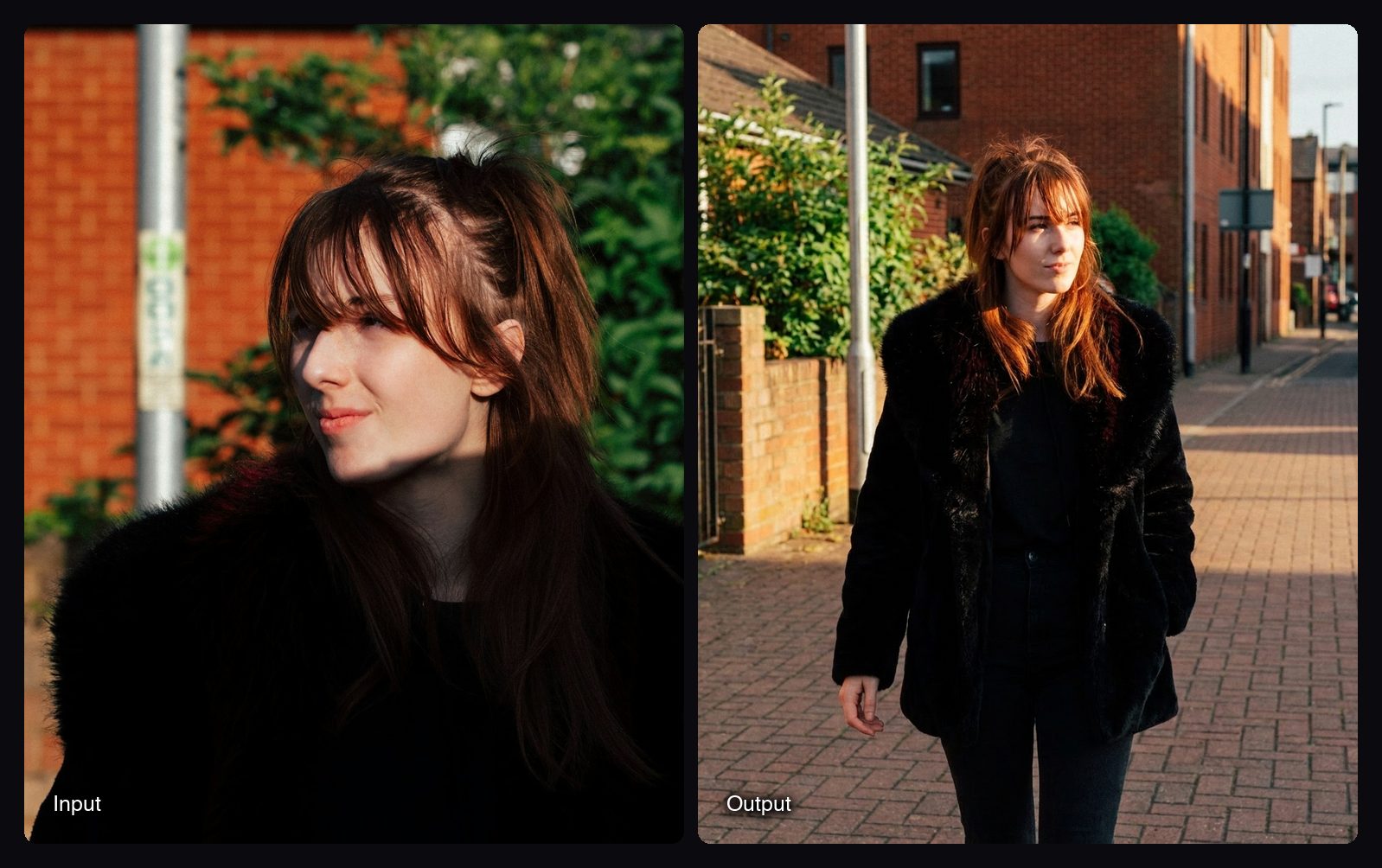
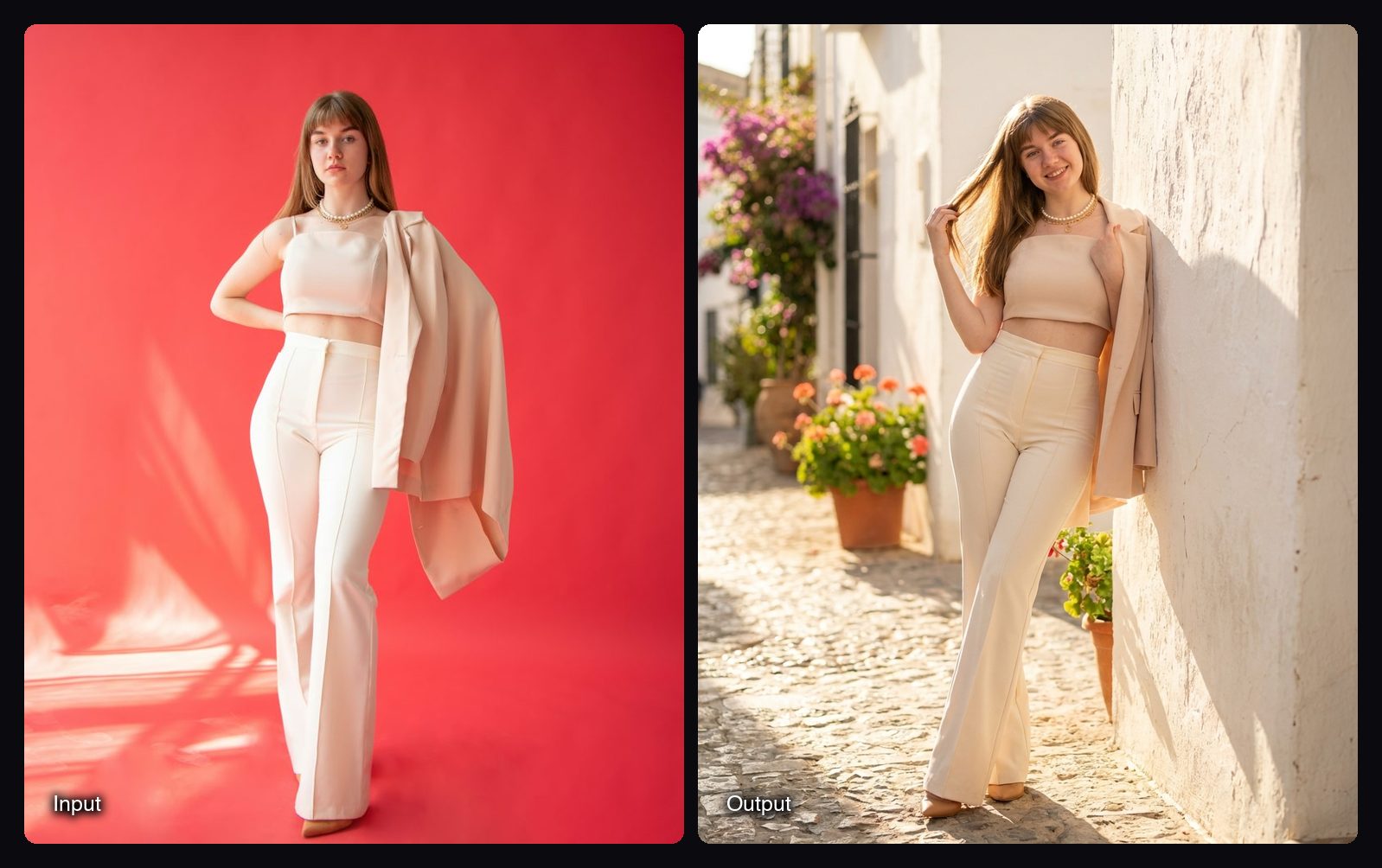
- Make a full set in one run. The Consistent Photo Set Space turns one photo into four 4:5 shots (a close-up, a cafe moment, a street walk and an over-the-shoulder view) with the face, outfit and colour grade kept the same, for 8.04 credits. Character in 4 Scenes puts the same person on a Mediterranean street, in a cafe, on a rooftop at dusk and on a beach at sunrise, also for 8.04 credits.
- Move to video. Seedance 2.5 in Studio takes up to 30 reference images for clips of 4 to 30 seconds, so the same sheet can guide video. To copy the moves of a clip onto the character, use Shadow Clone, which takes a reference video of up to 30 seconds and up to 9 reference images.
Frequently asked questions
Which AI has the best character consistency?
No single AI is best for every series. Midjourney suits stylised stills, Runway suits teams sharing saved references, OpenArt suits one character across images and longer video, and Sloosh suits photo series plus video from one saved Element. Pick the tool that saves and reuses a reference in the format you publish most.
How do I get AI to generate the same character every time?
Use a reference image, not just a text description. Save the reference in the tool under a name or tag, attach it to every generation, and state in the prompt what must not change. In Sloosh, that means saving the image as an Element and typing @ and its tag in Studio.
Can I keep a character consistent in AI video as well as images?
Yes. Video models that take reference images can follow the same character sheet you use for photos. In Sloosh, Seedance 2.5 takes up to 30 reference images, and Shadow Clone copies the moves of a video of up to 30 seconds onto your character.
Do I need to train a LoRA for a consistent character?
No, not for most content series. Reference-based tools now keep a face and outfit from one or a few images. A LoRA still gives the most control in open-source workflows, but it needs a set of training images, setup time and a GPU.
How much does a consistent character photo set cost in Sloosh?
A Consistent Photo Set or Character in 4 Scenes run costs 8.04 credits for four 4:5 photos, and a Reusable Character Sheet run costs 2.01 credits (Sloosh, Oct 2026). The Creator plan includes 195 credits a month for $19, and a new workspace gets 20 starter credits once.
Bottom line
Midjourney fits illustrated stills, Runway fits teams, and OpenArt fits long multi-scene video. Sloosh fits creators who want ready-made photo sets from one selfie and the same saved character in video, with the caveat that an AI Influencer character is one sheet with no extra angles yet.
Build your character in Sloosh AI Influencer
Related questions
- Which AI tool creates a consistent influencer that looks the same in every post?
- What's the best AI tool for a recurring AI character across video and image?
- How do I make an AI character sheet or turnaround?
- Which AI tool keeps the same location and characters across multiple shots?
- What's the best Sora alternative for multi-shot films with consistent characters?