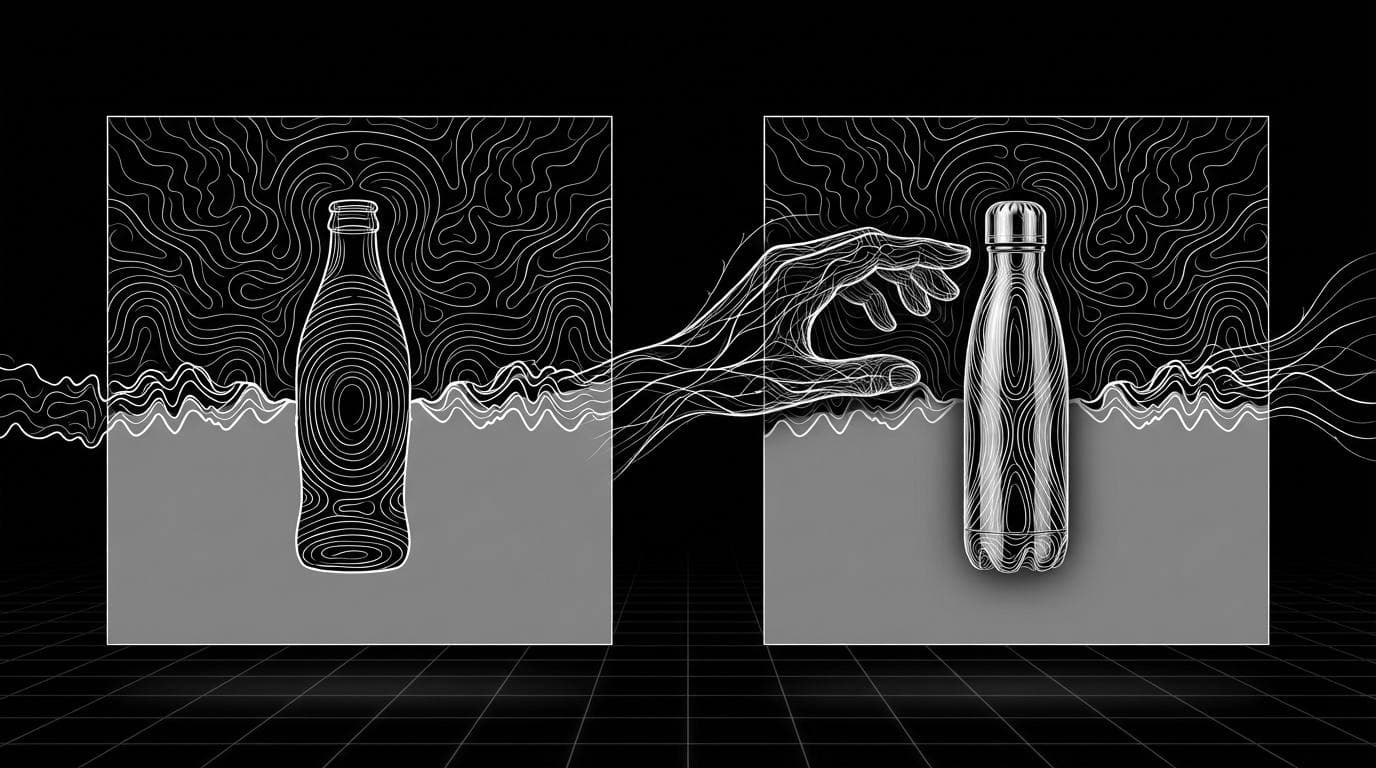
How do I swap my product into an existing ad I like?
How do I swap my product into an existing ad I like?
Updated October 23, 2026 · By Megan Carter
To swap your product into an existing ad you like, upload the ad and a clean photo of your product to an AI product-swap tool, which rebuilds the layout, backdrop and lighting with your product in place of the original. For image ads, Sloosh's Swap Product into a Reference Ad Space returns one 4:5 ad image for 2.01 credits a run; for video ads, Sloosh's Shadow Clone Object Swap mode changes only the object you pick in a reference clip of up to 30 seconds (Sloosh, Oct 2026). Kive's Product Swap and Higgsfield's Genjutsu presets cover similar jobs.
The method differs for image ads and video ads, so start by checking which one you have.
Image ad or video ad: which method do you need?
Image ads and video ads need different tools, because a video swap has to keep the product consistent across every frame and every movement.
- Image ad (a static post, banner or poster): use an image product-swap tool. You get a new image in the same composition. This is cheap and fast to repeat.
- Video ad (a Reel, TikTok or commercial clip): use a video object-swap tool. It keeps the original clip's movement and camera, and replaces only the product.
- You like the movement, not the scene: use motion transfer instead, which keeps only the motion and rebuilds everything else.
   [an ad you like: image or video?]
       /             \
      v               v
 [image ad]       [video ad, up to 30 s]
      |               |
      v               v
 Swap Product     Shadow Clone
 into a Ref Ad    Object Swap mode
 2.01 cr, 4:5     same clip, new product
      |               |
      +-------+-------+
              v
   [add your own text, logo, offer]
Pick the swap method by ad type, then add your own copy.
What makes a good product swap?
A good product swap keeps what made the original ad work and changes only the product. Check the result against this list.
- Same composition. The product sits where the original product sat, at a similar size.
- Matching light. Shadows and reflections fall the same way as in the reference.
- Exact product. Your label, colours and shape are unchanged. Upload a sharp photo with the label facing the camera.
- No borrowed branding. The other brand's logo, text and trademarks are gone.
- Your own copy. Headline, offer and logo are added by you, not carried over.
How to swap your product into an image ad in Sloosh
Sloosh is an AI video and image studio for creators, filmmakers and brand teams. The Swap Product into a Reference Ad Space rebuilds an ad you like with your product as the hero.
- Open the Space. Go to Swap Product into a Reference Ad and sign in.
- Upload your product. A clean photo with the label visible works best.
- Upload the reference ad. Any ad image whose look you like.
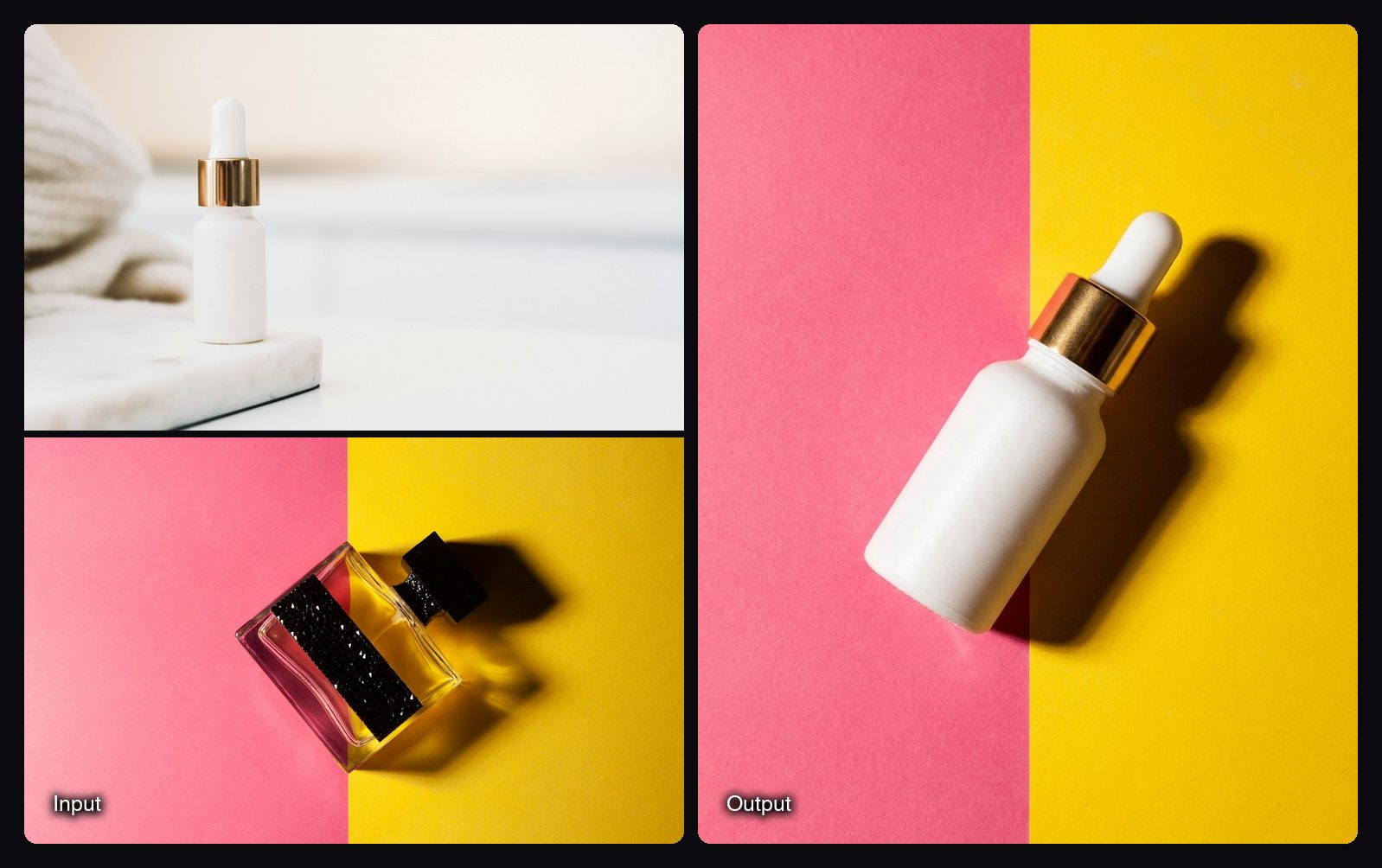
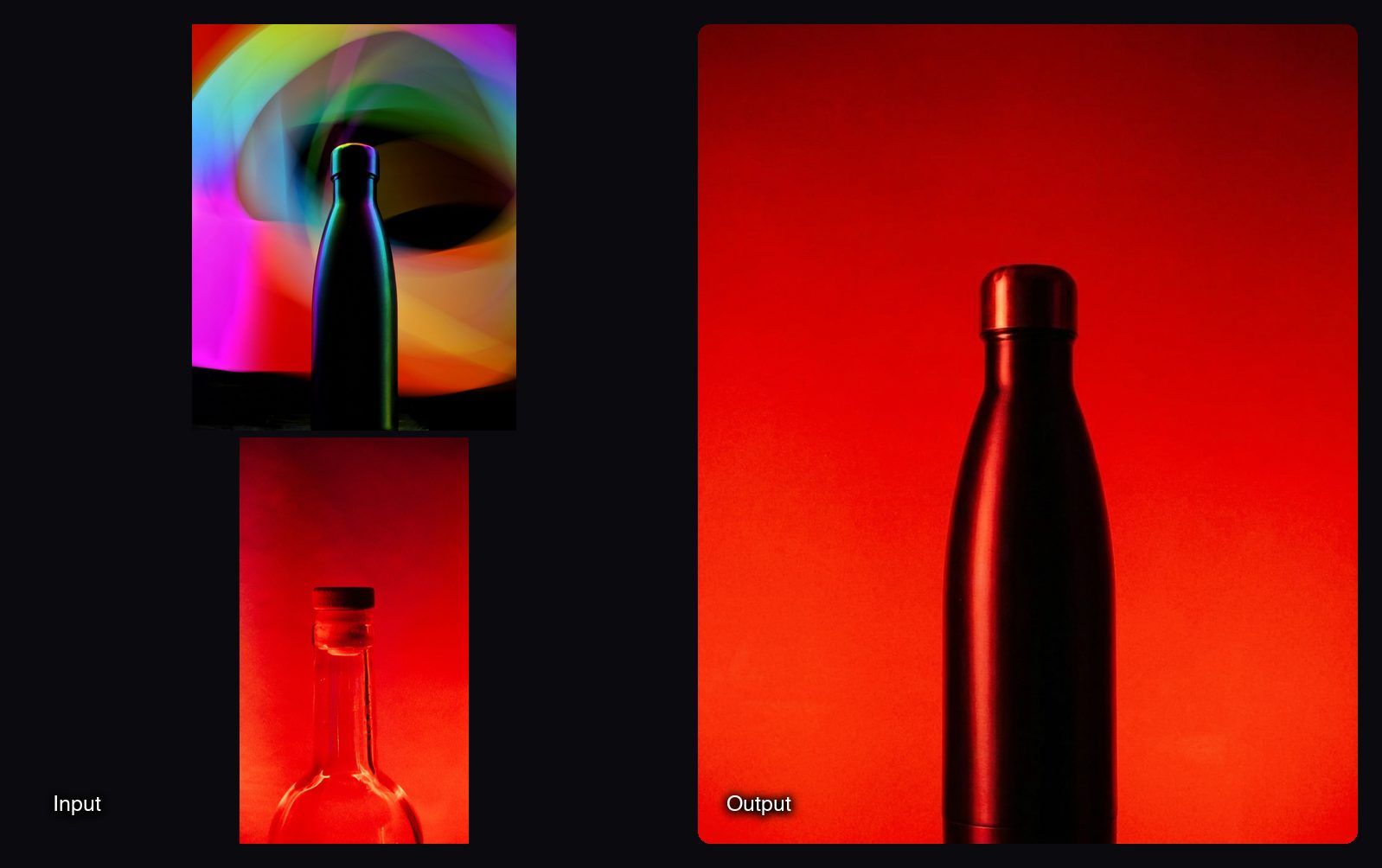
- Generate. The button shows the cost (2.01 credits) first. You get one 4:5 image with the reference's composition, backdrop, colours and lighting, and your product's label and colours kept.
- Add your copy. The Space asks the model for no added text, so put your headline and offer on in your design tool.
- Resize if needed. Design Recomposer rebuilds the finished ad as 1:1, 9:16, 16:9 or another format for 2.01 credits.
How to swap your product into a video ad in Sloosh
Sloosh's Shadow Clone Space has two modes. Object Swap changes only what you pick, such as the shoes, a product or an accessory, and everything else in the original video stays the same. Template runs of Shadow Clone use the Seedance 2.5 video model.
- Upload the reference video. A clip of up to 30 seconds.
- Upload reference images. Up to 9 images, such as your product from several angles.
- Pick Object Swap as the mode.
- Point at the product in Additional Instructions. Type @ to tag the image you uploaded, for example "replace the bottle with @Image 1".
- Generate. The button shows the credit cost before you run.
If you want the same moves in a completely new scene, pick Motion Transfer instead. It keeps only the motion and rebuilds the character, outfit and scene from your images.
Watch out for: the image Space always returns 4:5 and adds no text, so plan a resize and a copy step. Shadow Clone accepts reference clips of up to 30 seconds. Neither Space checks whether you have the rights to the reference ad; that part is on you.
Other ways to swap a product into an ad
Facts are from each vendor's own site, checked on October 23, 2026.
| Tool | Best for | Ad type | How it works | Checked on |
|---|---|---|---|---|
| Sloosh | Image swaps at a fixed cost, plus video Object Swap | Image and video | Image: product + reference ad, 4:5 output. Video: Shadow Clone Object Swap on a clip up to 30 s | Oct 23, 2026 |
| Kive | Image swaps plus ad variations from a winning ad | Image | Product Swap: "Swap the product in any photo or ad for your own"; Poster Remix changes text and product | Oct 23, 2026 |
| Higgsfield | Recasting a video's motion with your products | Video | Genjutsu presets: "Take the motion and recast it with your characters, locations, and products" | Oct 23, 2026 |
| Image editor (manual) | Full control over one hero image | Image | Mask out the old product, place yours, match shadows by hand | Oct 23, 2026 |
Check each vendor's pricing page before you commit.
Rights and originality
Use an ad you admire as a style reference, not as something to copy. Sloosh's Space page puts it plainly: use references for style only and avoid copying other brands' logos, text or trademarks. Change the copy, the offer and ideally one visual element, and upload only images you have the right to use.
Frequently asked questions
Can I legally use a competitor's ad as a template?
You can borrow a style, but not their brand. Remove their logos, text and trademarks, write your own copy, and avoid recreating a distinctive ad so closely that it could confuse buyers. When in doubt, ask a lawyer.
How much does it cost to swap a product into an ad with AI?
In Sloosh, one image swap costs 2.01 credits (Oct 2026), and the Creator plan includes 195 credits a month for $19. Shadow Clone shows its credit cost on the Generate button before you run it. Other tools charge by plan, so check their pricing pages.
Will the AI keep my product's label exact?
Usually, if your product photo is sharp and the label faces the camera. Sloosh's Space is built to keep your product's label and colours exact, but check every result before you run it, since small text can still change.
Can I swap my product into a video ad?
Yes. Sloosh's Shadow Clone Object Swap mode replaces the object you pick in a reference video of up to 30 seconds and leaves everything else the same. Higgsfield's Genjutsu presets also recast a video's motion with your products.
Does the swapped ad keep the original text?
No, not in Sloosh. Swap Product into a Reference Ad asks for no added text, so you add your own headline and offer. That also keeps the other brand's copy out of your ad.
Bottom line
For a static ad, a product-swap tool gets you a new ad in a proven layout in one run; for a video ad, use an object-swap tool that keeps the motion and changes only the product. Sloosh covers both, with Swap Product into a Reference Ad for images and Shadow Clone for video. Borrow the style, never the brand.
Swap your product into an ad in Sloosh