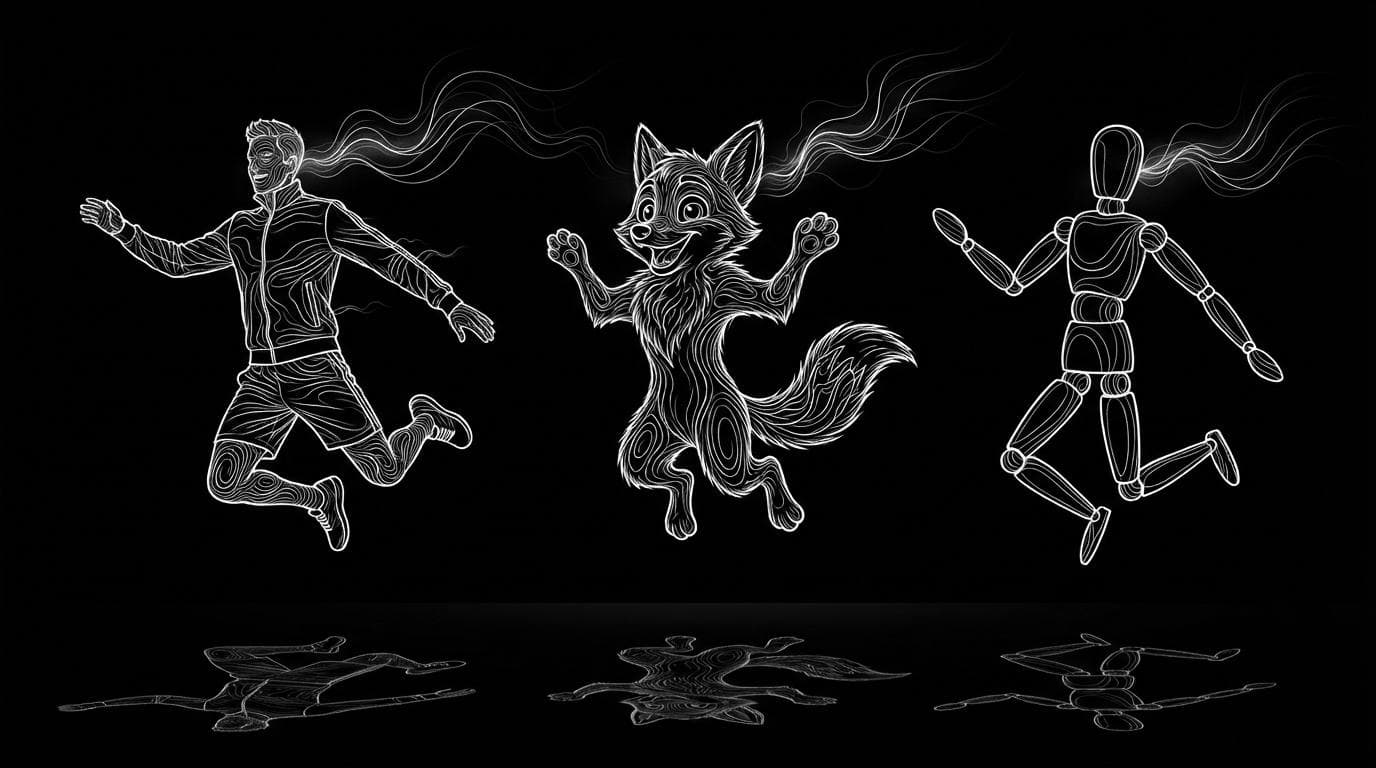
What is the best AI motion transfer tool?
What is the best AI motion transfer tool?
Updated October 23, 2026 · By Ryan Mitchell
The best AI motion transfer tool depends on the job: Kling Motion Control for animating one character image from a 3 to 30 second clip, Viggle for quick character swaps and memes, Runway Act-Two for acting performances, and Sloosh's Shadow Clone for rebuilding the whole scene around the moves, from a reference clip of up to 30 seconds and up to 9 images (Sloosh, Oct 2026). For rigged 3D characters, DeepMotion and Autodesk Flow Studio export motion data instead of a finished video.
No vendor, Sloosh included, publishes a neutral head-to-head quality benchmark, so this page compares what each tool documents and what each is built for.
Quick picks by use case
- One character image, one dance or action clip: Kling Motion Control.
- Fast character swaps into existing clips, memes, live swaps: Viggle.
- Facial and upper-body acting from a recorded performance: Runway Act-Two.
- Same moves in a completely new scene, or one object swapped in a video you like: Sloosh Shadow Clone.
- A short vertical trend clip with your face, in one step: Sloosh Character Swap in a Trending Video.
- Motion files for a rigged 3D character: DeepMotion Animate 3D.
- Replacing an actor in live-action footage with a CG character: Autodesk Flow Studio.
How we compared
Each tool was checked on its own site on October 23, 2026: product pages, help guides and pricing pages. The criteria were:
- What goes in: a character image, a character video, or a 3D rig.
- What comes out: a finished video or animation data.
- Documented limits: clip length, number of characters, input rules.
- What else changes: whether the scene and outfit are rebuilt or kept from the source.
- Access: free tier, and how usage is billed.
Where a vendor does not state a number, we leave it out rather than guess.
 source clip ---> [extract motion] --+
                                     |
 character image --------------------+-> [generate] -> MP4
                                     |
 rigged 3D model <--- FBX / BVH <----+  (3D mocap route)
Every motion transfer tool reads movement from a clip, then either renders a new video or hands back motion data.
The tools compared
| Tool | Input | Output | Documented limits and access | Best for | Checked on |
|---|---|---|---|---|---|
| Kling Motion Control | Character image + clip or motion library | Video | Clip 3 to 30 s, one continuous shot; billed per second | One character, dance and action clips | Oct 23, 2026 |
| Viggle | Character + clip | Video | Upload up to 1 min on Free, 10 min on paid plans; free plan watermarked | Swaps, memes, live swaps | Oct 23, 2026 |
| Runway Act-Two | Performance video + character image or video | Video | One subject, face visible, framed waist up | Acting and dialogue | Oct 23, 2026 |
| DomoAI | Character photo + motion video | Video | Character to Video feature; free plan with credits | Stylised and anime looks | Oct 23, 2026 |
| Sloosh Shadow Clone | Clip + up to 9 images | Video | Clip up to 30 s; Motion Transfer or Object Swap; price on Generate | New scene, same moves; object swaps | Oct 23, 2026 |
| DeepMotion Animate 3D | Video + your rig | 3D animation | FBX, BVH, GLB, MP4; up to 8 people; free account | Game and 3D characters | Oct 23, 2026 |
| Autodesk Flow Studio | Live-action footage + CG character | CG shot and data | Motion exported as USD or FBX | VFX actor replacement | Oct 23, 2026 |
Check each vendor's pricing page before you commit, since plans and credit costs change often.
Kling Motion Control
Strength: Kling Motion Control animates one character in an image with motion from an uploaded clip or its built-in motion library. Its guide states reference clips of 3 to 30 seconds, and the output generally matches the clip's length. Best for: dance, sport and action clips with a single character. Watch out for: the clip must be one continuous shot; cuts or fast motion can shorten the result, and Kling says credits for a shortened clip are not refunded.
Viggle
Strength: Viggle offers Mix to swap a single character into a video, Multi-Editor for several characters, Motion control and a real-time Live swap. Best for: meme formats and fast swaps into existing footage. Watch out for: the free plan adds a watermark and keeps assets for 7 days (Viggle pricing page).
Runway Act-Two
Strength: Act-Two drives a character image or video with a recorded performance, carrying over facial expression and, if the hands are in frame, gestures. Best for: dialogue and acting shots, where the face matters more than full-body movement. Watch out for: Runway's guide asks for one subject framed no wider than the waist, so it is not built for full-body dance.
DomoAI
Strength: DomoAI's Character to Video brings a photo character to life with a motion video that sets the action, such as walking, jumping or dancing, alongside its style-focused Video to Video. Best for: creators who want anime or other stylised looks. Watch out for: the site does not state length limits, so test with a short clip first.
Sloosh Shadow Clone
Strength: Shadow Clone has two modes. Motion Transfer keeps only the motion and rebuilds the character, outfit and whole scene from your images, so it works on dance videos, music videos and cinematic movie scenes. Object Swap changes only what you pick, such as the shoes, a character, a product or an accessory, and keeps the rest of the original video (Shadow Clone, Sloosh, Oct 2026). Best for: filmmakers and creators who want the same moves in a different world, and brands who want their product dropped into a video they already like. Watch out for: Shadow Clone's agents.md lists no fixed price per run; the Generate button shows the cost first. Clips are capped at 30 seconds, and Sloosh has no free plan, only 20 starter credits for a first workspace.
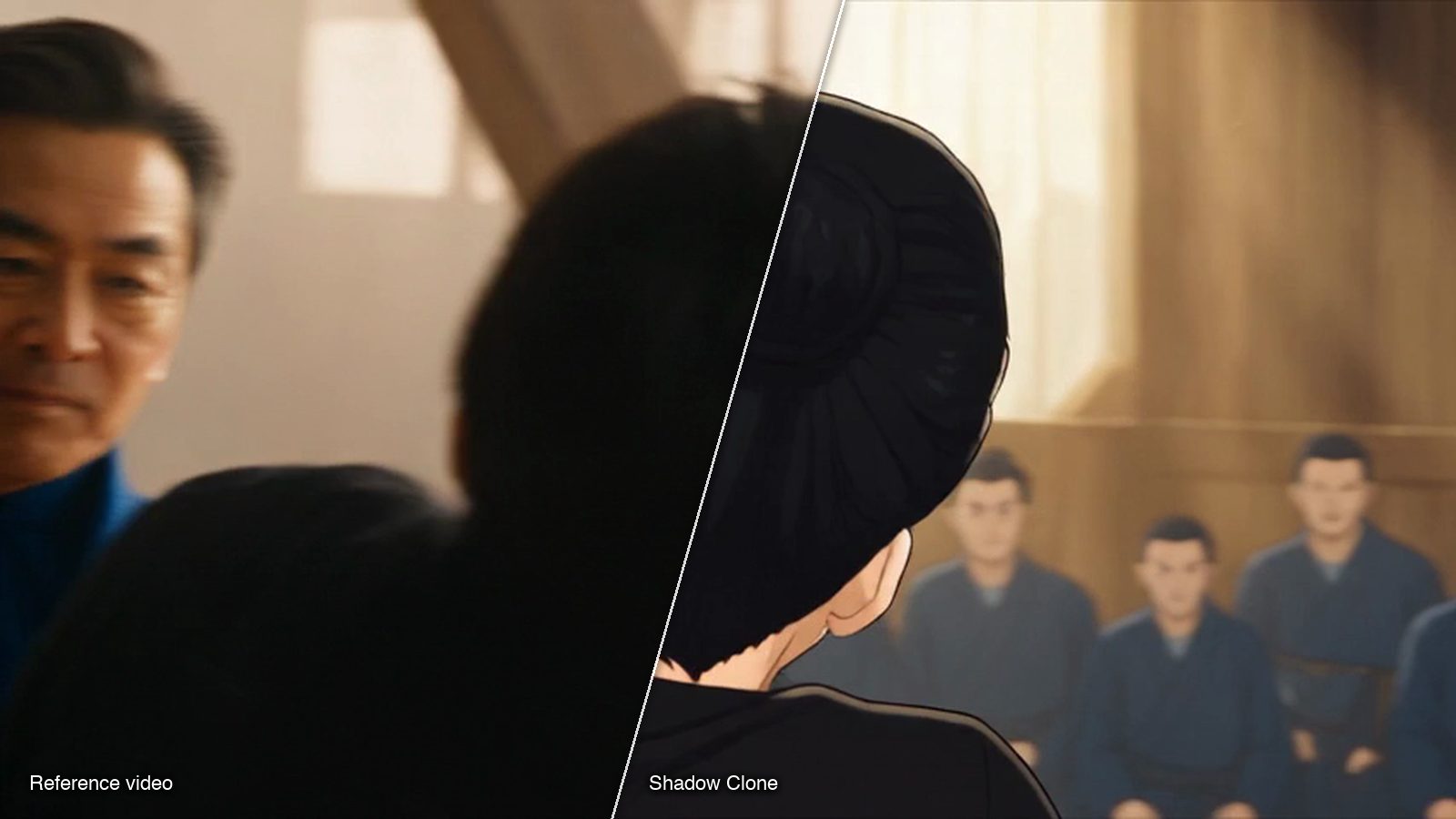
A frame from a run on the Shadow Clone template gallery, where any result can be recreated with your own images.
Sloosh also has narrower Spaces for related jobs. Character Swap in a Trending Video turns a short clip and one photo into a 5-second vertical MP4 for 20.83 credits a run. Pose Transfer copies a pose onto a person in a still photo and returns one 4:5 image for 2.01 credits a run.
DeepMotion and Autodesk Flow Studio (3D)
Strength: DeepMotion Animate 3D turns video into 3D animation and retargets it onto your own FBX, GLB or VRM character. Autodesk Flow Studio, formerly Wonder Studio, replaces live actors in footage with 3D characters and exports the motion as USD or FBX for your 3D software. Best for: game developers, 3D animators and VFX artists. Watch out for: you get animation data or CG passes, not a finished stylised video, so you still need to light and render.
How to do motion transfer in Sloosh
- Open Shadow Clone, or press Use on a character you built with AI Influencer to load its sheet as reference image 1.
- Upload the Reference Video, up to 30 seconds.
- Add up to 9 Reference Images of your character, and a background image if you have one.
- Pick Motion Transfer for a new scene, or Object Swap to change one thing.
- Optionally describe the setting in Additional Instructions; type @ to point at an uploaded image.
- Press Generate after checking the credit cost on the button. The result appears in the Generations tab.
Frequently asked questions
What is motion transfer in AI?
Motion transfer is taking the movement from a reference video and applying it to a different character. AI video tools generate a new clip of your character doing the moves, while 3D tools export the motion as animation data for a rigged model.
Which AI is best for motion control?
It depends on the shot. Kling Motion Control suits one character image driven by a 3 to 30 second clip, Runway Act-Two suits facial and upper-body acting, and Sloosh Shadow Clone suits putting the same moves into a completely new scene.
Is there a free AI motion transfer tool?
Yes, with limits. Viggle has a free plan with a watermark, DomoAI offers a free plan with credits, and DeepMotion accounts are free to create. Sloosh has no free plan, but a first workspace gets 20 starter credits once.
Can motion transfer handle more than one person?
Some tools can. Viggle's Multi-Editor swaps several characters, and DeepMotion tracks up to 8 people in one video. Kling Motion Control assigns motion to one character in the image.
Can I use motion transfer videos commercially?
Usually, but check each tool's terms and the rights to your source clip. Sloosh's Character Swap Space says you can use what you create in ads, stores and social posts, as long as you only upload people and products you have the rights to use.
Bottom line
There is no single best AI motion transfer tool, only the best one for the shot. Use Kling Motion Control or Viggle for fast single-character animation and swaps, Runway Act-Two for performances, DeepMotion or Flow Studio for 3D pipelines, and Sloosh Shadow Clone when you want the same moves in an entirely new scene or one object swapped into a video you like.
Try motion transfer in Sloosh Shadow Clone