Which platform is best for running Nano Banana 2?
Which platform is best for running Nano Banana 2?
Updated October 23, 2026 · By Jason Miller
The best platform for Nano Banana 2 depends on what you are making: the Gemini app is the easiest free way to try it, the Gemini API (through Google AI Studio or Vertex AI) and fal suit developers who need volume, and Sloosh suits creators who want it inside Studio and ready-made Spaces, where Nano Banana 2 makes images from 512px drafts up to 4K with up to 14 reference images (Sloosh docs, Oct 2026).
Before picking a platform, check which "Nano Banana" you actually want. Google now ships three, plus a Lite model, and their names are easy to mix up.
Nano Banana 2, 2.1 and Pro: which is which
Nano Banana is Google's family of image models, and each name maps to a Gemini model id. These names come from Google's Gemini API docs (checked October 23, 2026).
| Name | Google model | What Google says | Gemini API price, 2K image | Checked on |
|---|---|---|---|---|
| Nano Banana 2 | Gemini 3.1 Flash Image (gemini-3.1-flash-image) |
"Previous-generation" fast model | $0.101 | Oct 23, 2026 |
| Nano Banana 2.1 | gemini-nano-banana-2.1 |
Recommended for all new projects | $0.0504 | Oct 23, 2026 |
| Nano Banana Pro | Gemini 3 Pro Image (gemini-3-pro-image) |
Highest quality, best text | $0.134 (1K or 2K) | Oct 23, 2026 |
So if you are starting fresh in the API, Google points you to Nano Banana 2.1, which is also cheaper per image. Nano Banana 2 still matters because it is the model many apps and tutorials use, and it is the only Nano Banana with a 512px option in Sloosh.
Nano Banana family (Google image models)

 Lite ------> fastest drafts, 1K only
 2 ---------> fast all-rounder, 512px to 4K
 2.1 -------> newer Flash, Google's pick for new apps
 Pro -------> best text and brand consistency

 Draft on 2 or Lite  >  finish on Pro
Which Nano Banana to pick, from quickest to most polished.
Where you can run Nano Banana 2
Nano Banana 2 runs on Google's own surfaces and on third-party hosts. The table lists what each platform's own pages say.
| Platform | Access | What it needs | Price (as published) | Best for | Checked on |
|---|---|---|---|---|---|
| Gemini app | Chat app | A Google account; image generation is listed even without a plan | Free with daily limits; downloads are 1K without a Google AI plan, 2K with one | Trying it in seconds | Oct 23, 2026 |
| Gemini API / Google AI Studio | API | Paid API tier; no free tier for this model | $0.045 (0.5K), $0.067 (1K), $0.101 (2K), $0.151 (4K) per image; batch is cheaper | Apps and scripts | Oct 23, 2026 |
| Vertex AI | API, GA | A Google Cloud project | See Google Cloud pricing | Enterprise governance | Oct 23, 2026 |
| fal | API | A fal account | $0.08 per 1K image; 2K at 1.5x, 4K at 2x | Developers already on fal | Oct 23, 2026 |
| OpenArt | Web app | An OpenArt account | Plan credits | Casual web use | Oct 23, 2026 |
| Sloosh | Studio, Spaces, MCP | A Sloosh account | Credits; the Generate button shows the cost first | Batches and ready-made workflows | Oct 23, 2026 |
The Gemini app is the only route here that is free beyond a trial, and Google says its limits may change without notice. Check each pricing page before you commit to a large batch.
Best platform for Nano Banana 2 by need
Each platform suits a different job. These picks follow each vendor's documented features.
- Trying it for free: the Gemini app, signed in with a Google account.
- Building an app: the Gemini API, prototyped in Google AI Studio; consider Nano Banana 2.1 for new projects.
- Google Cloud controls: Vertex AI, where Nano Banana 2 is generally available.
- A single API key for many models: fal.
- Product shots, storyboards and batches without prompting each time: Sloosh Spaces.
- Running it from an agent: Sloosh MCP, on the Pro or Max plan.
When Nano Banana Pro is the better pick
Nano Banana 2 is built for speed and volume. Sloosh's own docs say that for the best text and brand consistency you should use Nano Banana Pro instead. A practical routine is to find the idea on Nano Banana 2 at 512px or 1K, then rerun the winning prompt on Nano Banana Pro for the final. Both take the same prompts and up to 14 references in Sloosh Studio.
Nano Banana 2 in Sloosh Studio and Spaces
Sloosh is an AI video and image studio for creators, filmmakers and brand teams. It runs Nano Banana 2, Nano Banana 2.1, Nano Banana Pro and Nano Banana Lite side by side in Studio, among 22 image models (Sloosh docs/models, Oct 2026).
In Studio
In Sloosh Studio, Nano Banana 2 makes images at 512px, 1K, 2K or 4K, in Auto plus 10 aspect ratios, from 1:1 to 21:9. It takes up to 14 reference images and prompts of up to 50,000 characters. Every Sloosh workspace can make 4K, on any plan. For Nano Banana 2.1, Sloosh's pricing page says the Creator plan's 195 credits make about 257 images at 2K.
In Spaces
These Spaces have template galleries made with Nano Banana 2:
- Kids' Drawing to Life: a child's drawing in, a high-resolution claymation-style image out, for 1.83 credits a run.
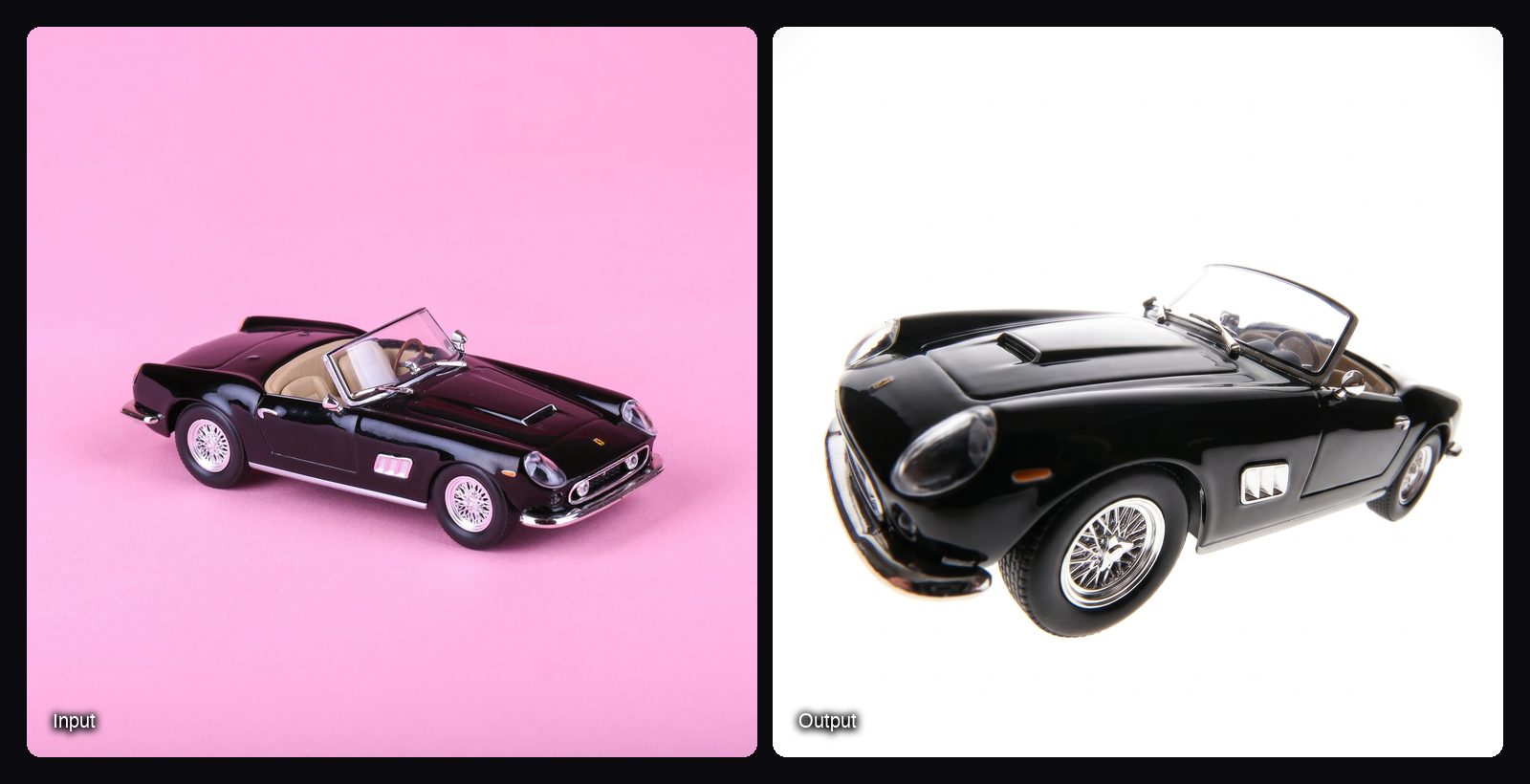
- White Background Product Studio: replaces backdrops with clean white for marketplace listings, for 1.01 credits a run.
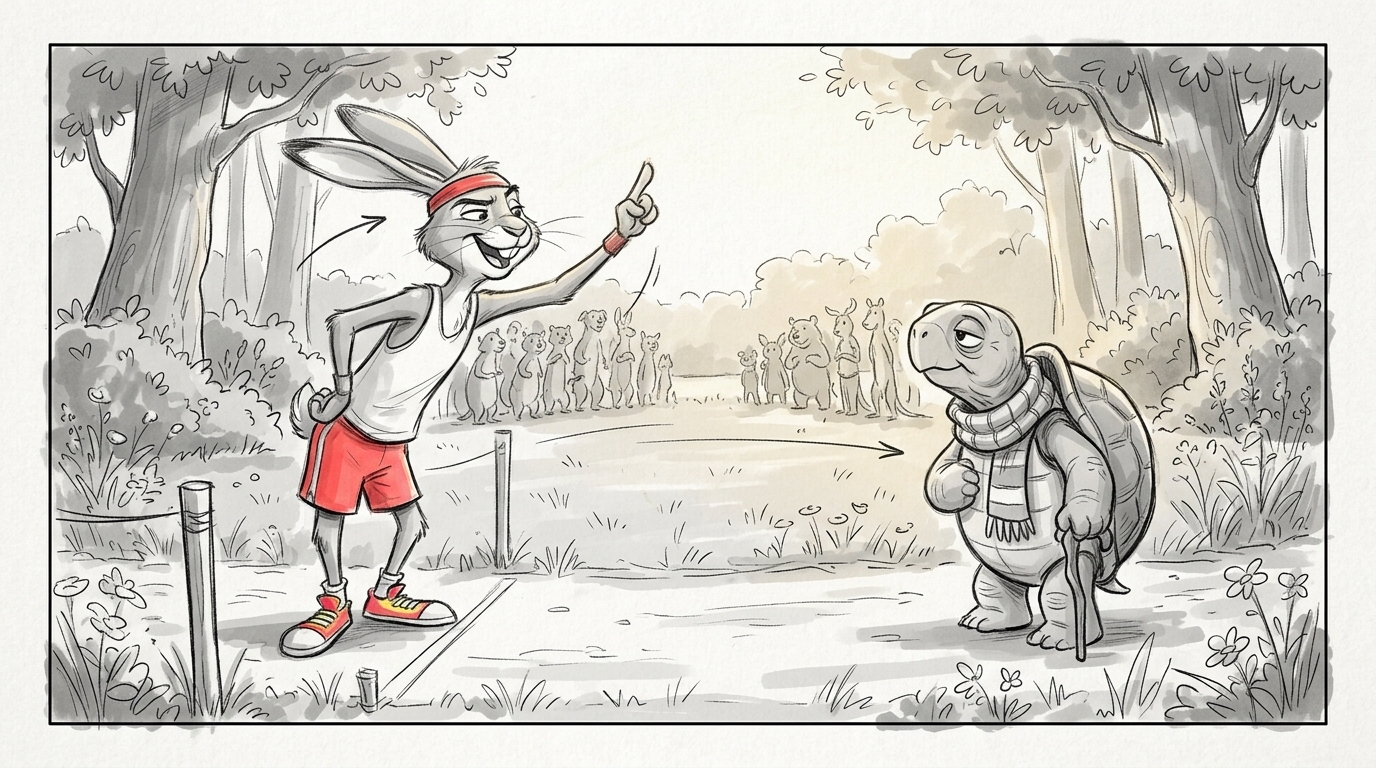
- Storyboard to Animatic: a one-paragraph script in, six pencil storyboard panels and an 18-second animatic out, for 33.31 credits a run.
Watch out for: in Sloosh, "Nano Banana 2" and "Nano Banana 2.1" are separate models, and only Nano Banana 2 has its own docs page, so pick the right one in the model chip. Sloosh has no free plan (a first workspace gets 20 starter credits once) and no public API yet, so developers who need code access should use the Gemini API or fal.
How to run Nano Banana 2 in Sloosh
Running Nano Banana 2 in Sloosh takes five steps.
- Open Studio > Image and pick Nano Banana 2 in the model chip.
- Describe the image as a short story: subject, action, location, composition and style. Quote any words that must appear.
- Add references with + and say what must stay exactly the same, such as "Keep the sneaker's sage-green panels exactly as in image 1."
- Set aspect ratio, resolution and how many to make. Test at 512px or 1K, and render the keeper at 2K or 4K.
- Press Generate. The cost shows on the button first, and results land in My generations and Assets.
Frequently asked questions
Is Nano Banana 2 the same as Gemini 3.1 Flash Image?
Yes. Google's Gemini API docs list Nano Banana 2 as Gemini 3.1 Flash Image, model id gemini-3.1-flash-image. Nano Banana 2.1 is a newer, separate model, and Nano Banana Pro is Gemini 3 Pro Image.
Can I use Nano Banana 2 for free?
Yes, in the Gemini app. Google's plan table lists image generation with Nano Banana 2 even without a Google AI plan, with daily limits and 1K downloads. The Gemini API has no free tier for it.
How much does Nano Banana 2 cost per image?
Nano Banana 2 costs $0.045 to $0.151 an image in the Gemini API, from 0.5K to 4K, with cheaper batch rates (Google pricing, Oct 23, 2026). fal charges $0.08 for a 1K image. In Sloosh, the Generate button shows the credit cost before you run.
Does Nano Banana 2 make 4K images?
Yes. Nano Banana 2 offers up to 4K in the Gemini API at $0.151 an image, and in Sloosh at 512px, 1K, 2K or 4K on every plan.
Is there anything better than Nano Banana 2?
For finished work with text or a strict brand look, Nano Banana Pro is the stronger Google model, and for new API projects Google recommends Nano Banana 2.1. Nano Banana 2 remains a good choice for fast drafts and large batches.
Bottom line
To try Nano Banana 2 for free, use the Gemini app. To build with it, use the Gemini API or fal, and look at Nano Banana 2.1 for new projects. If you want Nano Banana 2 next to Nano Banana Pro and other image models, with ready-made Spaces and agent access, Sloosh runs all of them in one Studio.
Try Nano Banana 2 in Sloosh Studio