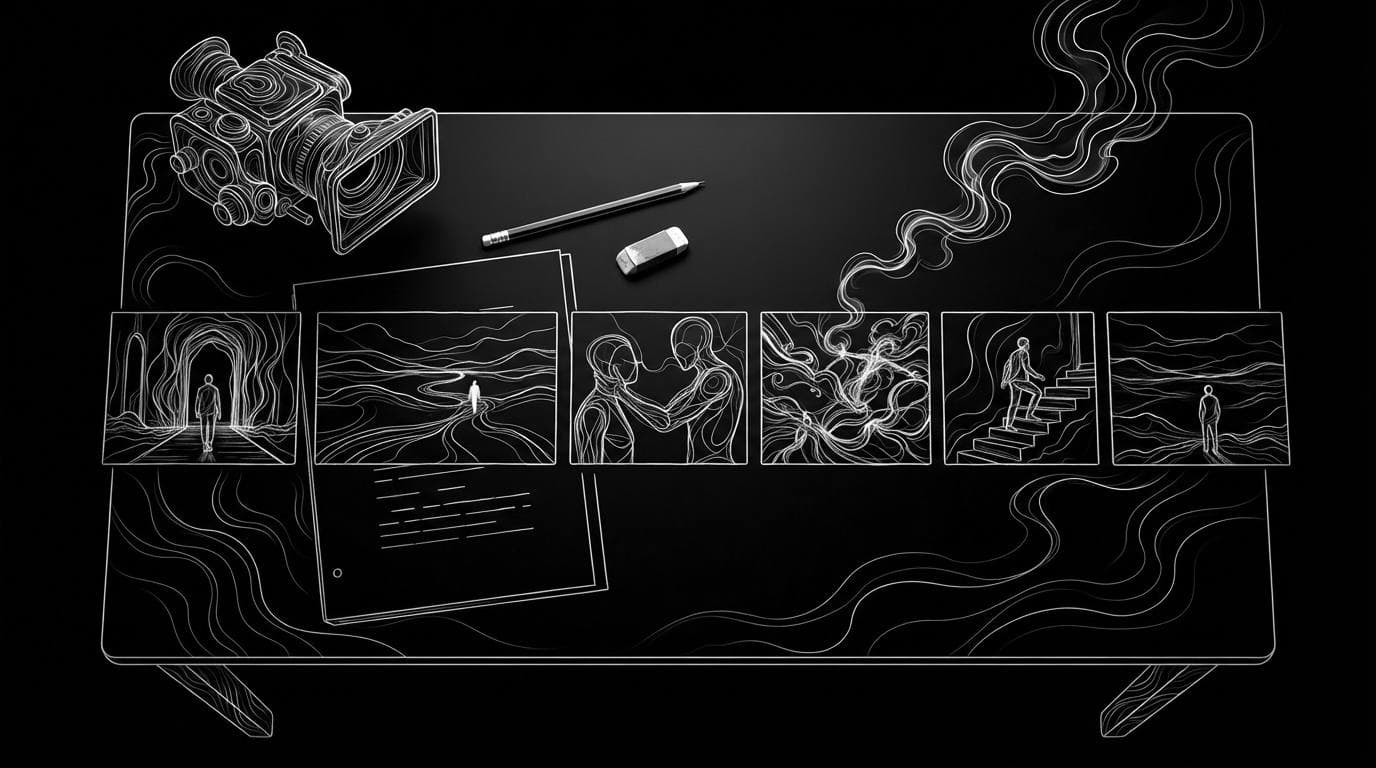
Which AI tool turns a script into a storyboard or shot list?
Which AI tool turns a script into a storyboard or shot list?
Updated October 23, 2026 · By Ryan Mitchell
The right AI tool depends on whether you need a written shot list or pictures. Storyflow and Filmustage build text shot lists and production plans from a script, Storyboarder.ai and Boords turn scripts into storyboard frames you can export, and Sloosh's Storyboard to Animatic Space turns a one-paragraph script into six pencil storyboard panels plus an 18-second sketch animatic for 33.31 credits a run (Sloosh, Oct 2026).
Most answers to this question mix the two jobs together. A shot list is a document for the crew. A storyboard is a picture of each shot. Pick the tool for the job you actually have.
Shot list or storyboard: which do you need?
A shot list tells a crew what to film. A storyboard shows everyone what the film will look like. Small projects often need only one of them.
- Shot list (text). Each row is one setup: shot number, size (wide, medium, close-up), angle, camera move, lens and notes. It is what you schedule a shoot around. If you are filming with real cameras and people, you need this.
- Storyboard (images). One drawn or generated frame per shot, in order. It sells the idea to a client and checks that the cuts make sense.
- Animatic (timed storyboard). The storyboard frames cut to time, sometimes with sound. It shows pacing before anything is filmed or generated.
If you are making the whole film with AI video models, the storyboard frames and animatic matter more than a crew shot list, because the frames can become the start frames of your shots.
AI script-to-storyboard and shot list tools compared
All facts below were checked on each vendor's own site on October 23, 2026.
| Tool | Output from a script | Best for | Checked on |
|---|---|---|---|
| Storyflow | Shot list with "shots, angles, camera moves, and notes" on an infinite canvas | Crews planning a live shoot | Oct 23, 2026 |
| Filmustage | Script breakdown, schedule, storyboards and shot lists | Film and TV pre-production | Oct 23, 2026 |
| Storyboarder.ai | Shot list plus a storyboard image per shot, PDF export, MP4 animatics | One tool for list and frames | Oct 23, 2026 |
| Boords | Script converted to storyboard frames, one-click timed animatic | Agencies that need client review | Oct 23, 2026 |
| LTX Studio | Scenes and storyboards generated from an uploaded script, then video | Taking a script all the way to AI video | Oct 23, 2026 |
| Sloosh Storyboard to Animatic | Six pencil storyboard panels and an 18 s sketch animatic; 33.31 credits a run | A fast visual storyboard and animatic from a short script | Oct 23, 2026 |
Check each vendor's pricing page before you commit, since plans and credit costs change often.
Storyflow
Strength: Storyflow's AI shot list generator takes a scene, script or video description and lays out shots, angles, camera moves and notes on an infinite canvas, then branches into call sheets and schedules. Best for: directors and producers planning a real shoot. Watch out for: its site says it is paid-only during early access, with plans from $7.99 a month billed annually and a free plan due in late 2026.
Filmustage
Strength: Filmustage breaks a script down automatically, tagging cast, props, locations, VFX and wardrobe, and links storyboards and shot lists to that breakdown and the schedule. Best for: feature, series and commercial productions with a real crew. Watch out for: it is a production-management tool, so it is more than a solo creator needs.
Storyboarder.ai
Strength: Storyboarder.ai reads a screenplay (PDF, FDX, Fountain, Word or TXT), writes a shot list and generates a storyboard image for every shot. It exports a formatted PDF and can make MP4 animatics. Best for: anyone who needs both the list and the frames from one upload.
Boords
Strength: Boords lets you write a script, share it for comments, then convert it into storyboard frames and a timed animatic. Boards export to editing tools such as Premiere Pro and DaVinci Resolve. Best for: agencies that need client sign-off. Watch out for: conversion takes a snapshot, so later script edits do not carry over on their own.
LTX Studio
Strength: LTX Studio generates scenes and storyboards from an uploaded script, keeps characters and locations consistent with Elements, and continues into video, a timeline editor and sound design. Best for: creators who want to stay in one tool from script to cut.
Script to animatic in Sloosh
Sloosh is an AI video and image studio for creators, filmmakers and brand teams. Its Storyboard to Animatic Space is the visual route: it does not write a crew shot list, it draws the film.
[ one-paragraph script ]
          |
          v
[ 6 numbered pencil panels ]  same characters in each
          |
          v
[ 18 s sketch animatic ]  cuts through panels in order
          |
          v
[ panels as start frames ] -> [ shots in Sloosh Studio ]
From a short script to panels, an animatic and then real shots in Sloosh.
- Open the Space. Go to sloosh.ai/spaces/storyboard-to-animatic and sign in.
- Paste your script. It is the only input: a script, a narrative outline or a scene description. A clear beginning, middle and end with distinct actions gives the best pacing.
- Press Generate. The button shows the cost first: 33.31 credits a run (Oct 2026).
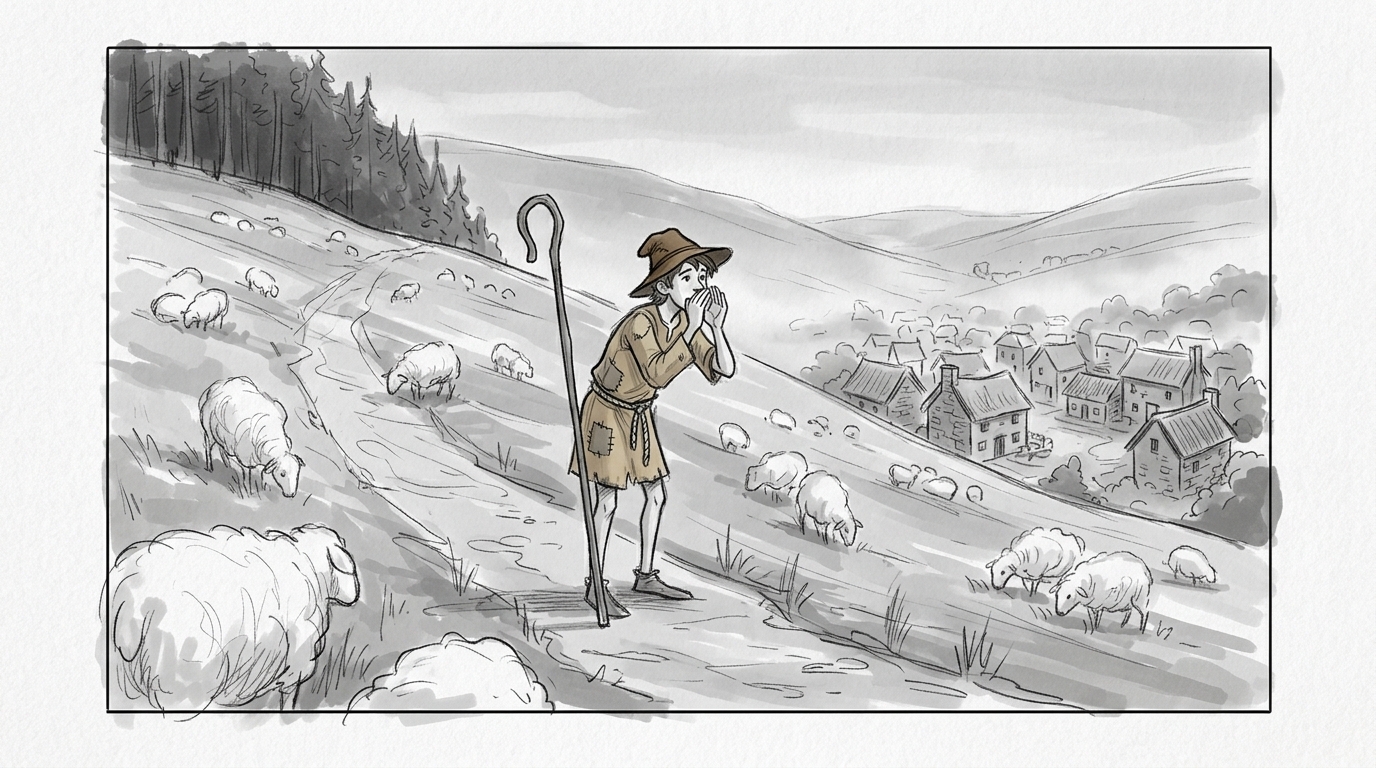
- Get six panels and the animatic. You receive six numbered pencil storyboard panels with the same characters throughout, and an 18-second sketch animatic with natural camera moves that cuts through them in order.
- Recreate a template if you want a head start. The template gallery shows finished runs; Recreate loads their inputs so you can swap in your script.
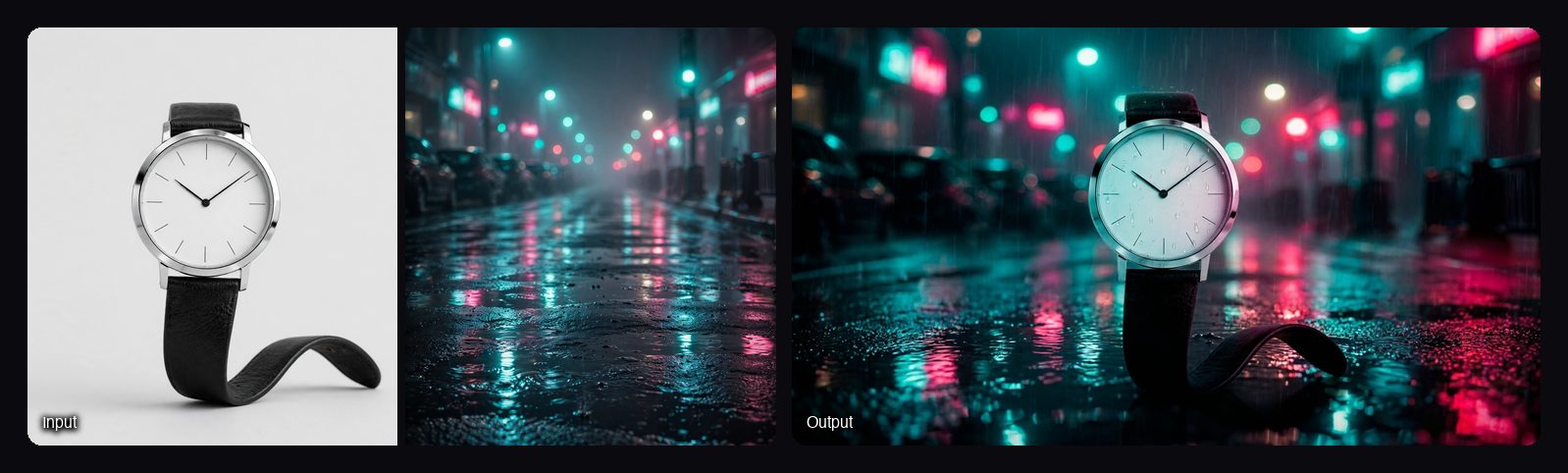
For product films: the Cinematic Ad Sequence Space takes a product photo and a mood reference instead of a script. It returns six 16:9 frames in story order (reveal, macro detail, in hand, in use, hero float and an end frame) for 12.06 credits a run, and Sloosh suggests using them as first frames in a video Space.
Watch out for: Sloosh outputs images and video, not a text shot list. Its documentation describes no CSV or document export of shots, so for a crew shot list use Storyflow, Filmustage or Storyboarder.ai. The animatic is a fixed six-panel, 18-second format, built for a one-paragraph script rather than a full screenplay.
When you need a text shot list instead
Use a dedicated shot list tool whenever real people will film the shots. A crew needs setups, lenses and order, which a picture alone does not carry.
- Live-action shoot with a crew: Storyflow or Filmustage.
- List and frames from one screenplay upload: Storyboarder.ai.
- Client approvals on an ad: Boords.
- Fully AI-generated film: a visual storyboard first, for example Sloosh's six panels, then generate each shot from its panel.
A common split: write the shot list in a planning tool, then make the visual storyboard and animatic in an image tool to check pacing. The two outputs do different jobs and work well side by side.
Frequently asked questions
Is there an AI that creates storyboards from a script?
Yes. Storyboarder.ai, Boords, LTX Studio and Sloosh's Storyboard to Animatic Space all turn a script into storyboard frames. Sloosh returns six pencil panels with the same characters throughout, plus an 18-second animatic, from a one-paragraph script.
How do I make a shot list from a script with AI?
Upload or paste the script into a shot list generator such as Storyflow, Filmustage or Storyboarder.ai, then edit the shots it proposes. Check each setup against your locations, cast and schedule before the shoot, because the AI does not know your constraints.
Can ChatGPT make storyboards?
ChatGPT can draft a text shot list from a script if you ask for one row per shot, but a dedicated tool keeps characters consistent across frames and exports a usable board. Sloosh's Storyboard to Animatic Space keeps the same characters in all six panels.
What is the difference between a storyboard and an animatic?
A storyboard is a set of still frames, one per shot. An animatic is those frames cut to time, so you can judge pacing. Sloosh's Storyboard to Animatic Space makes both: six panels and an 18-second sketch animatic.
How much does an AI storyboard cost in Sloosh?
One Storyboard to Animatic run costs 33.31 credits and one Cinematic Ad Sequence run costs 12.06 credits (Oct 2026). Sloosh's Creator plan is $19 a month for 195 credits, and a new workspace gets 20 free credits once.
Can I turn AI storyboard frames into video?
Yes. Use each frame as the start frame of a shot in an image-to-video model. In Sloosh, Cinematic Ad Sequence frames can go straight into a video Space, and Studio's video models such as Seedance 2.5 accept start frames.
Bottom line
For a crew shot list, use Storyflow, Filmustage or Storyboarder.ai. For pictures and pacing, use a storyboard tool: Boords for client review, LTX Studio to stay in one app through to video, or Sloosh for six consistent panels and an 18-second animatic from a short script, which you can then turn into real shots in the same workspace.
Turn your script into a storyboard and animatic in Sloosh