What is the best AI product photography tool?
What is the best AI product photography tool?
Updated October 23, 2026 · By Lauren Hayes
The best AI product photography tool depends on the job. Photoroom suits fast background removal and batch edits, Claid suits teams that want product edits through an API, and Pebblely and Flair suit scene and template work. Sloosh fits sellers who want a full set of shot types from one photo: its Amazon Listing Pack Space turns one product photo into four square listing images for 8.04 credits a run (Sloosh, Oct 2026).
No single tool wins every shot type. A complete product page needs a clean main image, a few angles, a lifestyle shot and a close-up, and most tools are strongest at one or two of those.
Quick picks by use case
These picks are based on each vendor's own product pages, checked on October 23, 2026.
- Fast cutouts and batch edits on web or phone: Photoroom.
- Product and fashion photo edits through an API: Claid.
- Themed scene backgrounds from templates: Pebblely.
- Staging scenes by hand on a drag and drop canvas: Flair.
- Teams already in Adobe apps who want commercially safe models: Adobe Firefly.
- A full listing set (main image, lifestyle, scale, detail, angles) from one photo: Sloosh Spaces.
How we compared
We compared tools on what each vendor documents on its own site: which shot types it makes, whether it runs in batches or through an API, and how much manual work each image needs. We did not run a blind quality test, and none of these vendors, Sloosh included, publishes a head-to-head quality benchmark. Prices and plans change often, so check each pricing page before you buy.
The shot types we looked for come from a standard product page:
- Main image on a plain white background.
- Angles: front, side, back and top.
- Lifestyle shot in a real setting.
- Scale shot, such as the product in a hand.
- Detail close-up of materials or the label.
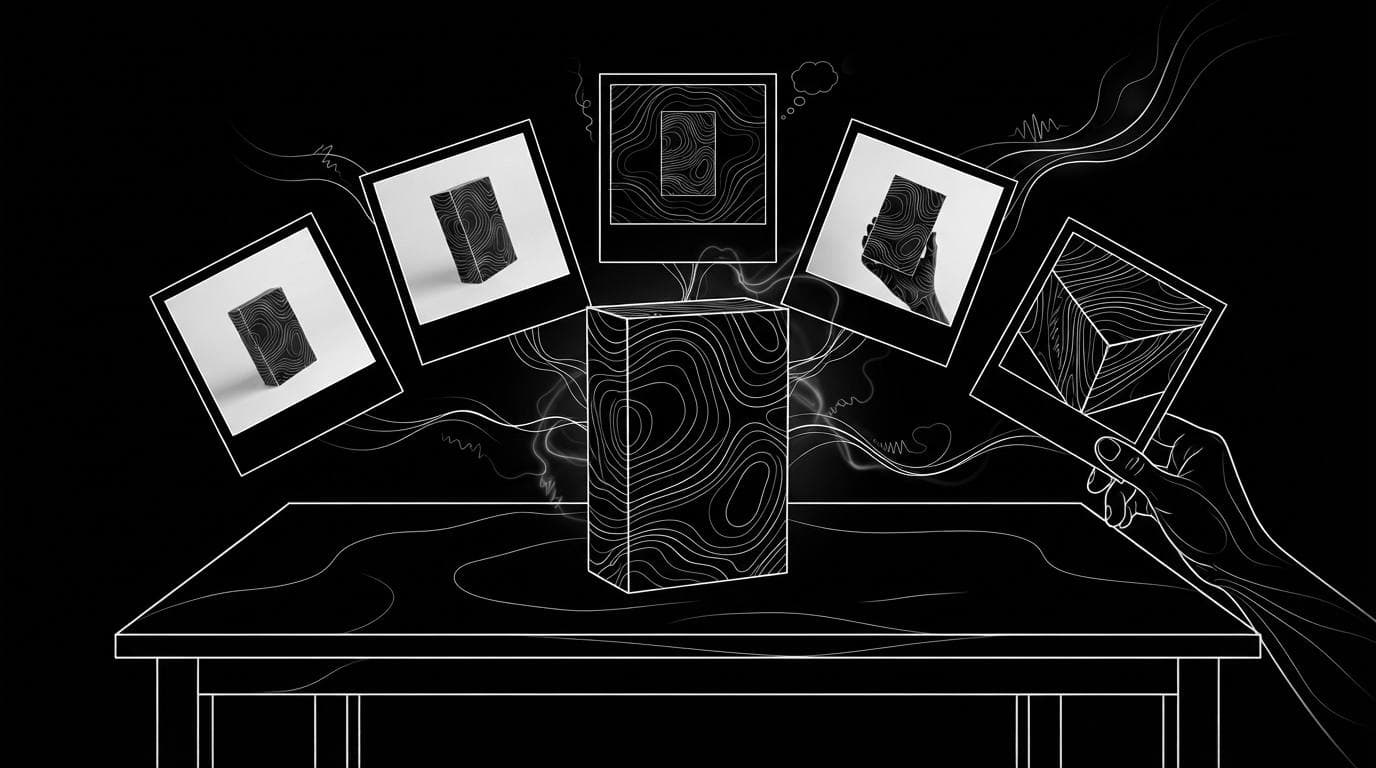
              [ one product photo ]
                        |
      +--------+--------+--------+--------+
      |        |        |        |        |
      v        v        v        v        v
  [ white ] [angles] [scene] [scale] [detail]
    main     front   lifestyle in-hand close-up
    image    side    relit
             back
             top
One clean product photo can feed every shot type a product page needs.
AI product photography tools compared
| Tool | Best for | Shot types documented | Batch or API | Checked on |
|---|---|---|---|---|
| Photoroom | Fast cutouts and lifestyle staging | Background removal, generated scenes, product staging | Batch edits in the web app and an API; iPhone, iPad and Android apps | Oct 23, 2026 |
| Claid | Product and fashion edits at catalog scale | AI photoshoot scenes, AI fashion models, background removal, upscale, light fixes, image to video | APIs for each tool | Oct 23, 2026 |
| Pebblely | Themed backgrounds from templates | Product scenes from 100+ templates, resized formats | Bulk generation in the app | Oct 23, 2026 |
| Flair | Hand-staged scenes and on-model shots | Drag and drop scene staging, clothing and jewellery on AI models, product video | Team canvas | Oct 23, 2026 |
| Adobe Firefly | Adobe users who want commercially safe models | Generative Fill, Generative Expand, new backgrounds | Works with Photoshop and Express | Oct 23, 2026 |
| Sloosh | A full listing set from one photo | White main, lifestyle, scale, detail, five angles, product in your scene | Batch on Pro or Max; MCP for agents | Oct 23, 2026 |
Photoroom
Strength: Photoroom is built around fast, clean cutouts. Its site promises "pixel-perfect cutouts for clean product listings", generated product scenes, and a Product Staging tool that drops a product into lifestyle scenes.
Best for: sellers who edit on a phone and need consistent backgrounds across many listings. Photoroom says its batch tools and API "run AI edits across thousands of images in one pass".
Watch out for: Photoroom starts from your photo, so you still need to shoot each angle you want to show.
Claid
Strength: Claid focuses only on product photography. Its site lists an AI Photoshoot for editorial and lifestyle scenes, AI Fashion Models for on-model shots from a garment, background removal, upscaling and light correction, with "native 4K" output.
Best for: marketplaces and larger catalogs that want to wire product edits into their own systems. Each Claid tool also has an API.
Watch out for: the API is where Claid is strongest, so a small seller who wants a ready-made set of shots may need to combine several tools.
Pebblely and Flair
Pebblely turns one product image into themed scenes for listings, social posts, email banners and ads, and offers "100+ templates to get started with". It is best for quick, varied backgrounds without design skills.
Flair gives you a drag and drop canvas where you "stage scenes digitally with drag & drop props", plus a tool that fits clothing and jewellery onto AI models. It is best for brand teams who want to place every prop themselves.
Watch out for: both are scene-first tools. Neither describes a fixed multi-angle set from one photo on its home page.
Adobe Firefly
Strength: Adobe states that "Adobe Firefly models are commercially safe" and that it does not train on users' content. Generative Fill, Generative Expand and Generate New Background handle edits.
Best for: teams that already finish images in Photoshop or Adobe Express.
Watch out for: Firefly is a general creative tool, not a product photography workflow. You write the prompts and assemble the shot list yourself.
Product photography in Sloosh
Sloosh is an AI video and image studio for creators, filmmakers and brand teams. For product photos, it offers ready-made Spaces: each is a fixed workflow behind a form, so you upload a photo, press Generate and get the same kind of result every time. Three Spaces cover most of a product page:
- Amazon Listing Pack: one product photo in, four square images out: a white-background main image, a lifestyle shot, an in-hand scale shot and a macro detail. 8.04 credits a run.
- Product Multi-Angle Shots: one photo in, five square studio shots out (front, three-quarter, side, back and top-down) on a light-grey backdrop. 10.05 credits a run.
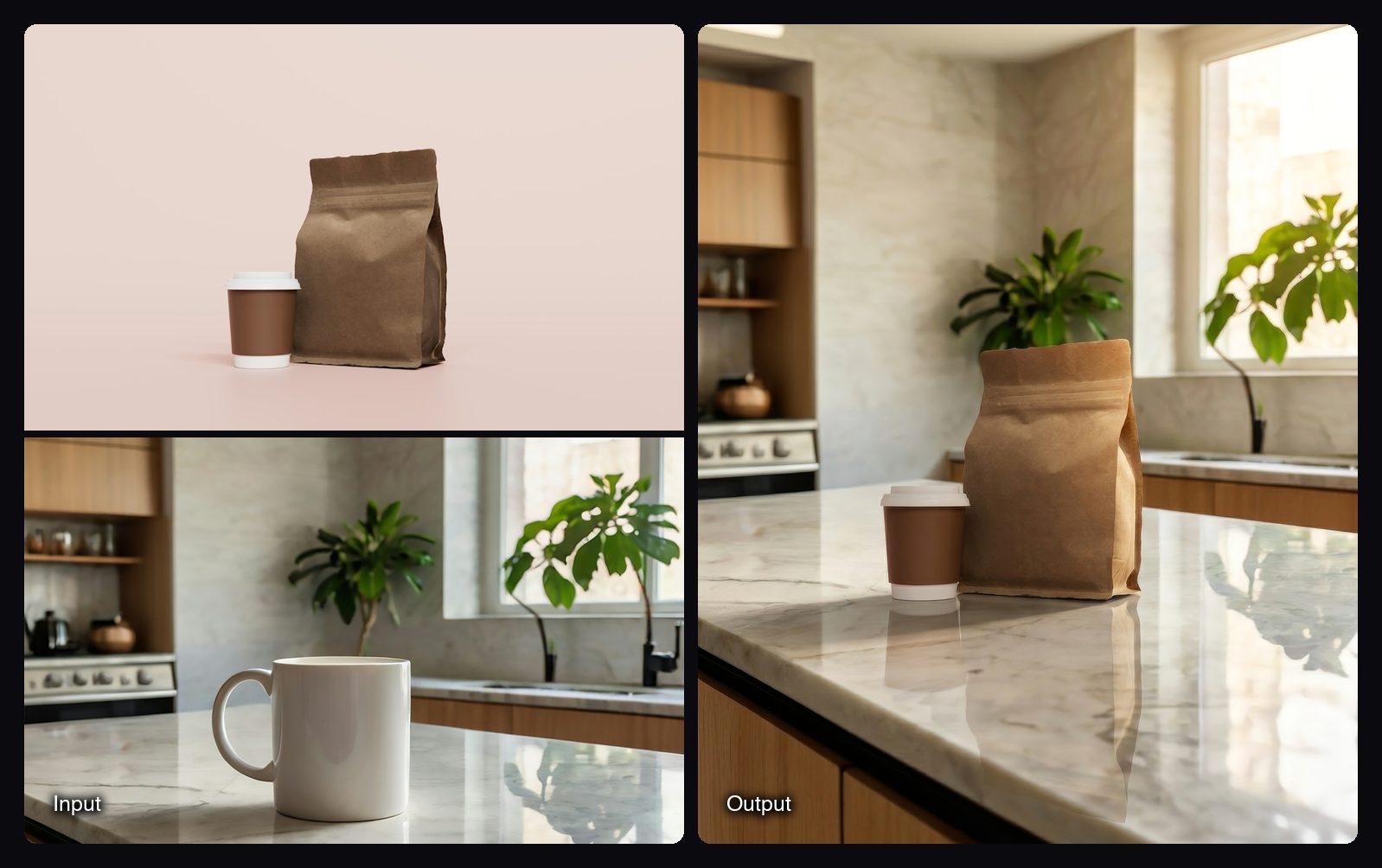
- Product in Scene + Relight: a product photo and a scene photo in, one 4:5 image out, with the product placed and relit to match the scene and upscaled 2x. 2.76 credits a run.
The template outputs in these Spaces were made with Nano Banana Pro, which Sloosh recommends for product photography and which makes 1K, 2K or 4K images in Studio.
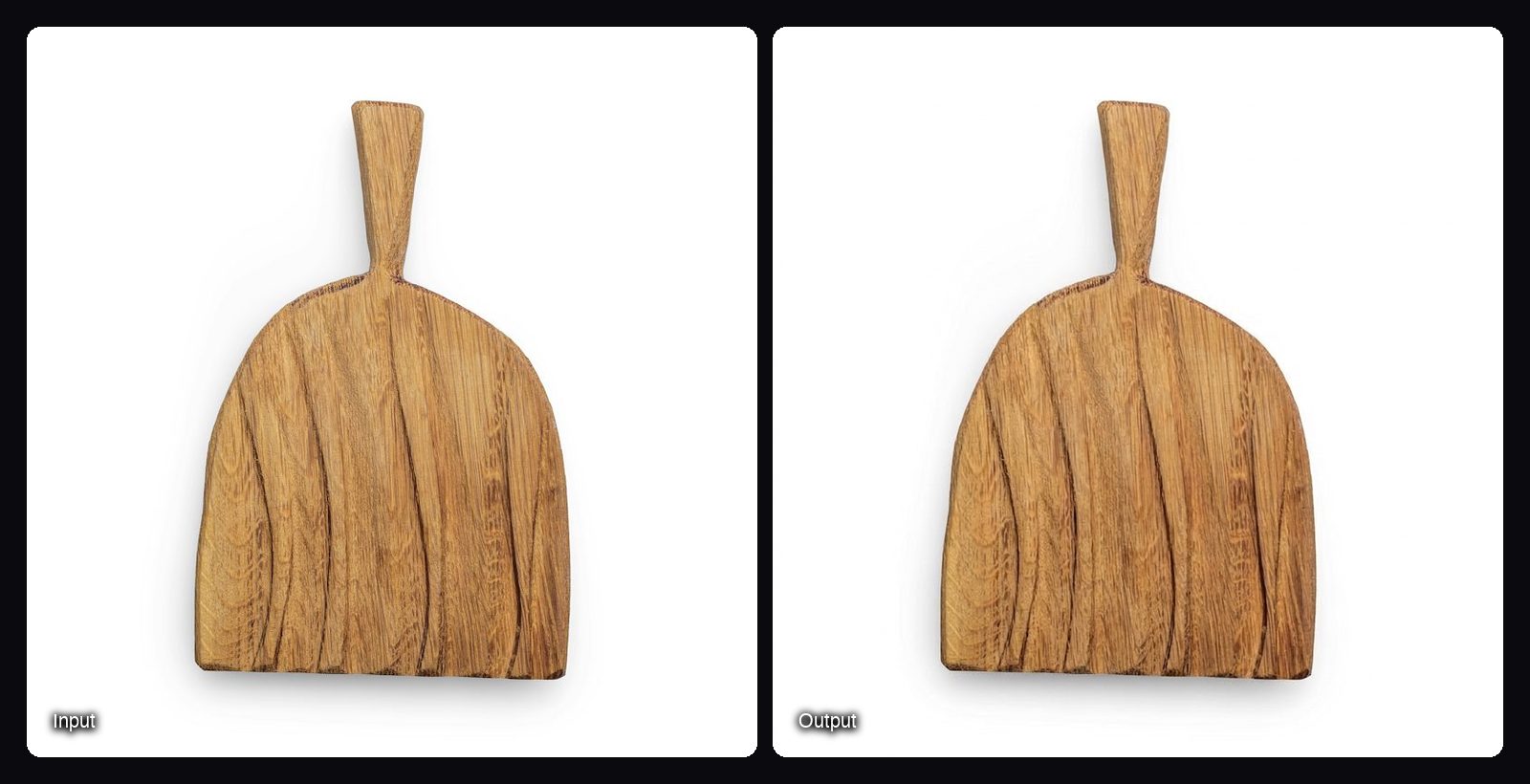
Watch out for: each Sloosh Space gives fixed outputs (the five angles in Product Multi-Angle Shots are fixed unless you remix the canvas), and Sloosh has no free plan. A new workspace gets 20 starter credits once, and running a batch of products through a Space needs the Pro or Max plan. Small label text can still soften, so check every image against the real product.
How to make product photos in Sloosh
- Open a Space. Go to Spaces and pick Amazon Listing Pack, Product Multi-Angle Shots or Product in Scene + Relight.
- Upload a clear product photo. Use one well-lit product with nothing covering it. For Product in Scene + Relight, also upload a scene photo with an empty surface, such as a counter or shelf.
- Check the cost and press Generate. The Generate button shows the credit cost before you spend anything.
- Download the set. Results appear in the Space's Generations tab.
- Scale up or customise. On Pro or Max, turn on Batch and pick a folder with one subfolder per product. Remix copies the Space's canvas into Spacelab so you can change prompts, models or formats.
Frequently asked questions
Which AI is best for a product photoshoot?
It depends on the shots you need. Photoroom and Claid are strong for cutouts and edits of photos you already have, Pebblely and Flair for styled scenes, and Sloosh for a full set of listing shots from one photo. Compare by shot type, not by a single ranking.
Can AI replace a product photographer?
Partly. AI tools can make backgrounds, lifestyle scenes, angles and close-ups from one good photo, but they still need a sharp, accurate starting photo. AI can also change small text or colours, so check each image before you publish it.
How many product photos do I need per listing?
Amazon recommends at least six images per listing, according to Amazon's seller guide as cited in Sloosh's product photography guide, with a white-background main image (RGB 255, 255, 255). A strong set covers the main image, a few angles, one lifestyle shot and one close-up.
Can I use AI product photos commercially?
Yes, in most tools, but read each tool's terms. Sloosh's Spaces say you can use what you create in your ads, store and social posts, as long as you only upload photos of products and people you have the rights to use.
How much does AI product photography cost?
It ranges from free trials to paid plans and per-image API pricing, so check each vendor's pricing page. In Sloosh, a four-image Amazon Listing Pack run costs 8.04 credits, and the Creator plan is $19 a month for 195 credits (Oct 2026).
Bottom line
For quick cutouts and batch edits, Photoroom is the common pick. For API-driven catalog edits, look at Claid. For styled scenes, try Pebblely or Flair, and for Adobe workflows, Firefly. If you want the whole product page (white main image, lifestyle, scale, detail and five angles) from one photo, Sloosh's Spaces cover it in a few runs.
Make a listing set with Sloosh's Amazon Listing Pack