What is the best AI tool for Amazon listing images?
What is the best AI tool for Amazon listing images?
Updated October 23, 2026 · By Lauren Hayes
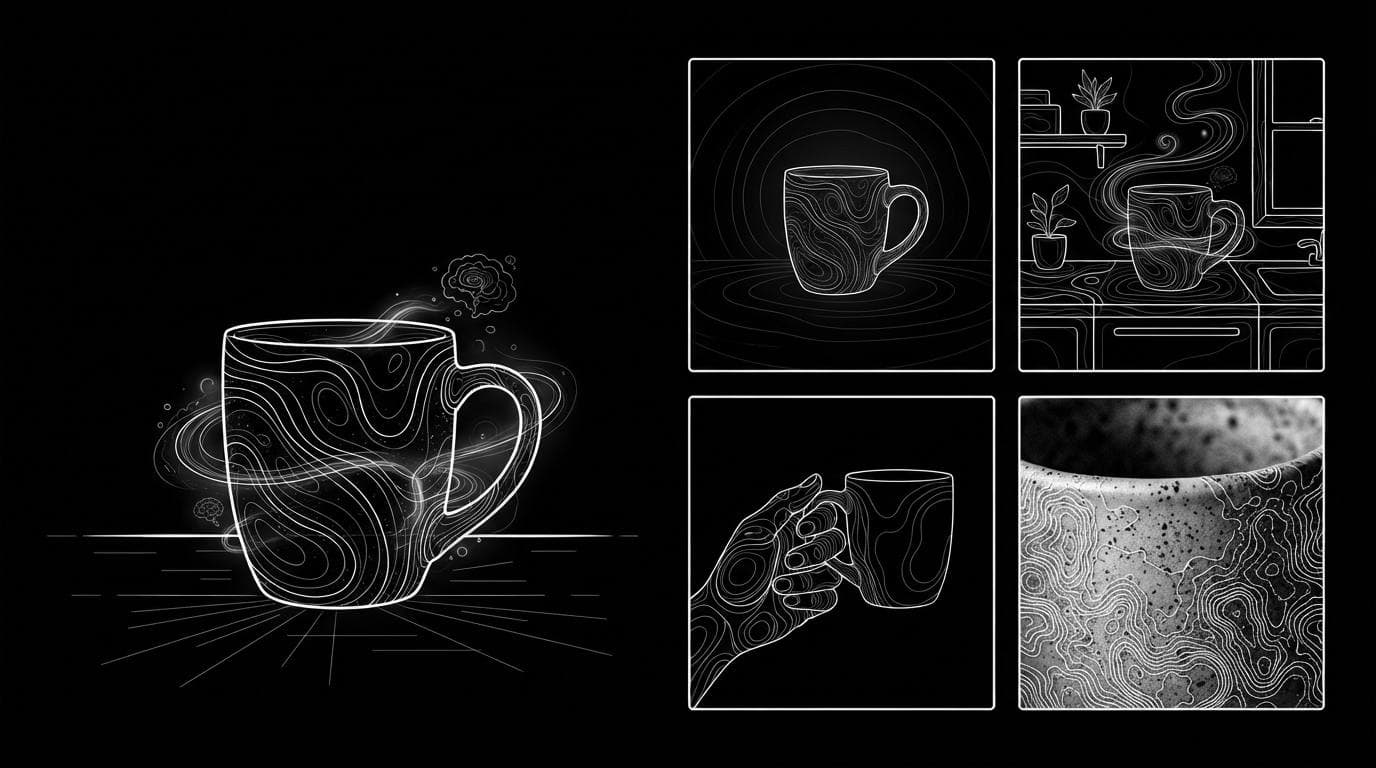
The best AI tool for Amazon listing images depends on which image slot you are filling: Photoroom is strong for cleaning up and batch-editing white-background main images, Kive for brand-trained lifestyle shots, Amazon's own A+ Content Manager for AI-assisted A+ modules, and Sloosh for a full set from one photo, where the Amazon Listing Pack Space turns one product photo into four square images (white main, lifestyle, in-hand scale, macro detail) for 8.04 credits a run (Sloosh, Oct 2026).
No single tool covers every slot well, so pick by slot and check every result against the real product.
Short answer by image slot
Each Amazon image slot has a different job, so the best tool changes by slot. These picks are based on each vendor's own pages, checked October 23, 2026.
- Main image on pure white, many SKUs at once: Photoroom, whose Amazon page describes templates for white-background and framing rules and a Batch tool for whole categories.
- Full listing set from one photo: Sloosh Amazon Listing Pack (main, lifestyle, scale, detail in one run).
- Extra angles of the same product: Sloosh Product Multi-Angle Shots, five fixed views from one photo.
- Brand-styled lifestyle and ad images: Kive, which offers product and brand training.
- Quick background swaps and upscaling: Pixelcut, with a one-click white background tool and an upscaler.
- A+ Content modules: Amazon's A+ Content Manager, which can generate text and images inside "AI Ready" modules.
What are Amazon's image rules?
Amazon requires at least one image per product, recommends at least six, and wants the main image on a white background. The figures below come from Amazon's own seller guide to product photos, checked October 23, 2026.
| Rule | What Amazon says | Checked on |
|---|---|---|
| Background | White, RGB 255, 255, 255, "in most cases" | Oct 23, 2026 |
| Size | 500 to 10,000 pixels on the longest side | Oct 23, 2026 |
| Zoom | Larger than 1,000 pixels on each side preferred | Oct 23, 2026 |
| File type | JPEG preferred; TIFF, PNG, non-animated GIF accepted | Oct 23, 2026 |
| Quality | Clear, unpixellated, no jagged edges | Oct 23, 2026 |
| Image count | At least one required, at least six recommended | Oct 23, 2026 |
| Frame fill | Product fills 85% or more of the frame (shooting tip) | Oct 23, 2026 |
Category style guides in Seller Central can add stricter rules, so an "Amazon compliant" AI image still needs a human check.
Which AI tools work for Amazon listing images?
Strengths below come from each vendor's own pages; prices appear only where the vendor publishes them.
| Tool | Best for | What it does for Amazon | Price signal | Checked on |
|---|---|---|---|---|
| Sloosh | A full image set from one photo | Amazon Listing Pack: 4 square images per run; White Background Product Studio: up to 10 photos onto white | 8.04 and 1.01 credits a run; Creator plan $19/month for 195 credits | Oct 23, 2026 |
| Photoroom | Compliant main images at catalog scale | Templates for white background and framing, Batch export for whole categories | See vendor pricing | Oct 23, 2026 |
| Kive | Brand-trained lifestyle and ad shots | AI product shots, ads and edits, with product and brand training | Basic $40/month (2,000 credits, about 200 images) | Oct 23, 2026 |
| Pixelcut | Fast single-image fixes | White background, background remover, upscaler, AI backgrounds | See vendor pricing | Oct 23, 2026 |
| Adobe Firefly | Teams in Adobe apps | Image generation plus Generative Fill and Expand; Adobe says its models are commercially safe | See vendor pricing | Oct 23, 2026 |
| Amazon A+ Content Manager | Brand Registry sellers building A+ | Generates text and images in "AI Ready" modules | Inside Seller Central | Oct 23, 2026 |
Photoroom
Photoroom is the most common answer for main images. Strength: its Amazon page describes templates for white-background and framing rules, automatic edge clean-up, and Batch processing for large catalogs. Best for: sellers with real product photos who need consistent white mains across hundreds of SKUs. Watch out for: it starts from photos you already have, so it is less suited to building lifestyle or scale shots from nothing.
Kive
Kive is built for brand-styled product imagery. Strength: it offers product and brand training (unlimited on its Pro plan) and one-click presets from studio clean to editorial looks. Best for: brands that want lifestyle and ad images that match a defined look. Watch out for: plans start at $40 a month billed monthly (Kive pricing, Oct 2026), and it is aimed at brand content more than Amazon-specific slot rules.
Sloosh
Sloosh is an AI video and image studio for creators, filmmakers and brand teams, with ready-made workflows called Spaces. Strength: the Amazon Listing Pack Space covers four slots from one photo in a single run. Best for: sellers who have one decent product photo and need a full supporting set. Watch out for: Sloosh has no A+ Content module builder, the pack makes four images rather than Amazon's recommended six, and the Space's own FAQ says to check the latest marketplace rules before uploading the main image.
How to make a full Amazon listing set in Sloosh
The Sloosh route uses up to three Spaces to fill six or more slots. Each Space is a form: upload a photo, press Generate, and the button shows the credit cost first.
 [one product photo]
        |
        +--> Amazon Listing Pack (8.04 cr)
        |      > 1 main on white
        |      > 2 lifestyle   > 3 in-hand scale
        |      > 4 macro detail
        |
        +--> Product Multi-Angle Shots (10.05 cr)
        |      > front, 3/4, side, back, top-down
        |
        v
 [check each image vs the real item] --> upload
One photo feeds two Sloosh Spaces that fill the main, supporting and angle slots.
- Open the Amazon Listing Pack. Go to sloosh.ai/spaces/amazon-listing-pack and sign in. A new workspace gets 20 free starter credits.
- Upload one product photo. Use a clear, well-lit photo with the label visible. This is the only required input.
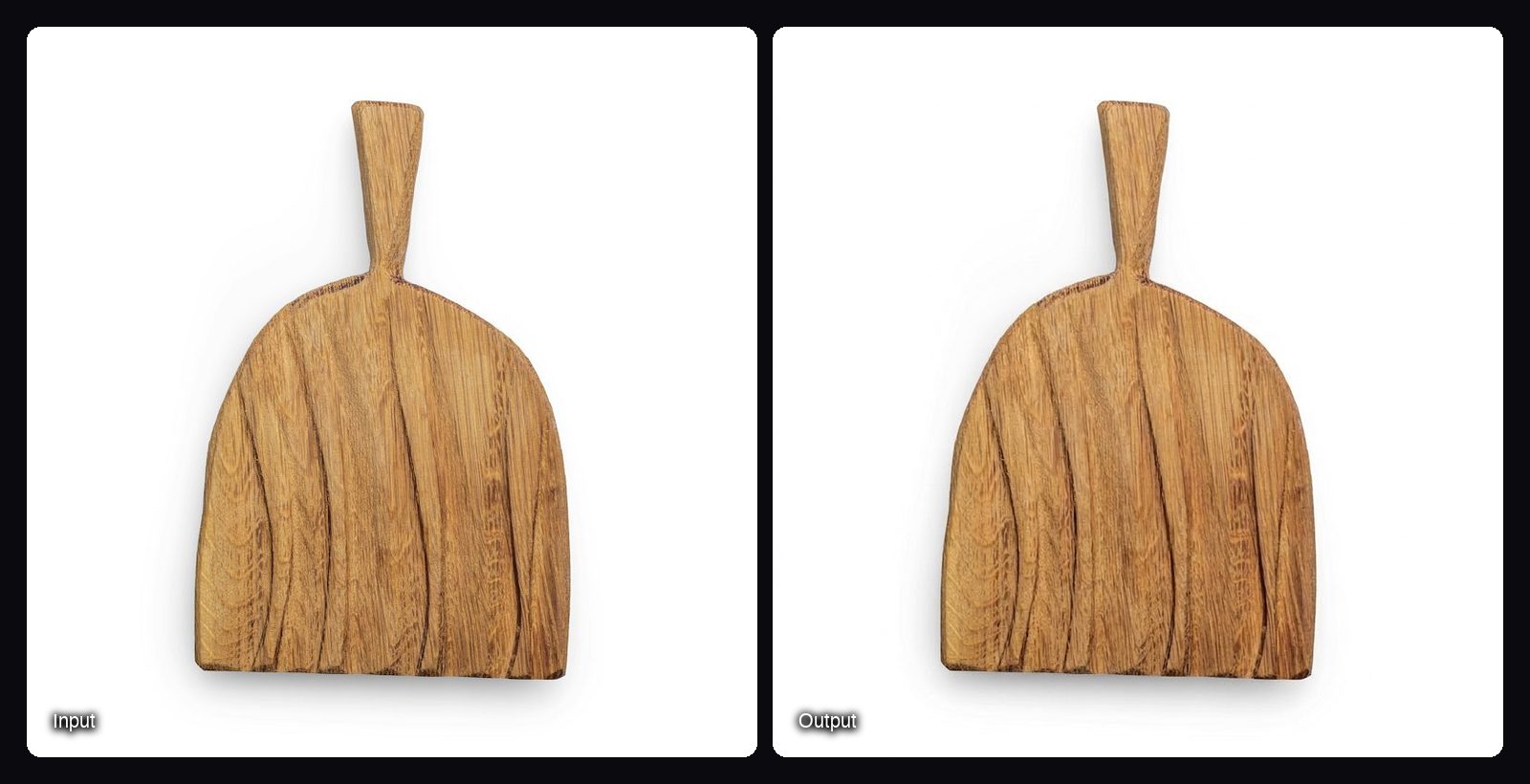
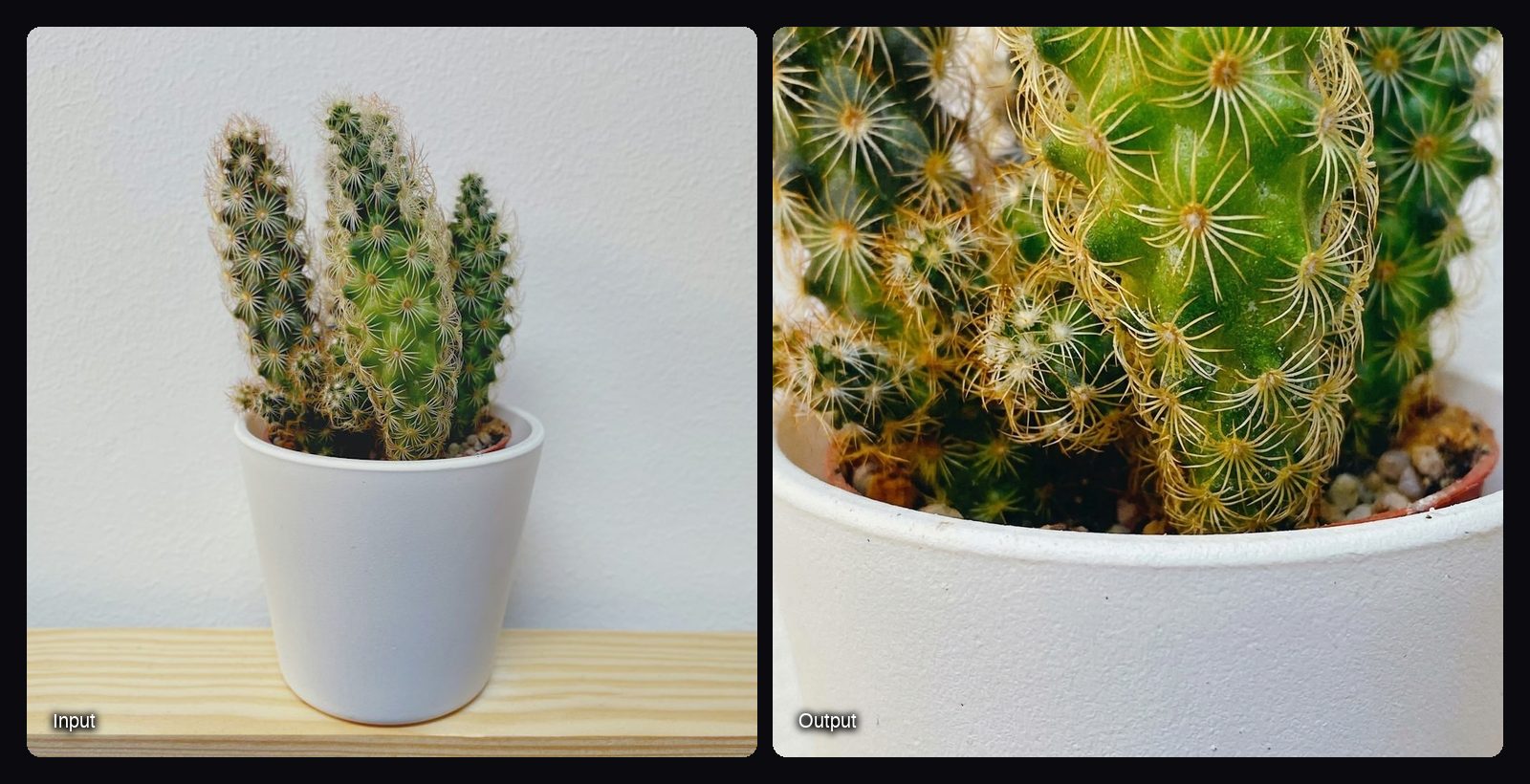
- Generate. You get four square images: a white-background main with no text or props, a lifestyle shot, an in-hand scale shot and a macro detail.
- Add angles if you need them. Run Product Multi-Angle Shots on the same photo for five square studio views (front, three-quarter, side, back, top-down) on a light-grey backdrop. Use the back or side view as a supporting image.
- Fix existing photos onto white. If you already have shots, White Background Product Studio puts up to 10 photos onto a solid white background for 1.01 credits a run.
- Check and export. Compare every image with the real product: colour, label text, proportions and included parts. Then upload to Seller Central.
For many products at once, batch mode on a Space runs a folder with one subfolder per product, on the Pro or Max plan (Sloosh docs, Oct 2026). Not every Space offers batch.
What the Amazon Listing Pack produces
These come from the Space's template gallery, where Recreate loads a run's inputs for your own photo.
Tips for AI-made Amazon images
- Start from a sharp photo with clean edges and a readable label.
- Keep props out of the main image. Save scenes for lifestyle slots.
- Match the set: Amazon advises consistent placement and camera distance across images.
- Check against the real item. AI can change text, colour or proportions.
Frequently asked questions
Can I use AI images for Amazon listings?
Yes, Amazon does not ban AI-made images, but every image must still meet its image rules and accurately show the product. Amazon's own A+ Content Manager generates images for "AI Ready" modules, and the seller stays responsible for what is published.
Does Amazon have an AI image generator?
Yes, for A+ Content. In A+ Content Manager, modules with an "AI Ready" badge let you choose "Select content to generate" and fill text and image fields with generated content (Amazon A+ design guide, Oct 2026). It does not make your main gallery images.
Which AI is best for Amazon sellers?
It depends on the slot. Photoroom suits batch white-background mains, Kive suits brand-styled lifestyle images, and Sloosh's Amazon Listing Pack suits sellers who want main, lifestyle, scale and detail shots from one photo for 8.04 credits a run.
How many images should an Amazon listing have?
Amazon recommends at least six images and requires at least one. A practical set is a white main, an angle, a back or side view, a detail, a scale shot and a lifestyle scene.
Is the AI main image Amazon-compliant?
Usually, but check it. Sloosh's Amazon Listing Pack generates the main image on pure white with no text or props, and Photoroom offers Amazon templates, but category rules differ. Confirm the background, frame fill and product accuracy before uploading.
How much does it cost to make Amazon images with AI?
Costs range from free single-image tools to monthly plans. Kive's Basic plan is $40 a month billed monthly, and in Sloosh one Amazon Listing Pack run costs 8.04 credits, so the Creator plan's 195 monthly credits ($19) covers about 24 runs (Oct 2026).
Bottom line
Choose by slot. Use a batch editor like Photoroom when you already have product photos and need consistent white mains, Kive for brand-styled lifestyle work, and Amazon's A+ Content Manager for A+ modules. If you have one good photo and need the main, lifestyle, scale and detail shots without a shoot, Sloosh's Amazon Listing Pack makes all four in one run.
Make an Amazon listing set in Sloosh