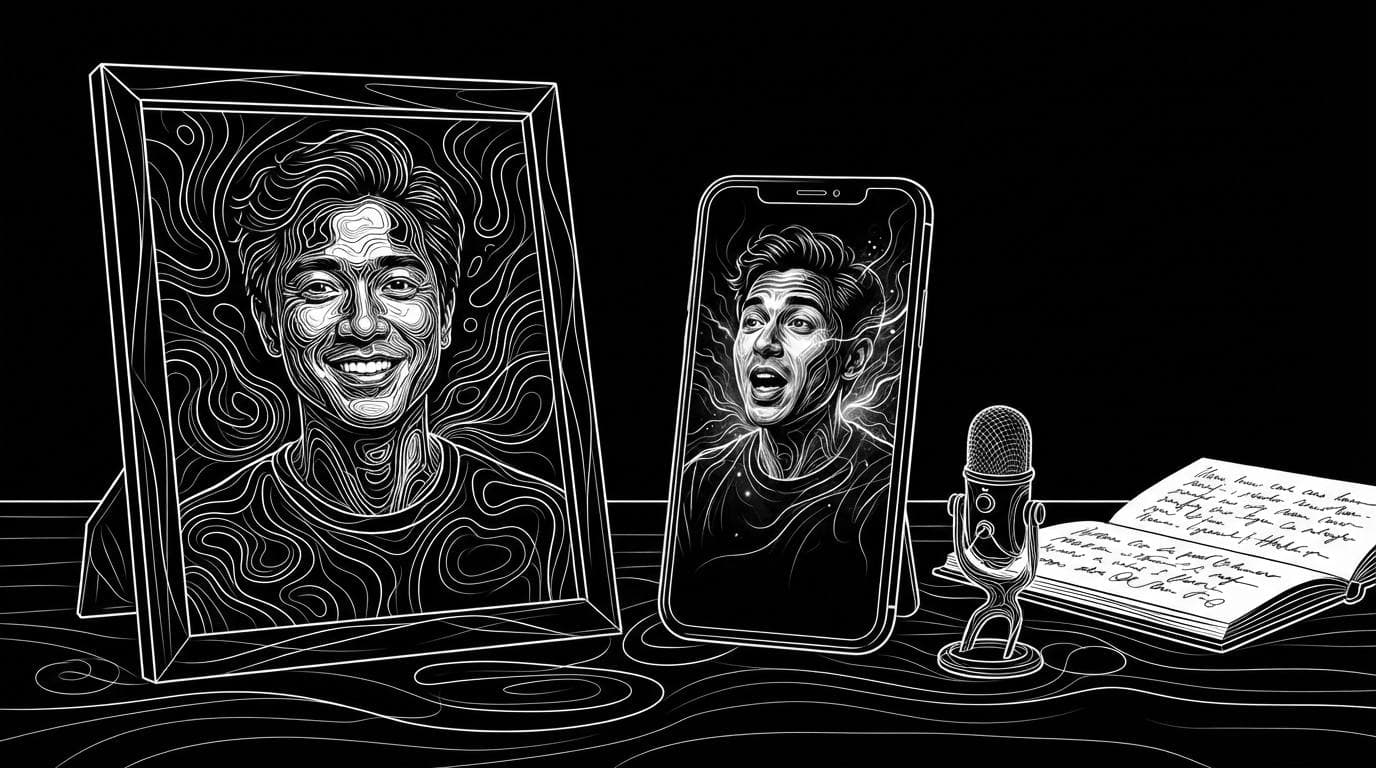
How do I make a talking video from a photo with AI?
How do I make a talking video from a photo with AI?
Updated October 23, 2026 · By Emily Brooks
To make a talking video from a photo with AI, upload a clear front-facing portrait to a talking-photo tool, add a script or an audio recording, pick a voice, and generate. HeyGen and D-ID are built for exactly this, while Sloosh does it inside finished formats: its UGC Selfie Video Ad Space turns one creator photo into a 4 to 15 second selfie-style video with voiceover, and its AI Claymation and Wool Explainer Videos Space makes a 10-second clay, wool or Pixar-style clip of you speaking (Sloosh, Oct 2026).
Sloosh does not have a plain "photo plus script equals talking head" Space today. If that is all you need, a dedicated talking-photo tool is the more direct route. This page shows both.
What does a good talking photo need?
A good talking-photo video starts from a sharp, front-facing portrait and a short script written to be spoken. The checklist below works with any tool.
- One face, facing the camera. Use a well-lit photo of one person with the face and shoulders visible. Avoid sunglasses, hats that hide the hair, heavy filters and group photos.
- A neutral or slightly open mouth. The tool has to invent mouth shapes. A relaxed expression gives it room to work.
- A script sized to the clip. About 25 spoken words fill 10 seconds (Sloosh, Oct 2026). Long scripts get rushed or trimmed.
- The right voice. Pick a stock voice that fits the person, or upload your own recording for the closest match.
- Permission. Only animate photos of yourself or people who have agreed. Never animate a real person to say something they did not say.
- A disclosure where needed. Some platforms ask creators to label realistic AI-generated people. Check the rules where you publish.
 [portrait photo] + [script or audio]
          |                 |
          v                 v
 +--------------+   +----------------+
 | face is      |   | voice: stock,  |
 | animated     |<--| cloned or your |
 +--------------+   | own recording  |
          |         +----------------+
          v
 [mouth synced to speech] -> [talking video]
How a talking-photo tool works: the speech drives the mouth on an animated portrait.
Tools that make a talking video from a photo
These tools take a still photo and return a video of that person speaking. Facts come from each vendor's own pages.
| Tool | What you upload | What you get | Voice options | Free option | Checked on |
|---|---|---|---|---|---|
| HeyGen | Portrait photo, plus a script or your own audio | A talking video of the photo, in 177+ languages and dialects | Voice library or your own audio | Free account | Oct 23, 2026 |
| D-ID | Face image (JPEG or PNG, up to 10 MB), text or audio | A video with a talking digital avatar | Hundreds of languages and voice styles, voice imitation | Free trial | Oct 23, 2026 |
| Sloosh UGC Selfie Video Ad | 1 creator photo, 1 to 8 product photos, a brief | A 4 to 15 s selfie-style ad with voiceover, 9:16, 1:1 or 16:9 | Voiceover language menu | 20 starter credits once | Oct 23, 2026 |
| Sloosh Claymation and Wool Explainer | 1 photo, a topic or script, a style | A 10 s, 9:16, 720p clip of your clay, wool or Pixar-style character speaking | Voice included | 20 starter credits once | Oct 23, 2026 |
HeyGen
HeyGen's talking-photo guide (last updated October 20, 2026) has you upload a portrait as an avatar, write a script of more than 10 characters, choose a voice or upload your own audio, and submit. It says the result is ready in minutes.
- Best for: a realistic talking head from a single photo, in many languages.
- Watch out for: the guide does not list free-plan quotas, watermarks or length limits. Check the pricing page.
D-ID
D-ID turns text, audio or a still image into a video with a digital avatar. You can upload a face image, use a ready-made avatar, or generate a face, and it offers voice imitation so the avatar speaks in your own voice.
- Best for: presenter-style clips and avatar videos for training or marketing.
- Watch out for: the studio page shows no prices; they are on separate Studio and API pricing pages.
What Sloosh can do from a photo
Sloosh is an AI video and image studio for creators, filmmakers and brand teams. Two of its Spaces make a person in a photo speak, inside a finished format.
A UGC ad from one creator photo
The UGC Selfie Video Ad Space takes 1 to 8 product photos, one clear photo of the person you want on camera, a short brief, a voiceover language, a length of 4 to 15 seconds and an aspect ratio. Sloosh writes a shot-by-shot UGC script and films it as a selfie-style video with voiceover, and the person stays the same across every shot. One run costs 52.08 credits (Sloosh, Oct 2026). Voiceover languages include English, Arabic, Spanish, French, German, Italian, Portuguese, Hindi and Urdu.
A stylised explainer starring you
The AI Claymation and Wool Explainer Videos Space takes one photo, a topic or script, and a style: Clay, Wool or Pixar. A script director splits your idea into three timed beats with dialogue, and Gemini Omni renders a 10-second vertical video of your character speaking the lines with lip sync. One run costs 15.27 credits and usually finishes in about a minute (Sloosh, Oct 2026).
If you already have a video
The Talking Clip Space needs a video, not a photo. Upload a front-facing clip of a person, type the words, and get it back with a natural voice and lips synced to every word, up to 30 seconds, for 24 credits a run.
Build your own in Spacelab
Spacelab, Sloosh's workflow canvas, has the parts to build a photo-to-talking flow yourself: a Video node that animates a first frame, a Text to speech node that reads up to 1,000 characters (about a minute) in a stock ElevenLabs voice, and a Lipsync node that makes a face on video say an audio track of up to 30 seconds (Sloosh docs, Oct 2026). Wire photo to Video, script to Text to speech, then both into Lipsync.
Watch out for: Sloosh has no ready-made Space that turns a plain photo and your own script into a realistic talking head. The UGC Space writes its own ad script from your brief, and the explainer Space restyles you as clay, wool or a 3D character. A new workspace gets 20 starter credits once, which does not cover one UGC run.
How to make a talking explainer from a photo in Sloosh
- Open the Space. Go to sloosh.ai/spaces/ai-claymation-wool-explainer-videos and sign in.
- Upload one photo. Use a front-facing photo of one person in even light. What they wear becomes the character's outfit.
- Type a topic or script. A one-line topic is enough. A script should be about 25 spoken words.
- Pick a style. Choose Clay, Wool or Pixar. The price is the same for each.
- Press Generate. The button shows the cost, 15.27 credits, before you spend anything.
- Add captions and music. The clips have no captions or watermark, so add your own subtitles and logo in any editor.
Frequently asked questions
Can AI make a video of someone talking from one photo?
Yes. Talking-photo tools such as HeyGen and D-ID animate a single portrait and sync its mouth to a script or an audio file. In Sloosh, the UGC Selfie Video Ad and AI Claymation and Wool Explainer Spaces each start from one photo of a person.
How do I make a photo talk for free?
Start with a free account or trial. HeyGen offers a free account and D-ID a free trial, though neither page lists the exact limits. A new Sloosh workspace gets 20 starter credits once, enough for one 15.27-credit explainer run.
Can I use my own voice?
Yes, in most tools. HeyGen lets you record or upload your own audio, and D-ID offers voice imitation. Sloosh's Spaces use generated voices; Spacelab's Text to speech node uses stock ElevenLabs voices.
How long can a talking photo video be?
It depends on the tool and plan. Sloosh's explainer Space makes 10-second clips and its UGC Space 4 to 15 seconds. Spacelab's Lipsync node takes audio of up to 30 seconds. HeyGen's guide does not state a limit.
Is it legal to make a talking video of someone else's photo?
Only with their permission. Use photos of yourself or people who have agreed, never make a real person appear to say something they did not, and follow each platform's rules on labelling realistic AI content.
Bottom line
For a realistic talking head from a photo and your own script, a dedicated talking-photo tool such as HeyGen or D-ID is the direct route. If the talking photo is going into a short ad or a social explainer, Sloosh makes the finished piece from one photo: a UGC selfie ad with voiceover, or a 10-second clay, wool or Pixar-style clip of you speaking.
Make a talking explainer from your photo in Sloosh