
How do I translate and dub a video into another language with AI?
How do I translate and dub a video into another language with AI?
Updated October 23, 2026 · By Emily Brooks
To translate and dub a video with AI, upload the video to a dubbing tool, pick the target language, and let it transcribe, translate, re-voice and lip-sync the speech, then check the result with a native speaker. HeyGen, Synthesia and Rask each list 130 or more languages, ElevenLabs Dubbing keeps the original voices, and Sloosh's Translate and Dub Space does short talking clips of up to 30 seconds in 11 languages for 24.43 credits a run (Sloosh, Oct 2026).
AI dubbing has four steps, and every tool runs the same chain. Knowing the chain helps you spot where a bad result comes from.
 [talking video]
        |
        v
 1 transcribe  -> speech becomes source-language text
 2 translate   -> text becomes target-language text
 3 re-voice    -> new speech, ideally the same voice
 4 lip-sync    -> mouth re-timed to the new words
        |
        v
 [dubbed video] -> native-speaker check -> publish
The four steps every AI dubbing tool runs, plus the human check at the end.
What does a good AI dub need?
A good AI dub starts from clean audio and one clear face, and ends with a human check. The checklist below works with any tool.
- Clear, single-speaker audio. Background music and crosstalk confuse transcription. Every later step inherits that error.
- A face that faces the camera. Lip-sync re-times the mouth, so it needs to see it. Profile shots and covered mouths sync poorly.
- A script that translates. Idioms, jokes and on-screen text do not translate word for word. Fix them in the transcript or translation step if your tool lets you edit.
- The right voice. A cloned voice keeps the speaker recognisable across languages. A stock voice is fine for narration without a face.
- Length that fits. Some languages need more words than others to say the same thing, so the dub can run faster or slower than the original. Watch for rushed delivery.
- A native-speaker review. Machine translation gets names, numbers and tone wrong. One review pass catches most of it before you publish.
- Captions too. Many viewers watch with the sound off, so add subtitles in the new language.
How to translate and dub a video in Sloosh
Sloosh is an AI video and image studio for creators, filmmakers and brand teams. Its Translate and Dub Space takes a talking clip and a target language, then transcribes, translates, re-voices and lip-syncs it so the mouth matches the new words (Sloosh, Oct 2026).
- Open the Space. Go to sloosh.ai/spaces/translate-and-dub and sign in.
- Upload your video. Use a clip of up to 30 seconds with a single speaker facing the camera and distinct, audible speech.
- Pick the target language. The options are English, Spanish, French, German, Italian, Portuguese, Hindi, Japanese, Korean, Mandarin and Arabic.
- Press Generate. The button shows the cost first: 24.43 credits a run.
- Review and share. The dubbed video appears in the Space's Generations tab. Share copies a public
sloo.sh/r/link. - Add captions. Run the result through the Add Captions Space, which burns auto-generated subtitles into a talking video for 15 credits a run.
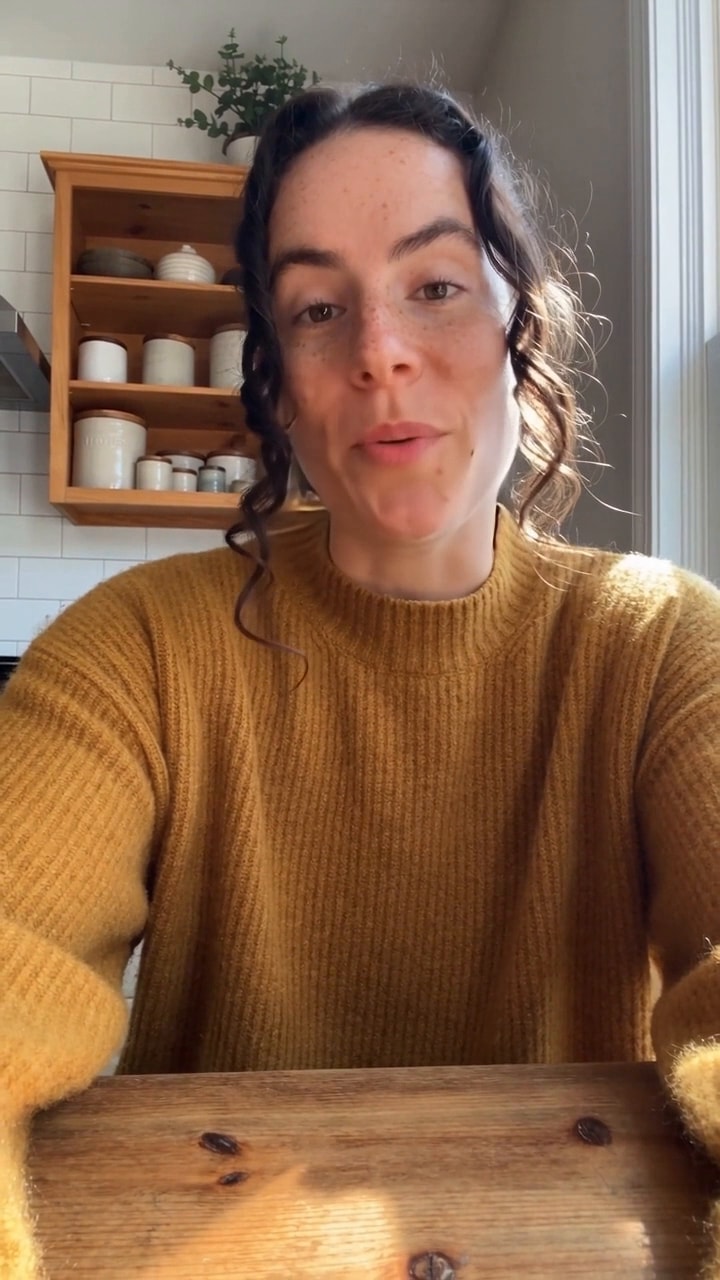
Watch out for: Translate and Dub is built for short social clips. It takes up to 30 seconds, offers 11 languages and works best with one speaker. For a full-length video, use a dedicated dubbing tool from the table below. A new workspace gets 20 starter credits once, which is less than one 24.43-credit run, so you need a plan or a top-up first.
Build a custom dubbing flow in Spacelab
If you want control over each step, Spacelab, Sloosh's workflow canvas, has the audio models to build your own chain (Sloosh docs, Oct 2026):
- ElevenLabs Scribe v2 transcribes speech with word timings and speaker labels.
- ElevenLabs Dubbing translates the speech in a video or audio file into another language in the original voices.
- ElevenLabs Multilingual v2 speaks text in 29 languages.
- Sync Lipsync 2, Sync Lipsync 3 and VEED Lipsync v2 re-time the mouth in a video to new speech.
Other ways to translate and dub a video with AI
Dedicated dubbing tools offer more languages, longer limits on paid plans and, in Rask's case, multi-speaker detection. Here is what each vendor states on its own site.
| Tool | Best for | Languages stated | Lip-sync | Voice | Free option | Checked on |
|---|---|---|---|---|---|---|
| Sloosh Translate and Dub | Short social clips, one form | 11 | Yes | Re-voiced | 20 starter credits once | Oct 23, 2026 |
| HeyGen | Talking-head videos in many languages | 175+ languages and dialects | Yes | Voice cloning | 3 videos a month, up to 3 minutes each | Oct 23, 2026 |
| Synthesia | Uploads or YouTube links in many languages | 140+ languages and variants | Yes | Keeps tone and style | First minute free, watermarked | Oct 23, 2026 |
| ElevenLabs Dubbing | Keeping the original voices, audio-first content | 90+ languages and accents | Not stated | Voice clone of the speaker | Free plan, 10k credits a month | Oct 23, 2026 |
| Rask AI | Videos with several speakers | 135+ | Yes | Cloning in 32+ languages | Not stated | Oct 23, 2026 |
Language counts are the vendors' own figures and include dialects or variants in some cases. Check each pricing page before you commit, since plans and limits change often.
- HeyGen says it translates videos into 175+ languages with voice cloning that keeps the speaker's tone, and lip movements re-synced to the new audio.
- Synthesia accepts MP4, MOV or WEBM uploads or a YouTube URL, detects the source language and lip-syncs across fast cuts.
- ElevenLabs delivers each dub in a voice clone of the original speaker, with timing aligned to the original.
- Rask AI detects how many people speak in a video and lip-syncs the translated audio.
Manual route. For full control, transcribe the video, have a translator edit the script, record a voice-over (or generate one with a text-to-speech model), then re-time the mouth with a lipsync model. It takes longer but suits scripted brand or training content where every word matters.
Tips for better AI dubbing
- Trim first. Cut silences and false starts before you dub. Shorter source audio means fewer timing problems.
- Remove background music. Dub the voice track, then add music back afterwards.
- Spell out names. Brand names and acronyms often get translated by mistake. Check them in the translated script.
- Dub the best take only. Test one clip in each language before you dub a whole series.
- Label it. Some platforms ask creators to disclose realistic AI-altered content. Check the rules where you publish.
Frequently asked questions
Can AI translate a video into another language?
Yes. AI dubbing tools transcribe the speech, translate it, generate a new voice track and re-time the speaker's lips to match. Sloosh's Translate and Dub Space does all four steps for clips up to 30 seconds in 11 languages.
Will the dubbed video keep my voice?
It depends on the tool. HeyGen and ElevenLabs say they use voice cloning to keep the speaker's tone, and Rask clones voices in 32+ languages. Check each tool's settings, since some use stock voices by default.
Does AI dubbing lip-sync the mouth to the new language?
Yes, in most video dubbing tools. HeyGen, Synthesia, Rask and Sloosh's Translate and Dub all state that they re-sync the speaker's mouth to the translated audio. ElevenLabs' dubbing page describes timing alignment, not lip-sync.
How long can the video be?
It varies by tool and plan. Sloosh's Translate and Dub takes clips of up to 30 seconds. HeyGen's free plan allows videos of up to 3 minutes, and Synthesia's free tier dubs the first minute. Paid plans raise these limits.
Which languages can Sloosh dub into?
Sloosh's Translate and Dub Space dubs into English, Spanish, French, German, Italian, Portuguese, Hindi, Japanese, Korean, Mandarin and Arabic. For other languages, Spacelab's ElevenLabs Dubbing model can be used in a custom workflow.
Is AI dubbing accurate enough to publish without checking?
No. Machine translation still gets names, numbers, idioms and tone wrong. Have a native speaker watch every dub before you publish it, especially for ads or product claims.
Bottom line
To dub a video with AI, start from clean single-speaker audio, let a tool run transcribe, translate, re-voice and lip-sync, and have a native speaker check the result. For longer videos, more languages or several speakers, a dedicated dubbing tool such as HeyGen, Synthesia, Rask or ElevenLabs fits best. For short talking clips for Reels, Shorts and TikTok, Sloosh's Translate and Dub does it in one form.