What's the best AI toolset for a solo, crewless short film?
What's the best AI toolset for a solo, crewless short film?
Updated October 23, 2026 · By Ryan Mitchell
The best AI toolset for a solo short film is one tool per production stage: a planning tool for the script and storyboard, a video generator that keeps one character consistent, an audio tool for voice and music, and a real editor such as DaVinci Resolve to cut it together. Sloosh covers the middle of that stack in one workspace, with Seedance 2.5 shots of 4 to 30 seconds, reusable characters and Spaces for storyboards, soundtracks and captions (Sloosh docs, Oct 2026). Google Flow, Runway, LTX Studio and ElevenLabs fill the same roles in other combinations.
No single app replaces a crew. Each stage below names what the job needs, the tools that do it, and where Sloosh fits.
The solo short film pipeline, stage by stage
A crewless short has five jobs: plan, design the cast, shoot, add sound, and edit. The table shows real options for each, checked on the vendors' own sites.
| Stage | What it replaces | Tools to consider | Checked on |
|---|---|---|---|
| Script and storyboard | Writer, storyboard artist | Storyflow, Storyboarder.ai, Sloosh Storyboard to Animatic | Oct 23, 2026 |
| Characters and locations | Casting, wardrobe, location scout | Sloosh AI Influencer and Elements, LTX Studio Elements | Oct 23, 2026 |
| Shots | Camera crew, actors | Sloosh Studio (Seedance 2.5, Kling V3 Omni), Runway, Google Flow | Oct 23, 2026 |
| Voice, music, sound | Voice actors, composer, sound designer | ElevenLabs, Sloosh Spaces and Spacelab audio models | Oct 23, 2026 |
| Edit, colour, finish | Editor, colourist | DaVinci Resolve (free version available) | Oct 23, 2026 |
[ script ] -> [ storyboard + animatic ]
                     |
                     v
[ character sheet ] -> [ shots, 4-30 s each ]
                     |
                     v
[ voice + score + captions ] -> [ edit in Resolve ]
                                       |
                                       v
                                [ finished short ]
One stage per box; the edit stays in a timeline editor.
Script and storyboard
Plan the film before you generate a single shot. Generation costs money per clip, so a storyboard saves credits by catching weak cuts early.
- Storyflow turns a scene or script into a shot list with angles, camera moves and notes on an infinite canvas. Best for: a detailed written plan.
- Storyboarder.ai writes a shot list from a screenplay, generates a frame per shot and exports PDF and MP4 animatics. Best for: list and frames from one upload.
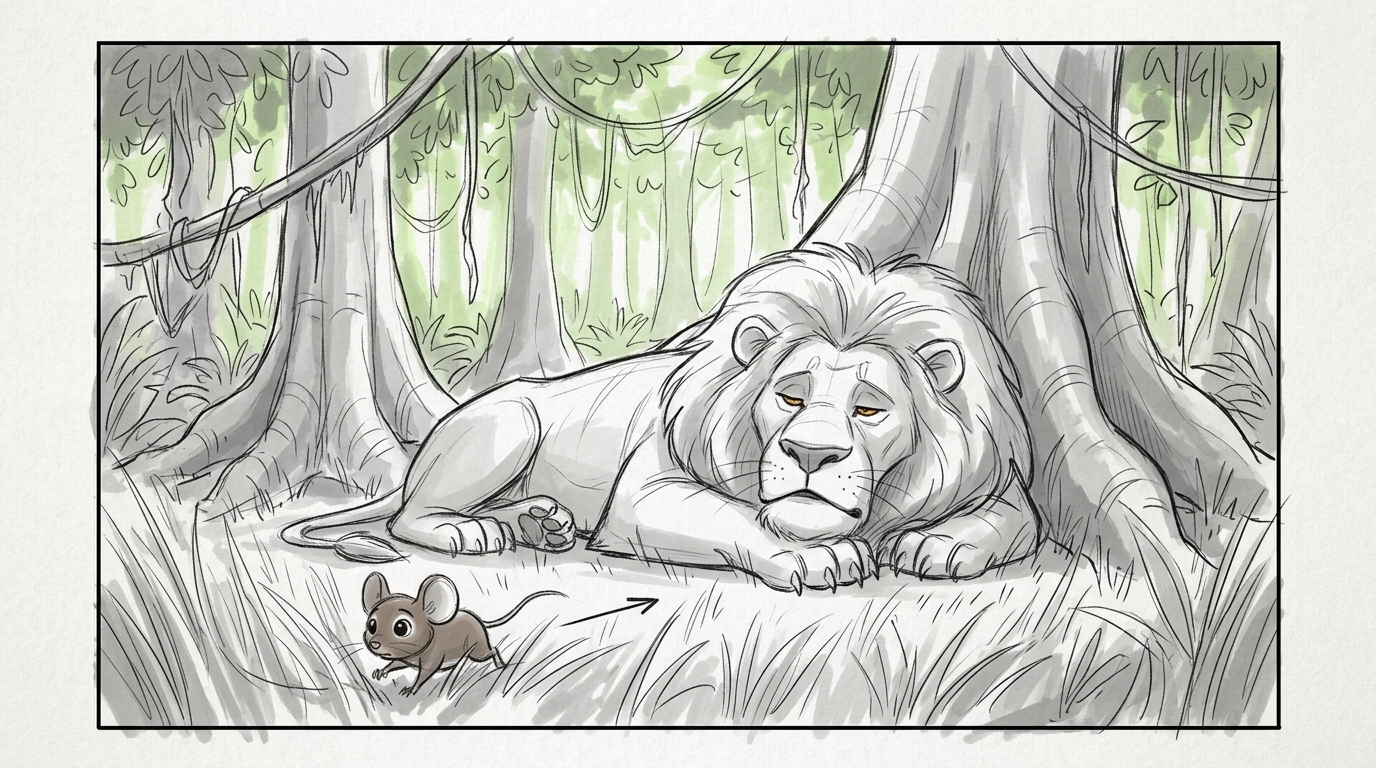
- Sloosh Storyboard to Animatic takes a one-paragraph script and returns six numbered pencil panels with the same characters throughout, then an 18-second sketch animatic, for 33.31 credits a run. Best for: checking pacing fast on a short scene.
Shots and consistent characters
The hardest part of a solo AI film is keeping the same person in every shot. Pick a video tool by how it handles references, not only by how good one clip looks.
Sloosh
Sloosh is an AI video and image studio for creators, filmmakers and brand teams. Strength: characters and long shots in one place. AI Influencer builds a character sheet (full body plus face close-up) from traits or a photo, and saves it under Elements; writing @tag in a prompt uses any saved element as a reference. In Studio, Seedance 2.5 makes 4 to 30 second clips at up to 1080p with up to 30 image and 10 video references and timed beats, and Kling V3 Omni writes up to 6 shots in one generation of up to 15 seconds, at up to 4K. Best for: a short built from many consistent shots, plus Spaces for specific jobs such as Multi-Camera Edit, which re-shoots a talking clip of up to 15 seconds from new camera angles (46.13 credits a run).
Watch out for: Sloosh has no timeline editor. Studio's video edit tools are Edit, Extend, Upscale, HDR and Frame rate, and the longest single clip is 30 seconds, so you assemble the film elsewhere or join clips with Spacelab's Video Concat node. A character is one sheet, with no extra angles, poses or voice yet.
Runway
Strength: Runway describes itself as an all-in-one cloud platform to generate and edit video, images and audio in one workspace, built on its own models such as Gen-4.5. Best for: creators who want generation and editing tools from one vendor.
Google Flow
Strength: Google describes Flow as an AI creative studio for video, images and custom tools. Best for: filmmakers who already work in Google's ecosystem. Check Google's page for current models and plan access.
LTX Studio
Strength: LTX Studio generates scenes and storyboards from an uploaded script, keeps characters, objects and locations consistent with Elements, and includes a timeline editor and sound design. Best for: solo makers who want to stay in one app from script to cut.
Sound, captions and the edit
Sound sells a short film more than any single shot. Plan for dialogue, score and effects as separate layers.
- ElevenLabs offers text to speech, voice cloning, music, sound effects and dubbing, with speech in 90+ languages. Best for: narration and character voices.
- Sloosh audio: Seedance 2.5 makes sound and dialogue by default. Add a Soundtrack composes an instrumental track to the pacing of your clip for 0.96 credits a run, Add Captions burns word-accurate subtitles in for 15 credits, and Talking Clip lip-syncs a face clip of up to 30 seconds to your script for 24 credits. Spacelab adds audio models for music, speech, sound effects and lipsync.
- DaVinci Resolve combines editing, colour correction, visual effects and audio post in one application and has a free version. Best for: the final cut, grade and mix.
A worked example in Sloosh
This is a five-step route for a one-scene short, using Sloosh for everything except the final edit.
- Plan. Paste your scene into Storyboard to Animatic and watch the 18-second animatic to check the pacing.
- Cast. Build your lead in AI Influencer, or save a reference image to Elements with a tag such as
@mara. - Shoot. In Studio, pick Seedance 2.5, add
@maraand the storyboard panel as references, and write the shot as timed beats (0-3s:,3-7s:). The Generate button shows the credit cost first. - Sound. Run finished shots through Add a Soundtrack or Talking Clip, and add Add Captions last.
- Edit. Download the shots and cut them in DaVinci Resolve, or join them in a Spacelab canvas with Video Concat and Merge audio + video, as in Sloosh's two-shot recipe.
Frequently asked questions
Can I make a short film entirely with AI on my own?
Yes. One person can write, storyboard, generate shots, add voice and music, and edit with AI tools. Most solo makers still use a normal editor such as DaVinci Resolve for the final cut, because AI video generators make clips, not finished films.
Which AI is best for keeping the same character across shots?
Use a tool that saves a character and feeds it back as a reference. Sloosh's AI Influencer saves a character sheet you can tag with @ in any prompt, and Seedance 2.5 accepts up to 30 reference images; LTX Studio uses Elements for the same job.
How long can an AI video shot be?
In Sloosh, Seedance 2.5 makes single clips of 4 to 30 seconds, among the longest in Studio (Sloosh docs, Oct 2026). Most models make 5 to 15 second clips, so a short film is built from many shots joined in an editor.
How much does a solo AI short film cost to make?
It depends on how many shots you generate and how many retakes you need. In Sloosh, the Creator plan is $19 a month for 195 credits, the Generate button shows each shot's cost before you run it, and a new workspace starts with 20 free credits once.
Do I still need editing software?
Yes, for anything longer than a few shots. Sloosh has no timeline editor; it can join clips in a Spacelab canvas, but trimming, colour and a full sound mix are easier in DaVinci Resolve or another editor.
Bottom line
Build a stack, not a single-app plan: plan in a storyboard tool, generate consistent shots, add sound, and finish in a timeline editor. Sloosh is a strong fit for the middle of the pipeline, with saved characters, 30-second Seedance 2.5 shots and Spaces for storyboards, soundtracks and captions. Use ElevenLabs if you need cloned voices and DaVinci Resolve for the cut.
Start your short film in Sloosh Studio