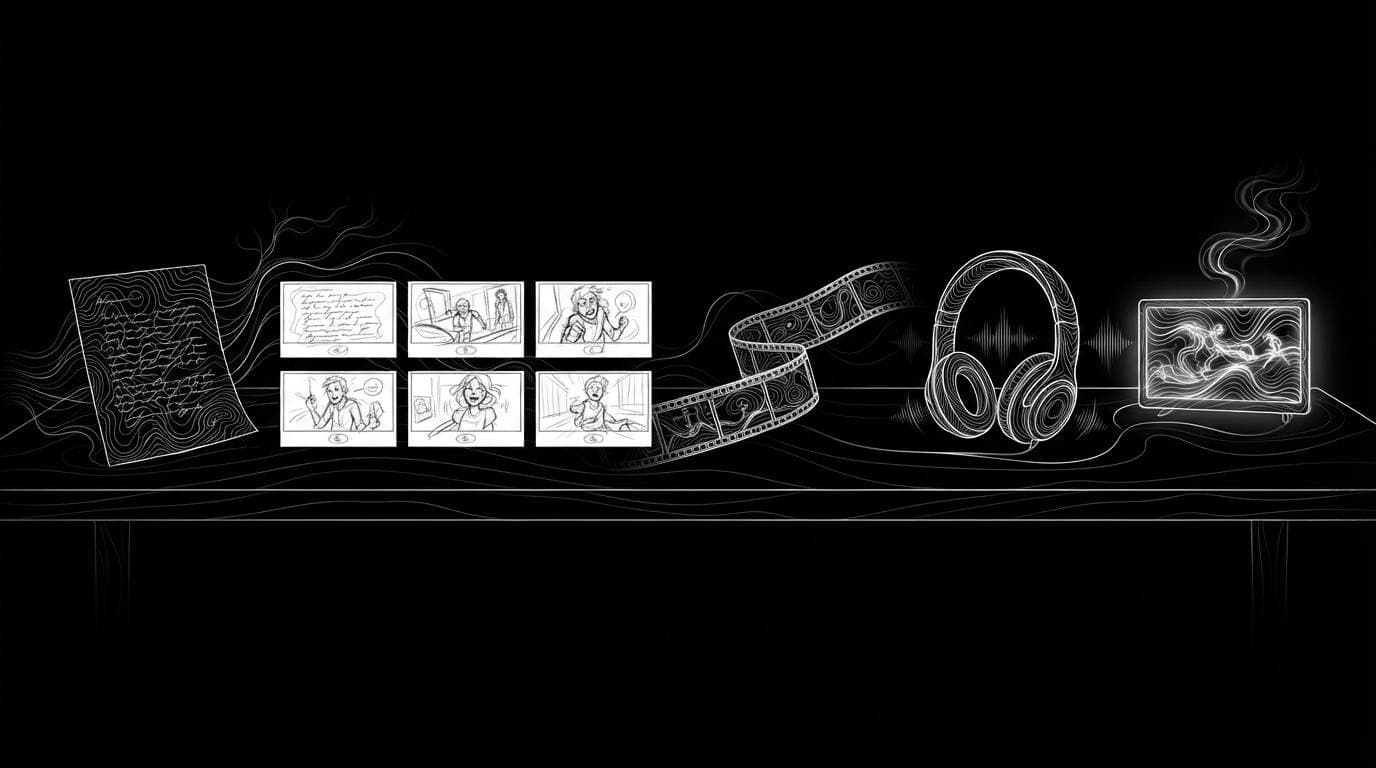
Is there one AI platform that handles the whole video from start to finish?
Is there one AI platform that handles the whole video from start to finish?
Updated October 23, 2026 · By Tyler Bennett
Yes, for short videos: InVideo AI, LTX Studio and HeyGen each take a video from idea to export in one workspace, and Sloosh does it from a single form with Spaces such as Document to Cinematic Video, which turns an uploaded document into a 20-second video with voiceover and subtitles for 35.48 credits a run (Sloosh, Oct 2026). For anything longer than one generated clip, every platform still asks you to plan shots, check them and assemble the cut.
The useful question is not "is there one platform" but "which stages does it cover, and where do I still step in".
What are the stages of making a video with AI?
Making a video with AI has six stages. A start-to-finish platform covers all six without exporting files between apps.
- Script. The idea, written as lines or scenes.
- Storyboard. One frame per shot, with the same characters and places throughout.
- Shots. Each frame animated into a clip. Most models make clips of seconds, not minutes.
- Assembly. Clips joined in order, with cuts or transitions.
- Sound. Voiceover, music, sound effects or lip-synced dialogue.
- Finish. Captions, aspect ratio and export or a share link.
Stages 3 and 4 are where single-platform claims usually break down. The longest single clip in Sloosh is 30 seconds, from Seedance 2.5 (Sloosh docs, Oct 2026), so a longer film is several clips joined together.
 script ---> storyboard ---> shots ---> assembly
 [Any LLM]  [Image Model]   [Video]    [Video Concat]
                                           |
                                           v
 share <---- captions <-------- sound
 [sloo.sh/r] [Veed Subtitles]  [Lyria 3, TTS, Lipsync]
The six stages of an AI video, with the Spacelab node that handles each one in Sloosh.
Which AI platforms cover the whole video?
Each platform below documents most of the six stages on its own site. None of them was tested end to end for this page.
| Platform | Starts from | Storyboard and consistency | Assembly | Sound | Checked on |
|---|---|---|---|---|---|
| Sloosh | A form (Spaces), a prompt (Studio) or your own canvas (Spacelab) | Storyboard to Animatic Space; image models that take up to 16 reference images | Spacelab nodes: Video Concat, Trim video. No timeline | Music, speech, lipsync and dubbing models in Spacelab | Oct 23, 2026 |
| InVideo AI | A script or idea, or your uploaded footage | Shot-by-shot plan you adjust before generating | Multitrack timeline edited by plain-language commands | AI voice, text to speech, voice cloning | Oct 23, 2026 |
| LTX Studio | A script, a concept, an image or a video | Dynamic storyboard; Elements keep characters, objects and locations consistent | Timeline editor | Sound design tools | Oct 23, 2026 |
| HeyGen | A text prompt (Video Agent) | Avatar V keeps one presenter identity across videos | Editable after generation in AI Studio | Voices, lip-sync and translation in 175+ languages and dialects | Oct 23, 2026 |
| Runway | Text, image or video inputs | Workflows chain model and LLM nodes | Video edit tools such as relight and remove | Add Dialogue, Add Performance | Oct 23, 2026 |
Check each vendor's pricing page before you commit, since plans and credit costs change often.
Best start-to-finish platform by job
- Explainer and marketing videos from a prompt, with your own edits after: InVideo AI.
- Story-driven shorts that need a storyboard and a consistent cast: LTX Studio.
- Presenter-led videos, training and translation: HeyGen.
- A short, finished video from one form, run again and again: Sloosh Spaces.
- Your own multi-shot pipeline with music and captions, rerun with new inputs: Sloosh Spacelab.
How to make a whole video in Sloosh
Sloosh covers the whole video in three ways, depending on how much you want to decide yourself.
1. One form, one finished video
A ready-made Space runs every stage for you.
- Document to Cinematic Video: upload a PDF, Word file, PowerPoint deck, Markdown or plain text file, pick one of five visual styles (Cinematic film, 3D motion graphics, Paper cut-out, Claymation, Futuristic hologram), and get a 20-second video with voiceover and burned-in subtitles. 35.48 credits a run.
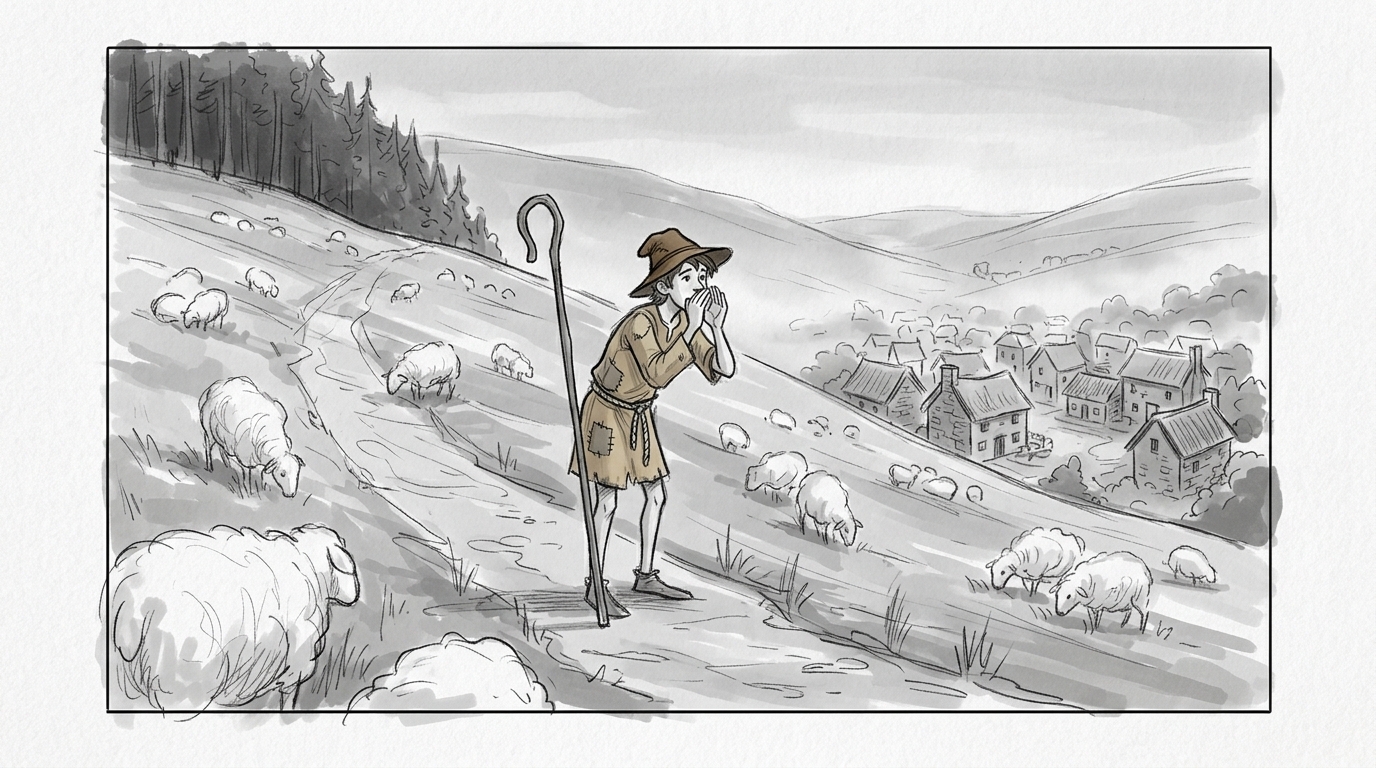
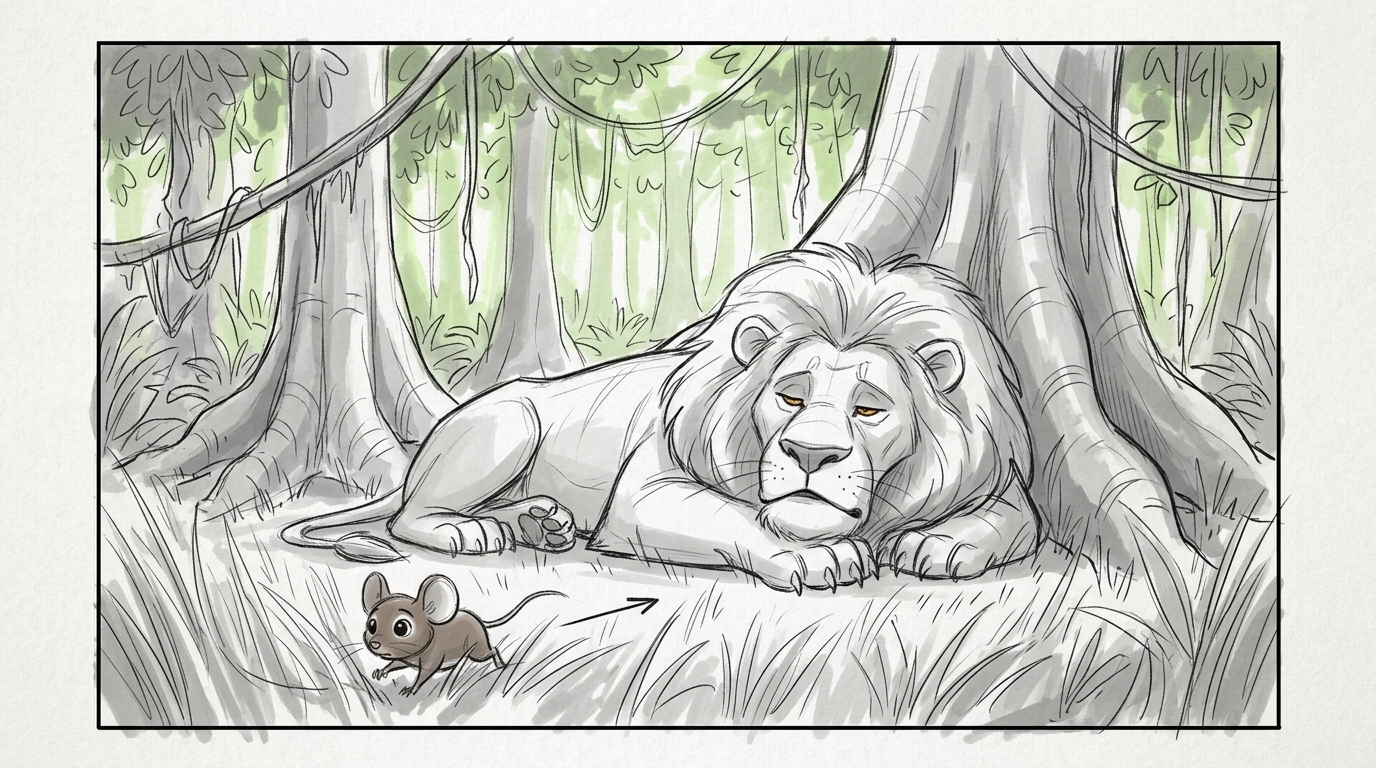
- Storyboard to Animatic: paste a one-paragraph script and get six numbered pencil storyboard panels with the same characters throughout, then an 18-second sketch animatic that cuts through them in order. 33.31 credits a run.
- Add Captions: burn captions into any talking video as the finishing step. 15 credits a run.
2. Your own pipeline in Spacelab
- Open Spacelab and add a Prompt and an Image Input for the first shot, wired into a Video node.
- Add Extract Frame near the end of shot 1 and wire it into a second Video node's first frame, so the shots join up.
- Wire both clips into Video Concat, which joins 2 to 10 clips with a cut, crossfade or fade.
- Add Lyria 3 for music or Text to speech for a voiceover, then Merge audio + video.
- Add Veed Subtitles for captions and press Run. The button shows the cost first.
- Publish the canvas as a Space so the next video is one form away.
3. Shot by shot in Studio
Use Studio's video models for individual shots, then Edit, Extend, Upscale, HDR or Frame rate on each clip. This is the most control and the most hand work.
Watch out for: Sloosh has no timeline editor, so fine cutting, track-based mixing and keyframes happen elsewhere. Single clips top out at 30 seconds, so longer films are joined in Spacelab. Sloosh does not document posting to social or ad accounts: you download the result or share a public sloo.sh/r/ link. A new workspace's 20 starter credits do not cover one run of the Spaces above.
Frequently asked questions
Can AI make a complete video from just a prompt?
Yes, for short videos. HeyGen's Video Agent and InVideo AI build a video from a prompt, and Sloosh's Document to Cinematic Video Space makes a 20-second voiced, subtitled video from an uploaded document. Longer or story-driven videos still need you to review shots and assemble them.
How long a video can AI make in one go?
Single AI clips run seconds, not minutes. In Sloosh, the longest single clip is 30 seconds, from Seedance 2.5. Longer videos are made by joining clips, for example with Spacelab's Video Concat node, which takes 2 to 10 clips.
Can AI keep the same characters across every shot?
Mostly, with references. LTX Studio's Elements and HeyGen's Avatar V are built for it. Sloosh's Storyboard to Animatic keeps the same characters across six panels, and Sloosh's image and video models take reference images of the character into each shot.
Can one AI platform add voiceover, music and captions too?
Yes. InVideo AI, HeyGen and LTX Studio include voice or sound tools. Sloosh adds music, speech, lipsync and captions in Spacelab nodes, and Spaces such as Add a Soundtrack and Add Captions do them from a form.
Does Sloosh have a video timeline editor?
No. Sloosh edits clips with Studio's five video tools and joins them with Spacelab nodes such as Trim video and Video Concat. If you need to cut long footage by hand, use a timeline editor alongside it.
Bottom line
For a short video made end to end without leaving one app, InVideo AI, LTX Studio, HeyGen and Sloosh all qualify, each with a different starting point. Sloosh fits when you want the whole video from a single form, or a multi-shot pipeline with music and captions that you can rerun with new inputs. For long edits of recorded footage, add a timeline editor.
Make a 20-second video from a document in Sloosh