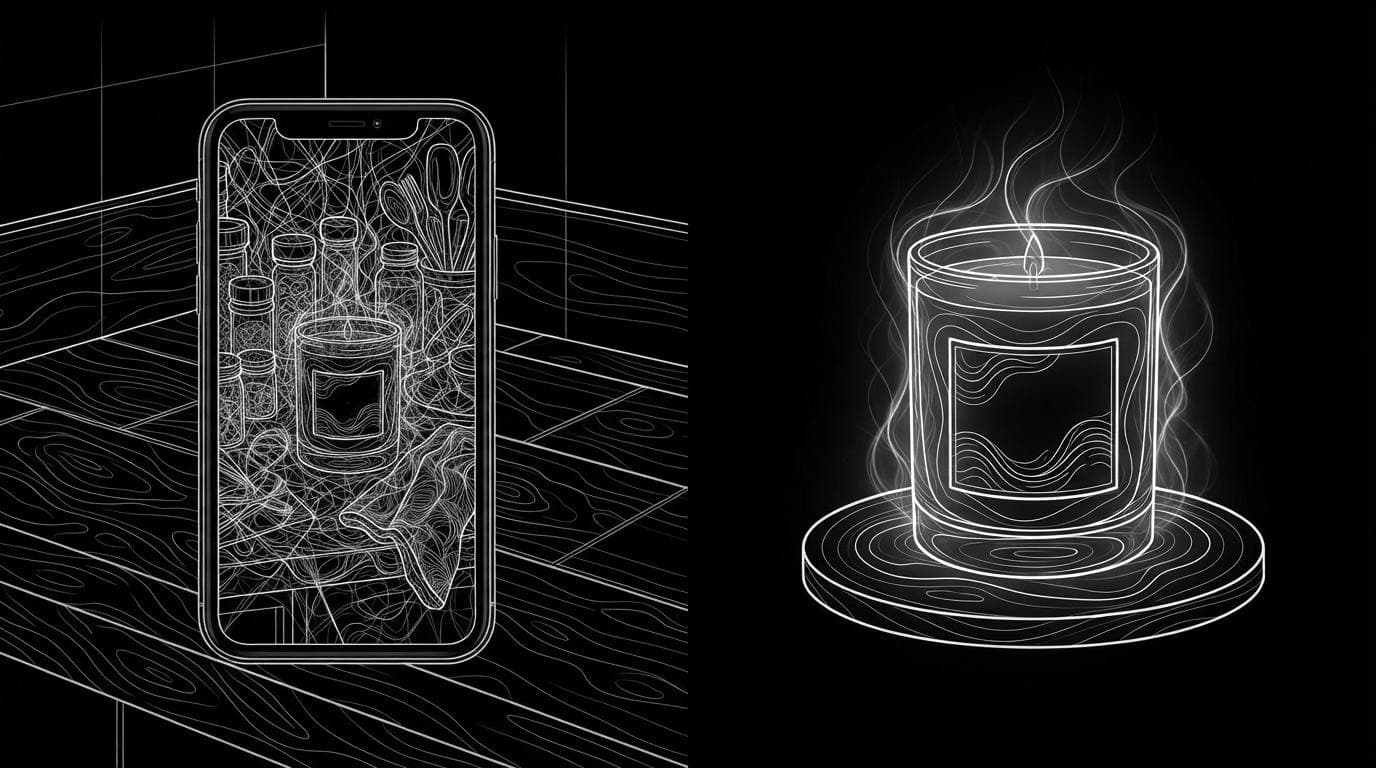
How do I turn a phone photo into a studio product video?
How do I turn a phone photo into a studio product video?
Updated October 23, 2026 · By Lauren Hayes
To turn a phone photo into a studio product video, use an AI tool that first replaces the background with a clean studio set and then animates that packshot with a slow camera move. Sloosh's Phone Photo to Studio Product Video Space does both from one upload and returns a square packshot plus a 5-second square turntable MP4 for 5.76 credits a run (Sloosh, Oct 2026). Photoroom and Pixelcut offer product video tools too, and Runway or Kling suit people who want to write every camera move themselves.
What does your phone photo need?
Your phone photo needs a sharp, well-lit, front-facing view of the product with the label readable. The background matters less than you think, because a studio tool replaces it. What the AI cannot replace is detail it never saw.
- Sharp focus on the product. Tap to focus on the label. A soft photo gives a soft video.
- Soft, even light. Shoot near a window in daylight, not under a single ceiling bulb. Harsh reflections on glass or metal get copied into the packshot.
- The whole product in frame. Leave a little space around the edges, so nothing is cropped.
- The face you want customers to see. Sloosh's guidance for its Space is to upload a front-facing photo for the most faithful result. For an orbit, a three-quarter view works better.
- Readable text. Wipe the product, turn the label to the camera and avoid glare across the logo.
- The highest resolution your phone offers. Turn off heavy filters and portrait blur.
Clutter in the background is fine. The Phone Photo to Studio Product Video Space states that any clear shot of the product works, because the background is replaced.
How to turn a phone photo into a studio product video in Sloosh
The Phone Photo to Studio Product Video Space needs one input, your phone photo, and runs in one step. The credit cost shows on the Generate button before you spend anything.
[phone photo, any background]
            |
            v
+-----------------------------+
| 1. background -> studio set |  --> square packshot
+-----------------------------+
            |
            v
+-----------------------------+
| 2. animate the packshot     |  --> 5 s square MP4
+-----------------------------+
How Sloosh's Phone Photo to Studio Product Video Space turns a snapshot into a turntable clip (Sloosh, Oct 2026).
- Open the Space. Go to Phone Photo to Studio Product Video and sign in.
- Upload your phone photo. One clear, front-facing photo of the product. This is the only required field.
- Press Generate. The button shows the cost: 5.76 credits a run.
- Collect both files. You get a square studio packshot and a 5-second square MP4 turntable on a seamless backdrop, in the Space's Generations tab.
- Share or reuse. Share makes the run public and copies a
sloo.sh/r/...link. Recreate on any template loads its inputs so you can swap in your own photo.
Watch out for: the turntable invents sides the photo does not show, so the back of the product may not match the real one. The output is square and 5 seconds long. For a vertical clip, a wider shot or a longer video, use another Space or Sloosh Studio, where Seedance 2.5 and Wan 3 make clips up to 30 seconds. A new workspace gets 20 starter credits once, enough for three runs of this Space.
Other Sloosh Spaces for the same photo
| Space | What you upload | What you get | Credits a run | Checked on |
|---|---|---|---|---|
| Phone Photo to Studio Product Video | 1 phone photo | Square packshot + 5 s square turntable MP4 | 5.76 | Oct 23, 2026 |
| Product Placement Video | Product photo + scene photo | Placed, relit still + 6 s 9:16 MP4 with a slow push-in, made with MiniMax H3 Max | 4.94 | Oct 23, 2026 |
| 360 Product Orbit Video | 1 product photo | Two 16:9 studio stills + 5 s 16:9 orbit MP4, animated by Seedance 2.5 | 21.36 | Oct 23, 2026 |
Use Product Placement Video for Reels, Stories and TikTok, where vertical 9:16 fits, and 360 Product Orbit Video for a widescreen hero banner.
What the Space produces
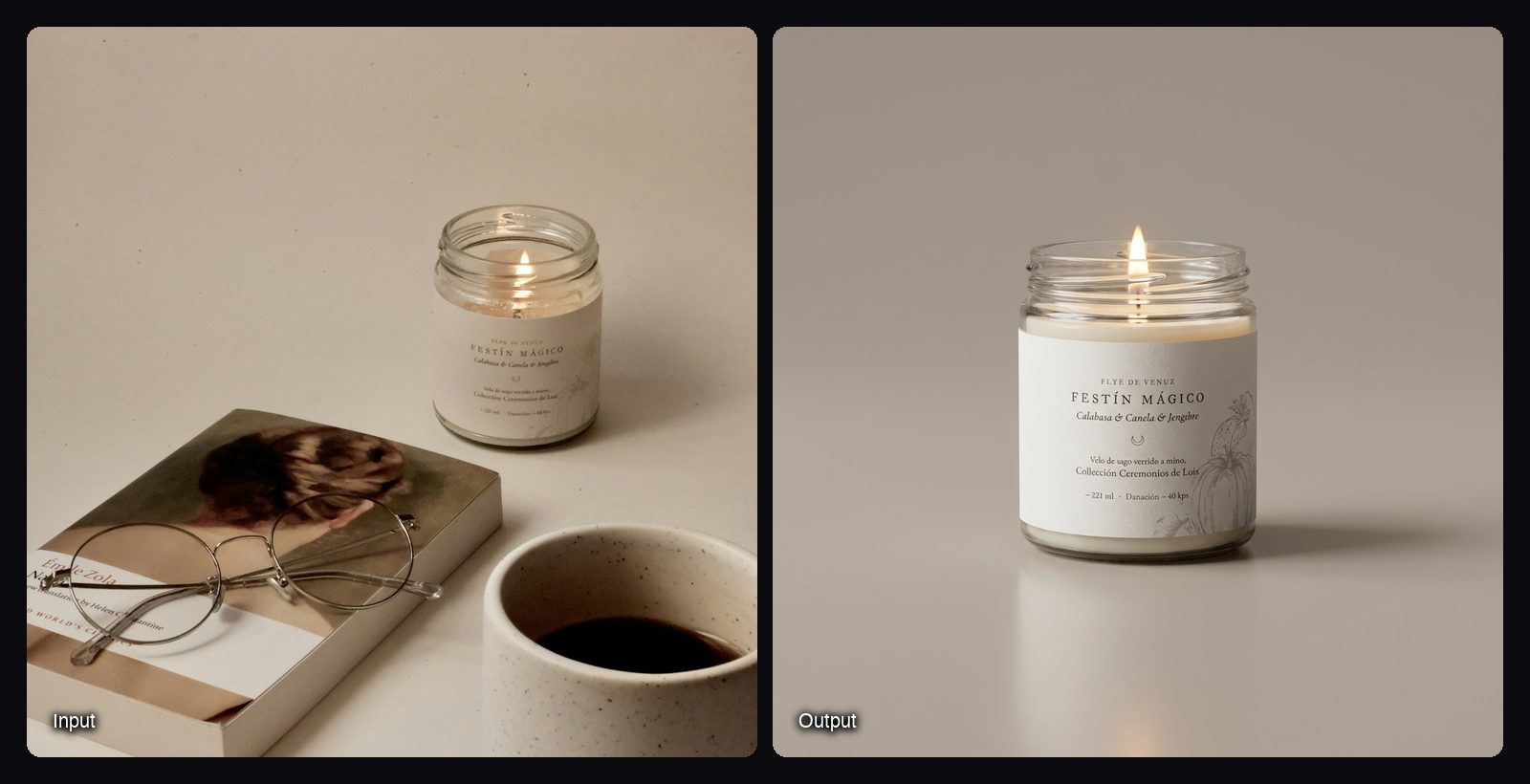
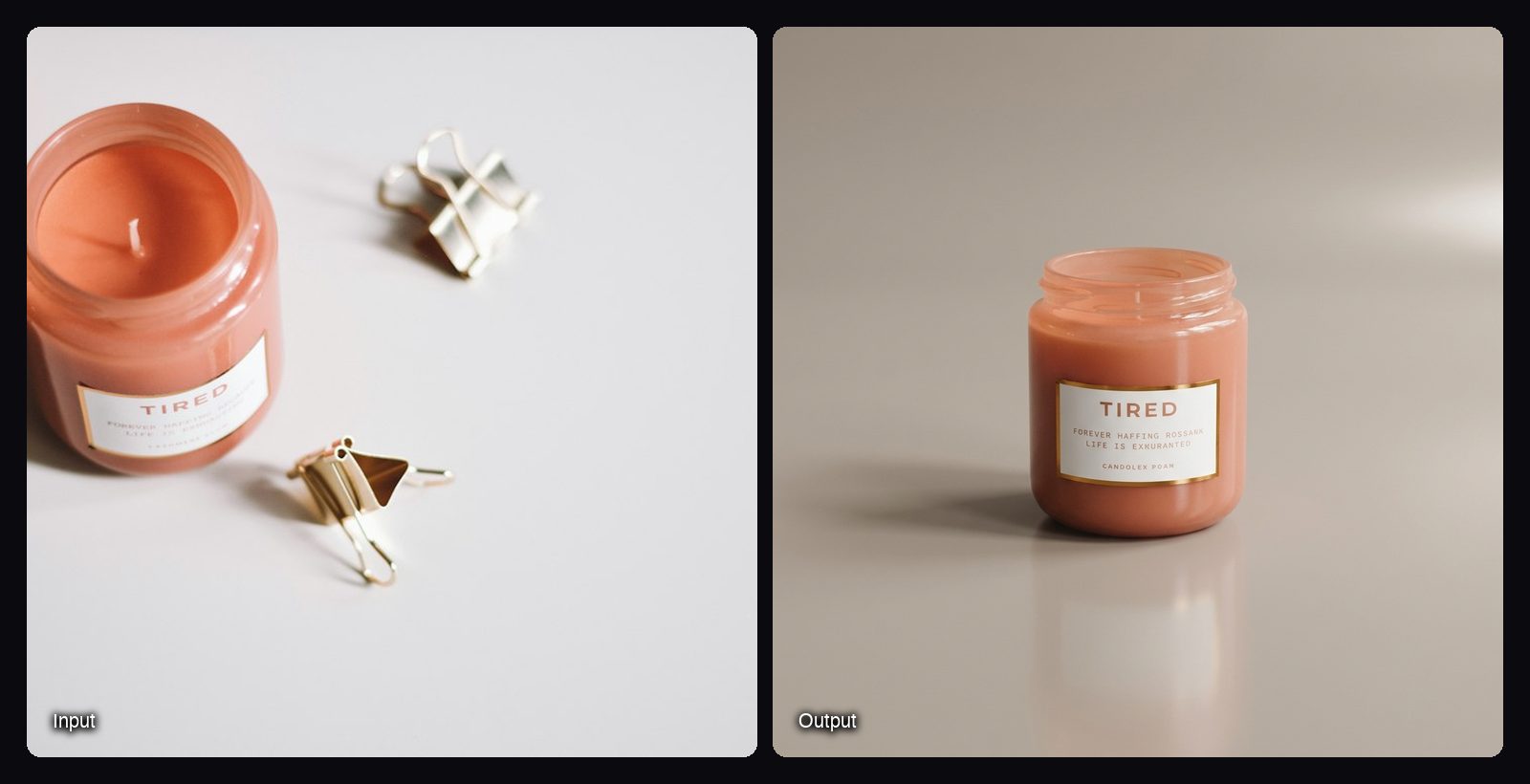
These packshots come from published templates of the Space. Each run also produces the 5-second turntable video.
What AI can and cannot invent in a product video
AI can replace a background, add studio light and move a virtual camera around a still product convincingly. It cannot know what it never saw, so anything outside the photo is a guess.
- Reliable: clean backdrops, soft shadows, reflections on the visible side, slow push-ins and turntable moves.
- Often guessed: the back and sides of the product, the base, the inside of open packaging.
- Sometimes wrong: small print, ingredient lists, barcodes and fine logos, which can blur or change.
Check every frame against the real product before you put the video on a product page or in an ad. If the back must be right, shoot it and use a tool that takes more than one photo.
Other ways to turn a phone photo into a product video
General AI video tools and e-commerce photo apps both handle this job. The difference is how much you set up yourself.
| Tool | Best for | How you work | Checked on |
|---|---|---|---|
| Sloosh | A studio packshot and turntable from one upload | One field, one click; 5.76 credits a run | Oct 23, 2026 |
| Photoroom | Sellers already editing product photos in Photoroom | Product Animator: pick from 300+ templates and add 1 to 4 photos; Video Ad Maker exports 5, 8 or 10 s in 9:16 or 16:9; on Max and Ultra plans | Oct 23, 2026 |
| Pixelcut | Choosing your own video model and aspect ratio | Add the photo as a start frame, describe the motion, pick a model; first video free | Oct 23, 2026 |
| Runway | Filmmakers who want shot-level control | Generate and edit clips from an image with your own prompts | Oct 23, 2026 |
| Kling | Direct access to Kuaishou's own Kling models | Prompt-driven generation in Kling's own creative studio | Oct 23, 2026 |
Check each vendor's pricing page before you commit, since plans and credit costs change often.
The manual route. Clean up the photo in an editor, cut the product out onto a white or gradient backdrop, then animate it with an image-to-video model and a prompt such as "slow 30-degree turn, soft studio light, seamless backdrop." In Sloosh Studio, Kling 3.0 takes a start frame and makes 3 to 15 second clips, and Seedance 2.5 takes up to 30 references for 4 to 30 second clips (Sloosh models doc, Oct 2026).
Tips for a better result
- Shoot two photos, use the best one. A second attempt with better light costs nothing.
- Match the shape to the placement. Square for product grids and marketplaces, 9:16 for Reels and TikTok, 16:9 for site banners.
- Keep the move slow. A slow turn or push-in looks like a studio rig. Fast moves expose AI errors.
- Put the packshot to work too. The Sloosh Space returns the still alongside the video, so you can use it as the listing image.
Frequently asked questions
Can AI turn a phone photo into a product video?
Yes. AI image-to-video tools replace or clean the background and animate the still with a camera move. Sloosh's Phone Photo to Studio Product Video Space turns one phone photo into a square packshot and a 5-second turntable video.
Does the phone photo need a white background?
No. Studio product video tools replace the background, so any clear shot of the product works. Good light and sharp focus on the label matter more than the backdrop.
How long is the product video?
It depends on the tool. Sloosh's Phone Photo to Studio Product Video Space makes a 5-second square video, and Product Placement Video makes a 6-second 9:16 video. Photoroom's Video Ad Maker exports 5, 8 or 10 seconds.
Will the back of my product look right?
Not always. A turntable or orbit video invents sides the photo does not show, and Sloosh states this on its Space page. Upload a front-facing photo, or a three-quarter view for an orbit, and check the result before publishing.
How much does it cost to make a product video from a photo?
In Sloosh, one Phone Photo to Studio Product Video run costs 5.76 credits (Oct 2026). On the Creator plan, $19 for 195 credits a month, that is about $0.56 a run. Other tools charge by plan or by generated second, so check their pricing pages.
Can I use the video in ads and on my store?
Yes. Sloosh allows commercial use of what you create in ads, stores and social posts, as long as you have the rights to the photos you upload. Ad platforms still apply their own policies, so the video must show the product accurately.
Bottom line
Take a sharp, front-facing phone photo in soft light, then let a studio tool replace the background and animate a slow turn. In Sloosh, the Phone Photo to Studio Product Video Space does it from one upload; use Product Placement Video for a vertical clip in your own scene, or Studio when you want to direct the shot yourself.
Turn your phone photo into a studio product video