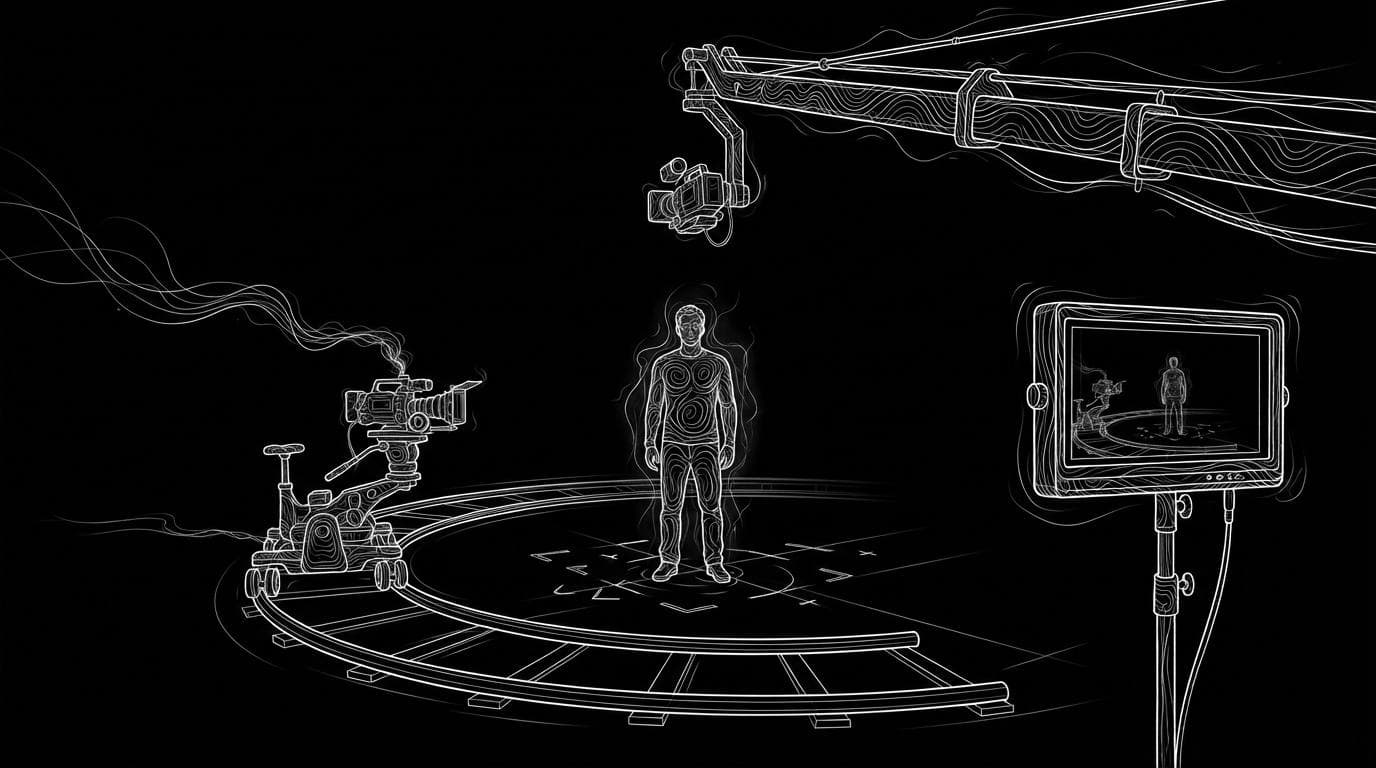
Which AI video tool gives the most control over camera movement?
Which AI video tool gives the most control over camera movement?
Updated October 23, 2026 · By Ryan Mitchell
The AI video tool with the most camera control depends on the kind of control you need: Higgsfield Cinema Studio offers 30+ camera movement presets with camera, lens and aperture settings, Runway lets you draw moves, set keyframes and re-angle existing footage, Kling 4.0 copies the camera from a reference video, and Sloosh gives every Studio video model camera, lens and aperture controls, plus a Multi-Camera Edit Space that takes timed directions such as "0–2s dolly zoom, 2–6s dutch angle" (Sloosh, Oct 2026).
No single tool wins every type of control. A preset gives you a repeatable move, a reference video copies a real one, and a prompt is the fastest but least exact. Pick the type first, then the tool.
The five ways AI video tools control the camera
Camera control in AI video comes in five forms. They differ in how exact and how repeatable the move is.
- Presets and settings. You pick a named move or set its direction and amount. Repeatable, but limited to the list.
- Drawn or annotated moves. You draw the direction on a still frame. Clear intent, but the model still interprets it.
- Keyframes and start/end frames. You fix where the shot starts and ends, and the model fills the move between them.
- Reference video. You upload a clip whose camera move you want, and the model copies it.
- Prompted moves. You write "slow push in" or "orbit left". Fastest, least exact.
A sixth route, re-angling, changes the camera on a clip you already have.
less exact                                   more exact
   |                                               |
[prompt] > [drawn] > [preset] > [keyframes] > [ref video]
   |                                               |
fast to try                            needs prep or a clip
The five types of AI camera control, from fastest and loosest to most exact.
Tools compared by type of camera control
| Tool | Presets or settings | Frames or keyframes | Reference video camera | Re-angle existing clip | Checked on |
|---|---|---|---|---|---|
| Higgsfield Cinema Studio 4.0 | 30+ movement presets; camera, lens, aperture | Not stated | Not stated | Not stated | Oct 23, 2026 |
| Runway | Prompt-led; Motion Sketch drawings | Animate Keyframes | Not stated | Aleph 2.0 | Oct 23, 2026 |
| Kling | 6 basic moves and 4 Master Shots | Up to 10 keyframes (Kling 4.0) | Yes (Kling 4.0) | Yes (Kling 4.0) | Oct 23, 2026 |
| Luma | 15 Camera Motion Concepts (Ray2) | Not checked | Not checked | Not checked | Oct 23, 2026 |
| Sloosh | Camera, lens, aperture on every video model | Start and end frames on many models | Yes (Seedance 2.0) | Multi-Camera Edit (talking clips) | Oct 23, 2026 |
"Not stated" means the vendor page we checked does not describe it, not that the feature is missing.
Higgsfield Cinema Studio: the most presets
Higgsfield's Cinema Studio 4.0 post (August 12, 2026) lists "30+" camera movement presets, with named examples such as POV, Robot Arm, Pan Left and Helicopter Shot. You also pick a camera (such as 35mm Film or DV Camcorder), a lens look (such as Anamorphic) and an aperture (Auto, f/1.4, f/4 or f/11).
- Best for: directors who want a named, repeatable move and a film look in one place.
- Watch out for: the post describes presets, not a custom camera path.
Runway: the most ways to direct a move
Runway's camera-control guide covers several methods. Motion Sketch lets you annotate a still frame with numbered moves, Animate Keyframes "creates smooth transitions between keyframes", and Aleph 2.0 re-renders an existing clip "from a new viewpoint while preserving the scene, the subject and the action".
- Best for: filmmakers who want to sketch, pin and re-shoot from one toolset.
- Watch out for: Runway notes the model still interprets Motion Sketch, so it shows direction rather than locking an exact path.
Kling: presets, keyframes and a reference camera
Kling's camera control guide lists six basic moves (horizontal, vertical, zoom, pan, tilt and roll) and four Master Shots that combine them, with the amount set by displacement parameters. Kling 4.0, documented on October 14, 2026, takes up to 10 keyframe images, can copy camera movement and pacing from a reference video, and can edit camera moves in an existing video.
- Best for: matching a camera move you already have on film.
- Watch out for: Kling's own guide says compound moves such as a pan while tilting are "more complicated", and that its preset Master Shots are "more stable than manual prompts".
Luma: a library of named moves
Luma launched 15 Camera Motion Concepts for Ray2 on March 31, 2025, including crane up and down, orbit left and right, push in and pull out, and says they "combine easily through natural language".
- Best for: quick, named moves on Luma's Ray models.
- Watch out for: the concepts were launched for Ray2; check which models support them today.
Camera control in Sloosh
Sloosh is an AI video and image studio for creators, filmmakers and brand teams. Its camera control works in three ways.
- Camera, lens and aperture on every model. In Studio's Video mode, the camera controls for camera, lens and aperture work with every video model. Sloosh's rule: if you set them, leave the camera move out of the prompt.
- One move per shot or beat in the prompt. Seedance 2.5 takes timed beats such as
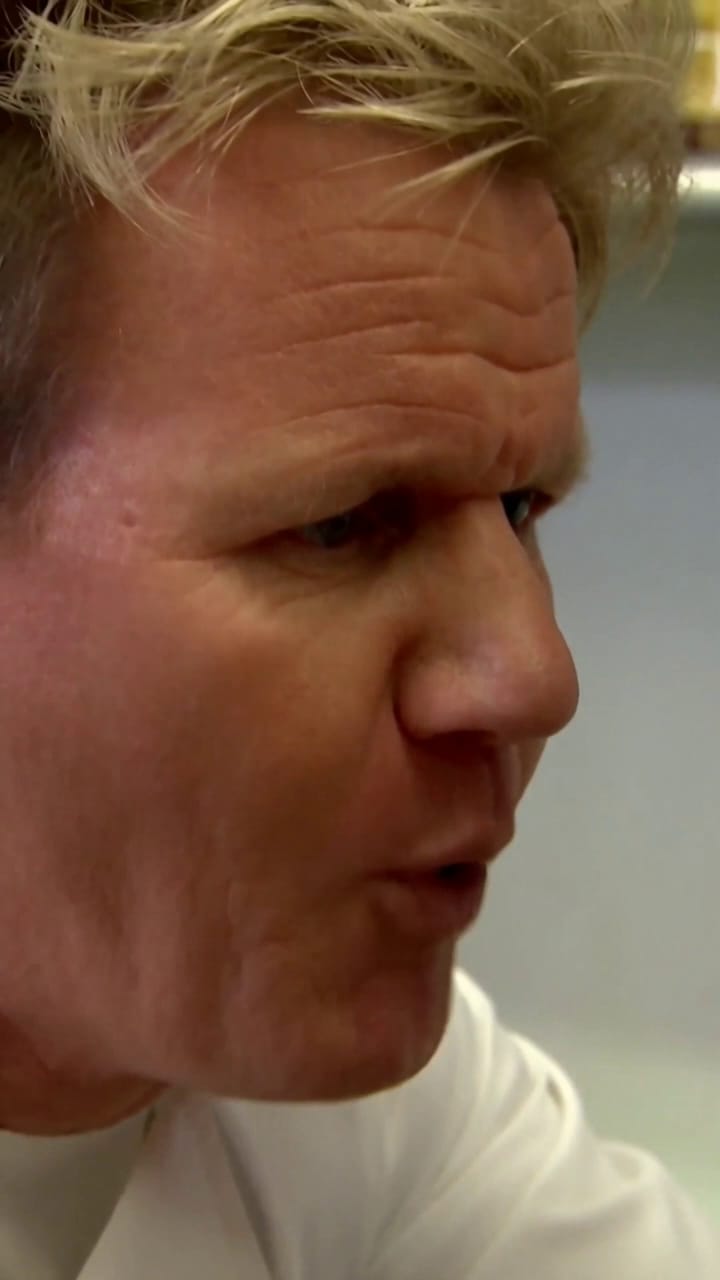
0-3s:and3-7s:, each with its own camera line, in clips of 4 to 30 seconds. Kling V3 Omni takes labelled shots such as[Shot 3: Medium shot, slow push-in, 3s], up to 6 per clip. Seedance 2.0 can reuse a camera move from a reference video. - A crew's coverage from one take. The Multi-Camera Edit Space takes a talking-to-camera clip of up to 15 seconds and a face photo, plans new camera angles for each line and re-shoots the same performance with hard cuts. You can add your own timed directions, such as "0–2s dolly zoom, 2–6s dutch angle". A run costs 46.13 credits.
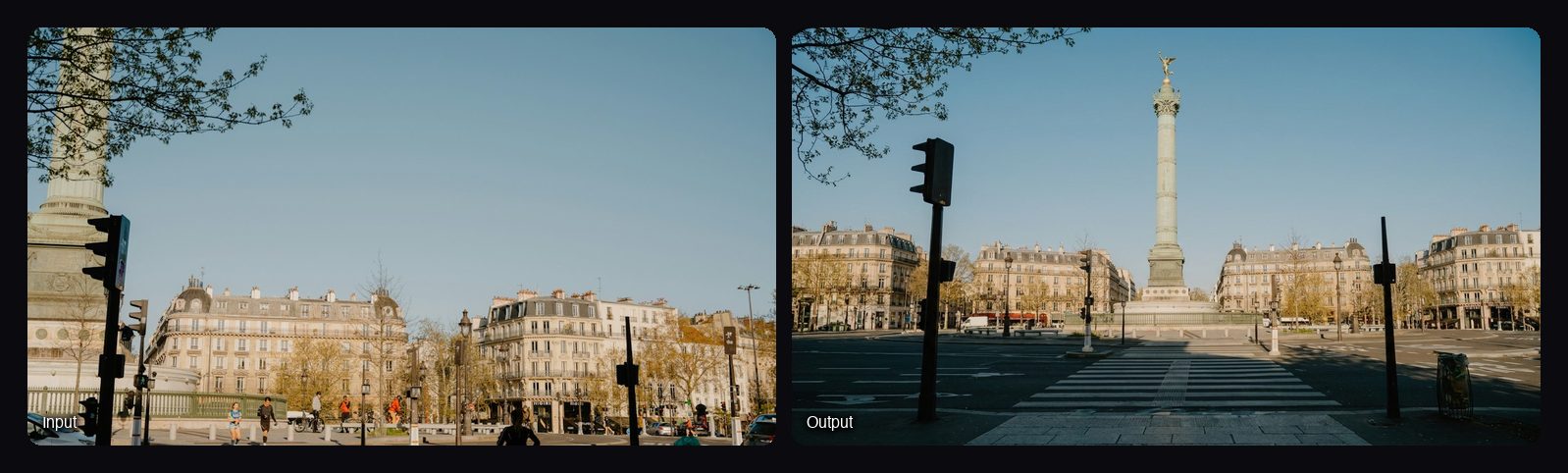
To plan angles before you animate, Scene from Multiple Angles turns one photo of a place into four 16:9 views (wide, low angle, overhead and reverse) for 8.04 credits a run.
Watch out for: Sloosh has no keyframe or motion-path camera editor. Control comes from the camera settings, the prompt, frames and references. Multi-Camera Edit works on talking-to-camera clips, not on any footage.
How to direct the camera in Sloosh Studio
- Open Studio > Video and pick a model. Seedance 2.5 is the default.
- Choose one method. Either set camera, lens and aperture in the camera controls, or name the move in the prompt. Not both.
- Write one move per beat or shot. For example
0-4s: static wide shotthen4-8s: slow push in to a close-up. Don't change the camera every second. - Fix the ends if you need to. Add a start and end frame with Upload frames in the + menu and describe the move between them.
- Press Generate. The button shows the credit cost first.
Prompt patterns that work in any tool
- Name the move, the speed and the end point: "the camera pushes in slowly until the label fills the frame".
- One clear move per shot. Sloosh's Seedance 2.5 guide says not to change the camera every second, and Kling calls compound moves "more complicated".
- Say what the camera starts on and ends on, so the model has a target.
- Use film words the models know: push in, pull out, pan, tilt, orbit, tracking shot, crane up, handheld, dolly zoom.
Frequently asked questions
Which AI video tool has the most camera presets?
Higgsfield Cinema Studio 4.0 lists 30+ camera movement presets, the most of the tools checked here. Luma lists 15 Camera Motion Concepts for Ray2, and Kling lists six basic moves plus four Master Shots.
Can AI copy a camera move from another video?
Yes. Kling 4.0 can take camera movement and shot pacing from a reference video, and in Sloosh, Seedance 2.0 can reuse a camera move from a reference video. Use a clip with one clear move for the best match.
Can I change the camera angle of a video I already made?
Yes, on some tools. Runway's Aleph 2.0 re-renders a clip from a new viewpoint, and Kling 4.0 can edit camera moves in an existing video. Sloosh's Multi-Camera Edit re-shoots a talking-to-camera clip from new angles.
Should I set camera controls or write the move in the prompt?
Use one, not both. Sloosh's docs say that if you set the camera controls, you should leave the camera move out of the prompt, and Runway's guide gives the same advice, so the two don't fight.
Does any AI video tool let me draw an exact camera path?
Not exactly, on the tools checked here. Runway's Motion Sketch lets you draw direction on a frame, but Runway says the model still interprets it. Keyframes and reference videos are the closest to a fixed path.
Bottom line
For named, repeatable moves with a film look, start with Higgsfield Cinema Studio. For drawing, keyframing and re-angling, Runway has the widest set of methods, and Kling 4.0 is strong when you have a reference camera move. Sloosh fits creators who want camera, lens and aperture control on every model in one Studio, plus crew-style coverage of a talking clip with Multi-Camera Edit.
Try camera controls in Sloosh Studio