
Which platform is best for running Wan 3?
Which platform is best for running Wan 3?
Updated October 23, 2026 · By Jason Miller
The best platform for Wan 3 depends on how you work: developers should use Alibaba Cloud Model Studio (the official API) or an API host like fal or Atlas Cloud, node-graph users can run it through ComfyUI's Partner Nodes, and creators who want Wan 3 next to other models in a web studio can use Sloosh, which lists Wan 3 at about 1.5 credits per second of video and runs single takes of up to 30 seconds (Sloosh pricing and docs, Oct 2026).
Wan 3 (Alibaba's Wan 3.0) is a hosted model today. Pages that still describe Wan 2.6 or Wan 2.2 do not cover it.
Wan 3 at a glance
Wan 3 is Alibaba's video model for long single takes with native sound. These specs come from Alibaba Cloud's own Wan 3.0 guide (checked October 23, 2026).
- Maker: Alibaba (Tongyi Wan), model ids
wan3.0-videoandwan3.0-video-prime. - Clip length: 2 to 30 seconds, or a "smart duration" the model picks.
- Resolution: 480p, 720p or 1080p (1080p is the default). There is no 4K.
- Inputs: text, a start frame with an optional end frame, or references (up to 10 images, 5 videos and 5 audio clips, with video and audio each capped at 15 seconds in total).
- Sound: dialogue, music and sound effects, on by default.
Can you run Wan 3 locally? Not from official weights as of October 23, 2026. The Wan-AI pages on Hugging Face and the Wan-Video GitHub organisation list Wan 2.2 as the newest open release, and ComfyUI runs Wan 3.0 as a Partner Node, which calls a hosted API.
Where you can run Wan 3
Wan 3 runs on Alibaba's own cloud, on several API hosts and in creative studios. The table lists what each platform's own pages say.
| Platform | Access | Length / max resolution | Price (as published) | Free to try | Checked on |
|---|---|---|---|---|---|
| Sloosh | Web Studio, Spacelab, MCP | Up to 30 s / 1080p | About 1.5 credits per second; Creator is $19 for 195 credits | 20 starter credits once on a first workspace | Oct 23, 2026 |
| Alibaba Cloud Model Studio | API (official) | 2 to 30 s / 1080p | Singapore list price $0.05, $0.10 and $0.20 per second at 480p, 720p and 1080p; other regions differ | 30 seconds of free quota in Singapore, valid 90 days | Oct 23, 2026 |
| fal | API | 2 to 30 s / 1080p | $0.05, $0.10 and $0.20 per second at 480p, 720p and 1080p | Five free text-to-video runs every 24 hours in the fal sandbox | Oct 23, 2026 |
| Atlas Cloud | API | 2 to 30 s / 1080p | From $0.05 per second, shown with a discount | Not stated | Oct 23, 2026 |
| ComfyUI Partner Nodes | Node graph calling an API | 2 to 30 s / 1080p | Comfy credits; rate not stated on the docs page | Not stated | Oct 23, 2026 |
At the Creator rate, Sloosh's 1.5 credits a second works out to roughly $0.15 a second, before any per-model setting changes. Check each pricing page before you commit, since Alibaba shows a limited-time discount against its list prices.
              Wan 3 (Alibaba)
                    |
   +----------------+----------------+
   |                |                |
 official API    API hosts        studios
 Model Studio    fal, Atlas       Sloosh Studio
   |             ComfyUI node     and Spacelab
   v                v                v
 your app code   your pipeline    prompt, compare,
                                  edit in a browser
Three ways to reach the same Wan 3 model.
Best platform for Wan 3 by need
Each route suits a different person. These picks come from each vendor's documented features.
- Production app on the official API: Alibaba Cloud Model Studio, which also offers the higher-tier
wan3.0-video-prime. - Testing before paying: fal, whose sandbox gives five free text-to-video runs a day.
- Pay-per-second on another host: Atlas Cloud.
- Node-based pipelines: ComfyUI Partner Nodes, if your network is permitted to use them.
- Comparing Wan 3 with Seedance, Kling and MiniMax in one place: Sloosh Studio.
- Running it from an AI agent: Sloosh MCP, on the Pro or Max plan.
Running Wan 3 in Sloosh: what you get and what you don't
Sloosh is an AI video and image studio for creators, filmmakers and brand teams. In Sloosh, Wan 3 is one of the two models that make the longest clips, up to 30 seconds, alongside Seedance 2.5 (Sloosh docs/models, Oct 2026).
What you get
- Long single takes. Up to 30 seconds in one clip, so you do not have to stitch shots.
- Up to 10 reference images, named by position ("the subject in Image 1 walks past the building in Image 2"), or a start frame with an optional end frame.
- Sound on by default, which you can switch off.
- A seed setting to repeat a result, and prompts of up to 20,000 characters.
- Side-by-side choice. Studio offers 22 image models and 20 video models, so the same prompt can run on Wan 3 and Seedance 2.5 before you pick.
These clips are templates made with Wan 3 in Sloosh:
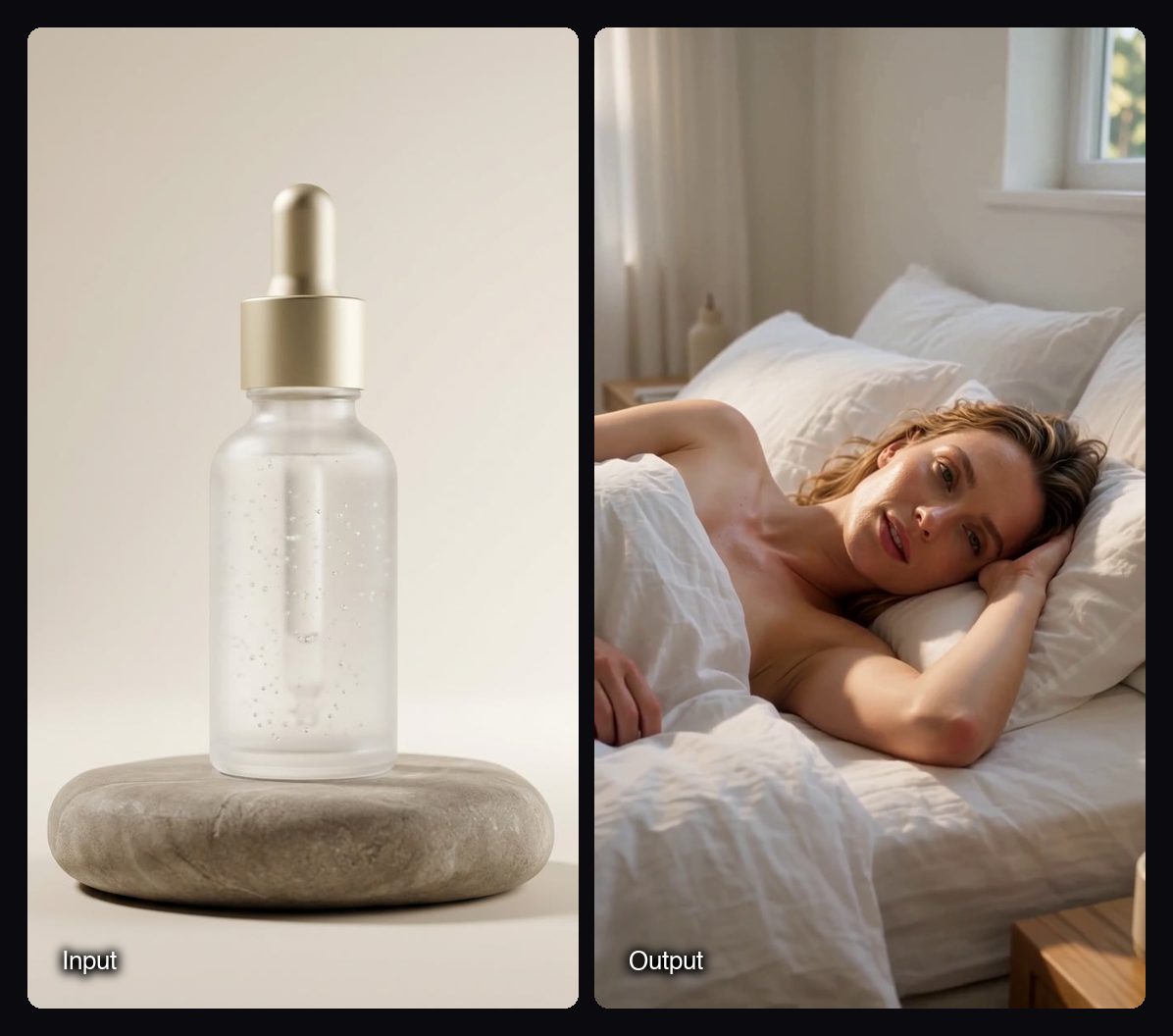
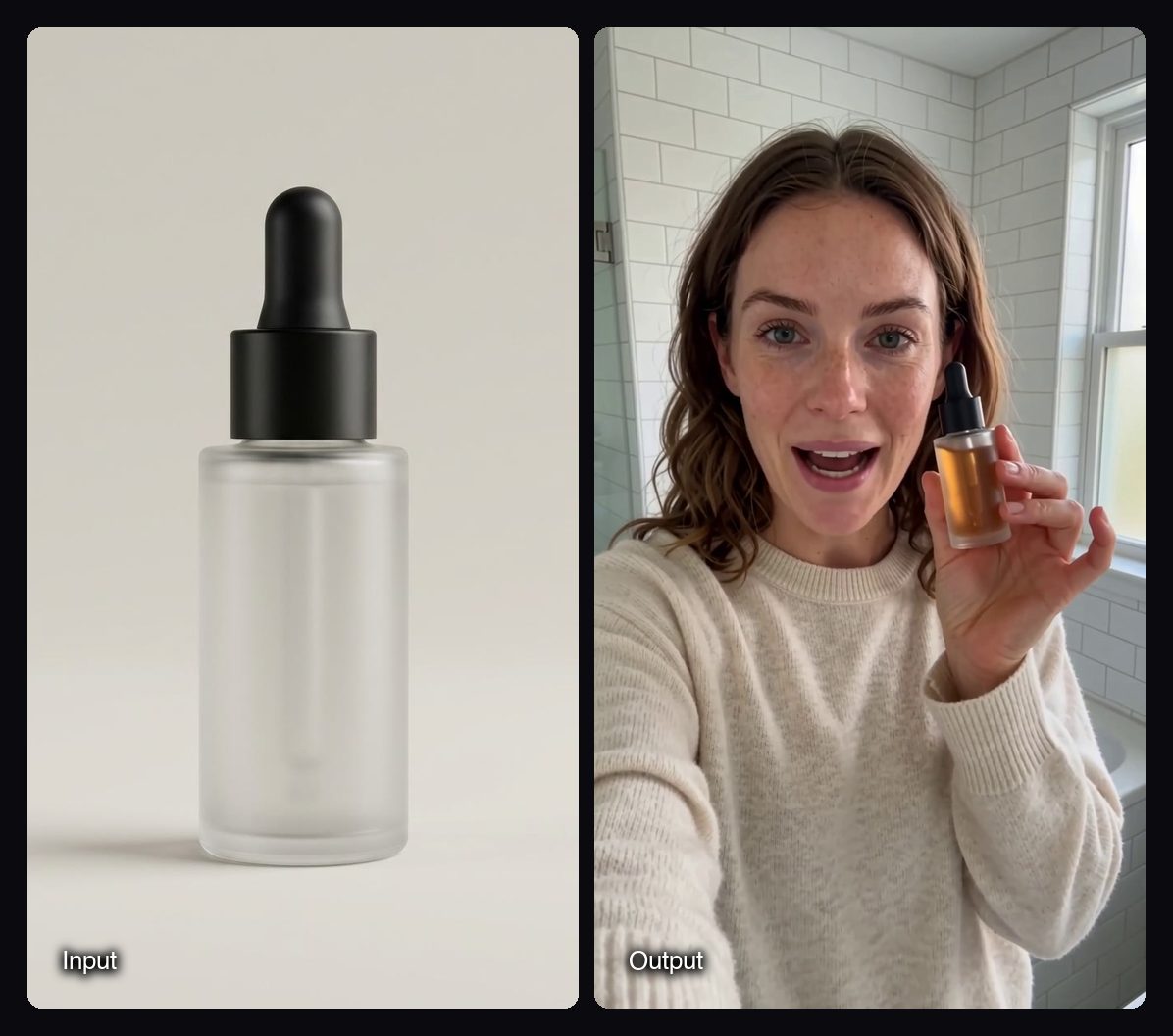
What you don't get
Watch out for: Wan 3 in Sloosh tops out at 1080p, with no 4K. A start or end frame cannot be combined with reference images in one run. No published Sloosh Space is built on Wan 3 yet, so you use it in Studio or wire it into a Spacelab canvas yourself. Sloosh's documentation pages list Wan 3 lengths differently, so check the length chip in Studio for the options you have. There is no public Sloosh API; developers who need code access should use Model Studio or fal.
How to run Wan 3 in Sloosh
Running Wan 3 in Sloosh takes five steps.
- Open Studio > Video at sloosh.ai/studio/video and pick Wan 3 in the model chip.
- Write the shot in order: subject, what moves, one camera move, and the sound, in the order they happen.
- Add up to 10 reference images, or set a start frame and an optional end frame. For a frame-to-frame clip, describe only the motion between the two frames.
- Set aspect ratio, resolution, length and sound. Wan 3 offers Auto, 16:9, 4:3, 1:1, 3:4 and 9:16.
- Press Generate. The button shows the credit cost first. The clip lands in My generations and Assets, where you can edit, extend or upscale it.
Frequently asked questions
Can you run Wan 3.0 locally?
No, not from official weights as of October 23, 2026. Wan-AI's Hugging Face and GitHub pages list Wan 2.2 as the newest open release, and ComfyUI runs Wan 3.0 through a Partner Node that calls a hosted API.
How long can a Wan 3 video be?
A Wan 3 video can be up to 30 seconds in one take. Alibaba, fal, Atlas Cloud and ComfyUI all list 2 to 30 seconds, and Sloosh makes clips of up to 30 seconds.
How much does Wan 3 cost?
Wan 3 costs $0.05 to $0.20 a second on Alibaba's Singapore list price and on fal, depending on resolution (Oct 23, 2026). Sloosh lists about 1.5 credits a second, which is roughly $0.15 a second at the Creator plan's $19 for 195 credits.
Does Wan 3 make 4K video?
No. Wan 3 offers 480p, 720p and 1080p on Alibaba Cloud and on every host checked here. For 4K video in Sloosh, use a model that offers it, such as Seedance 2.0 or Kling V3 Omni.
Is Wan 3 good?
Wan 3 is a strong pick for long single takes with sound and for scenes guided by several reference images. It is less suited to 4K delivery or very short clips where a faster model is enough. Run the same prompt on two models before you commit to a big batch.
Bottom line
For an app, use Alibaba Cloud Model Studio or fal; for a node pipeline, use ComfyUI's Partner Node; for a free test, start in fal's sandbox. If you want Wan 3 in a browser studio next to Seedance, Kling and MiniMax, with 30-second takes and an agent connection, Sloosh runs it in Studio.